What's new

An ornamental flower

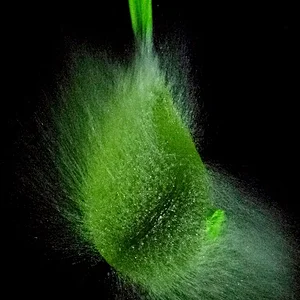
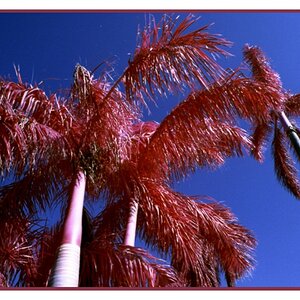
Very beautiful. I love the dark, rich colors.
 
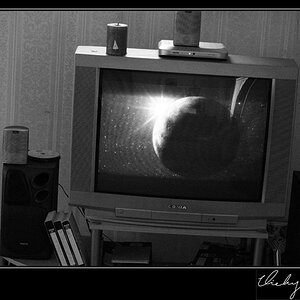
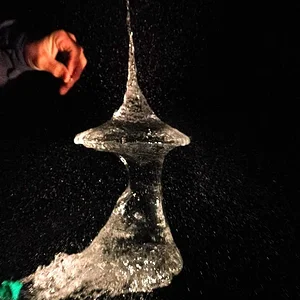
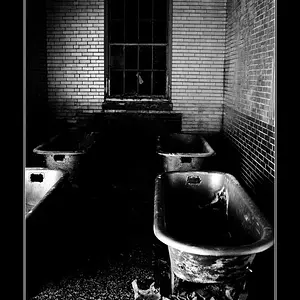
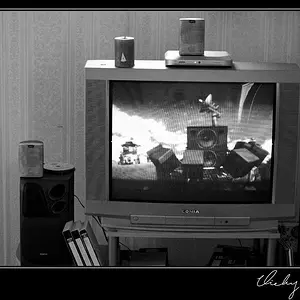
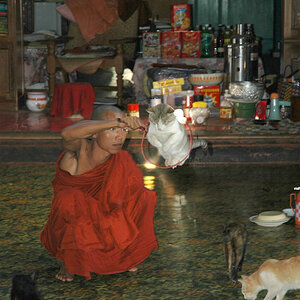
@CherylL these are really nice. I particularly like the first as it reminds me of a painting. Great job.
 
@CherylL these are really nice. I particularly like the first as it reminds me of a painting. Great job.

Thanks to your edit of my photo last fall, I have changed the way I edit. I saw that adding contrast to the whole image adds depth. Before, I was adding only selective contrast. That method was based on a tutorial I purchased. The tutorial did have some tips, but I regret giving money to that person based on the quality of the tut and his business practices.

So please, my photos are ok to edit by anyone :biggrin-93:
 
Thanks to your edit of my photo last fall, I have changed the way I edit. I saw that adding contrast to the whole image adds depth

One thing I've been making more use of lately is the Radial Filter tool in LR. Lightroom's Secret Weapon: The Radial Filter and How to Use it you can really drill down in an image to split the processing. By default the adjustments apply to "outside" the selection, but if you "invert" the selection, you make the adjustments apply to the inside.
 
Thanks to your edit of my photo last fall, I have changed the way I edit. I saw that adding contrast to the whole image adds depth

One thing I've been making more use of lately is the Radial Filter tool in LR. Lightroom's Secret Weapon: The Radial Filter and How to Use it you can really drill down in an image to split the processing. By default the adjustments apply to "outside" the selection, but if you "invert" the selection, you make the adjustments apply to the inside.

Thanks for the link. I don't have lightroom. Interesting that the radial works like the one in After Effects. I get frustrated in PS because because there isn't one like this with handles. I have PS CS5 and to my knowledge there isn't one. I guess you could make a gradient mask in PS, but you don't have the controls like the link posted.
 
I get frustrated in PS because because there isn't one like this with handles. I have PS CS5 and to my knowledge there isn't one

There is an even better one in PS. Go to > Filters > camera raw. All kinds of things there including radial filter Adobe Camera Raw as a filter
 

Create an account or login to comment

You must be a member in order to leave a comment

Create account

Create an account on our community. It's easy!

Log in

Already have an account? Log in here.

Back
Top Bottom