kn4ds
TPF Noob!
- Joined
- Dec 24, 2008
- Messages
- 115
- Reaction score
- 0
- Location
- Perry, GA
- Can others edit my Photos
- Photos OK to edit
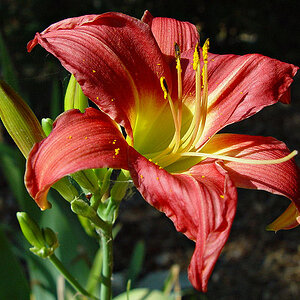
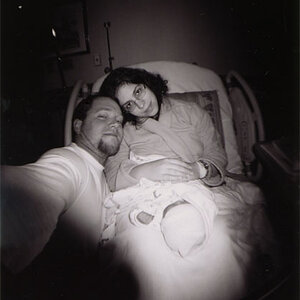
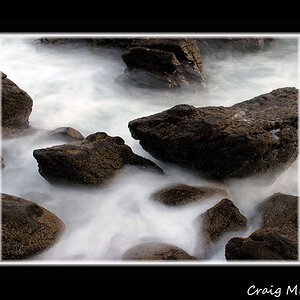
#1... The original of this one was flat, so I cropped, increased saturation and contrast:

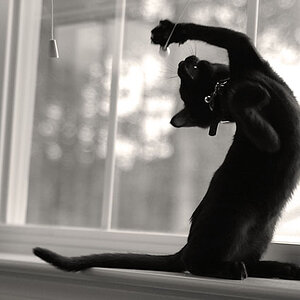
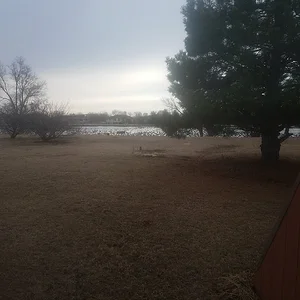
#2... I know this is extensively processed, but I like the effect with the additional grain and sepia tone. This was actually shot today.

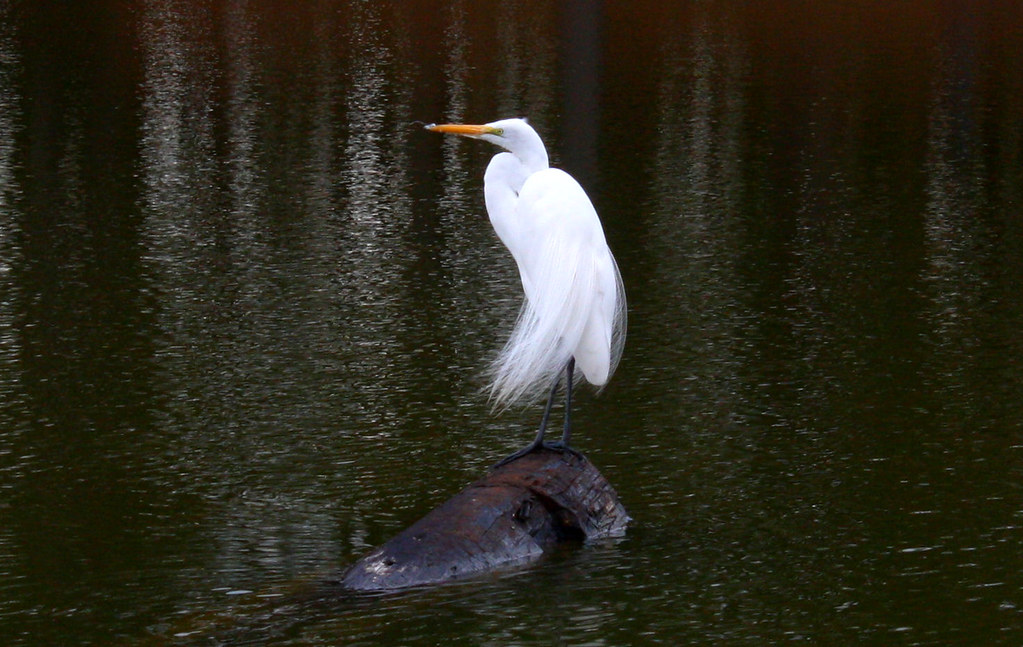
#3... I shot this great egret (that's really its name) today at a local park. Cropped because the rest of the original was nothing but water.
There's quite a bit of PP on all these, but I think the end result is quite pleasing.
Your comments are appreciated.
#2... I know this is extensively processed, but I like the effect with the additional grain and sepia tone. This was actually shot today.
#3... I shot this great egret (that's really its name) today at a local park. Cropped because the rest of the original was nothing but water.
There's quite a bit of PP on all these, but I think the end result is quite pleasing.
Your comments are appreciated.



![[No title]](/data/xfmg/thumbnail/30/30873-79f4c5bc298110a994e9eed027728db8.jpg?1734158862)
![[No title]](/data/xfmg/thumbnail/30/30870-c7febc7c14dc6447653c2ae2355ffc61.jpg?1734158850)