(I'm assuming you're editing in Photoshop, if you're not, I don't know how to tell you how to do it... but I'll waste my typing time anyway hoping that at least someone will get something from this)

On your layers palette, click on channels at the top next to layers.
At the bottom of the palette, there is a circle made out of dotted lines. Should be closest to the left of the palette. Click it.
After you click it, click on layers again.
If you are on a PC, press shift+ctrl+i to invert the selection. If you're on a mac it's shift+command+i.
Once you have inverted the selection (your selection is now selecting your areas that are less than 50% gray, in other words, your dark areas) WITHOUT DESELECTING ANYTHING, open a curves adjustment layer.
Once the curves adjustment layer is open, click on the little finger icon that is in the adjustments palette.
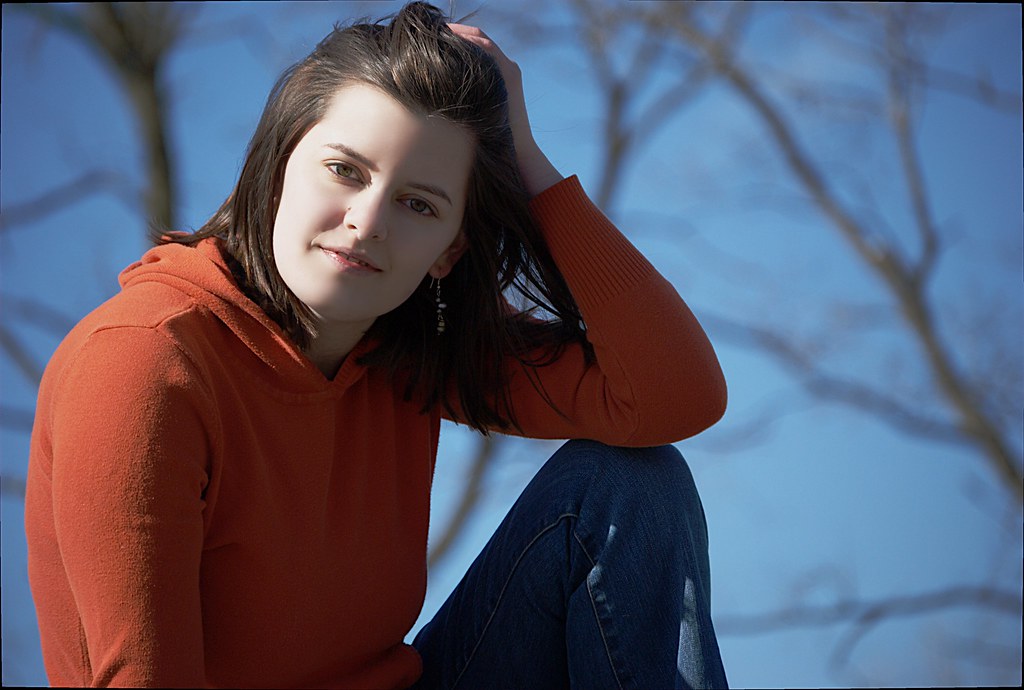
Click on the girl's face and just move your mouse up until the girls' face is as lit as you want it
That's all
If you need better clarification, let me know and I'll try to be more clear...
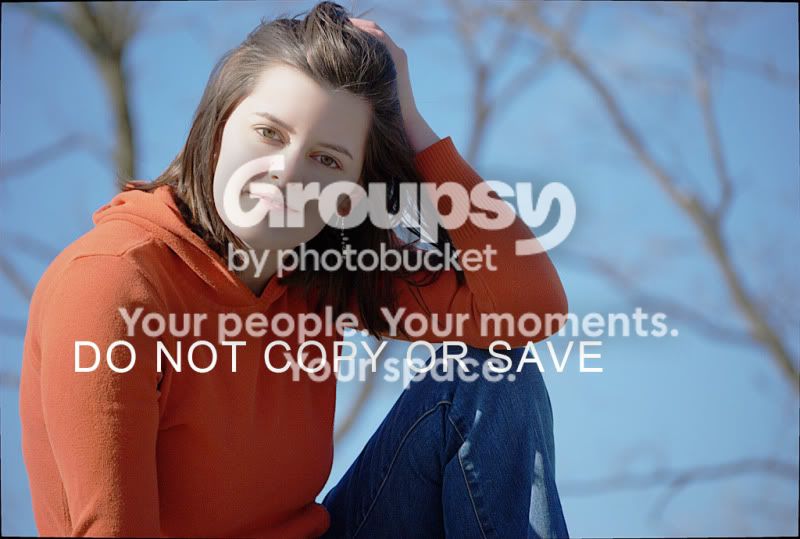
Oh, and I put the do not copy or save thing on there to deter anyone from taking your picture from my page.
If you want me to take the picture down, I will





![[No title]](/data/xfmg/thumbnail/31/31047-a219a8303cd90075f802f2e993dac0ce.jpg?1734159154)
![[No title]](/data/xfmg/thumbnail/35/35953-1a8b92df0115ff7026f31b78855ac815.jpg?1734167764)
![[No title]](/data/xfmg/thumbnail/39/39533-c2c39d37e833a4689533c897ace8c348.jpg?1734173682)
![[No title]](/data/xfmg/thumbnail/39/39419-5d4fd8535ab4f6e01caa38b72bf396e0.jpg?1734173503)
![[No title]](/data/xfmg/thumbnail/35/35956-7047189d31e1c1f6029266079390f54a.jpg?1734167778)
![[No title]](/data/xfmg/thumbnail/35/35955-01e9c8140cdcaac10d227d68e42ac0d4.jpg?1734167771)