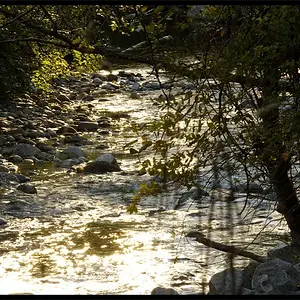
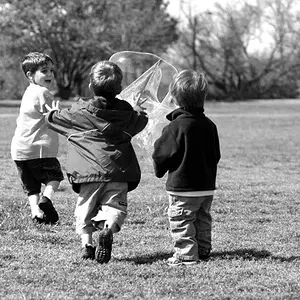
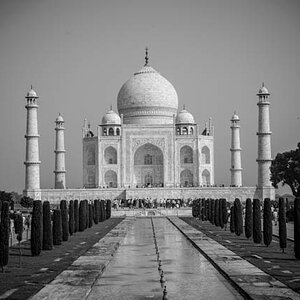
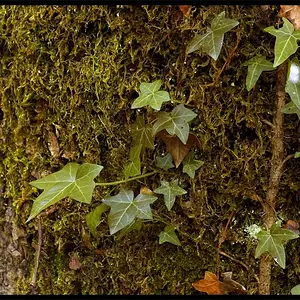
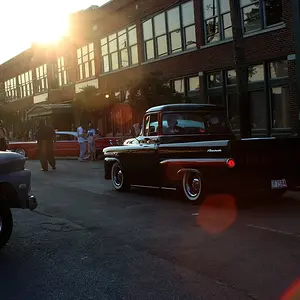
You've already started. You bought a DSLR with high-end features because you wanted to be more serious about photography. In this photo you took the trouble to use the camera's manual WB presets. That means you'd already learned that "auto" WB is a joke. You can try and stave off the RAW file switch by taking the next step in that same direction. Get a white balance card and start using the camera's custom WB feature. Then learn to manually edit those JPEGs for tone response, but you know about RAW capture and you know a lot of Pros work that way for good reason.
I should add that there is an exception here and you'll find the debate at times can be heated in this regard: Photographers who are in business selling for example wedding and portrait photos will often chose to stick with in-camera JPEGs because they shoot so much volume (1,000 exposures at a wedding for example). The fact is their clients aren't sensitive enough to see the difference, (they'd have been happy with your originally posted photo), and so if the customer is happy and time is money and the job expectation is to deliver a DVD with 800 wedding pics on it then the camera stays set to JPEG. It's a legit choice and once made the thing to do is help the camera make as good a JPEG as possible so it can be delivered with little or no editing. The camera engineers put a lot of effort into supporting these folks.
But if you want the best possible photo you and your camera can deliver then you'll eventually make the move to RAW. Your camera came with a RAW converter, Capture NX, which will produce a better JPEG under your guidance than the camera's software produces alone. That's your next step. Lightroom is another option which blends a RAW converter with a database, but in both cases, Capture NX and/or Lightroom you're still missing an image editor.
GIMP is serviceable, but only to tweak those JPEGs. It won't handle the RAW files and it won't handle 16 bit images which is one of the big reasons to shoot RAW in the first place. Eventually Photoshop is the final answer. Check out your local community college bookstore and price the student version of Photoshop -- around $200.00. Become a student. Take a 1 credit PE class and get Photoshop.
Joe



![[No title]](/data/xfmg/thumbnail/31/31753-281132967af6a422c89bcc0d6f16499a.jpg?1734160473)