What's new

Dark indoor pics - HELP!

BigB

TPF Noob!
Joined
Feb 11, 2013
Messages
42
Reaction score
4
Location
Md
Can others edit my Photos
Photos NOT OK to edit
I have a Nikon D70 I inherited from my dad after he passed. He was a huge camera buff and did professional photography on the side for a while. Otherwise I would have asked him. Here's my issue. Using the camera on Auto mode, a lot of the pics are coming out dark. I have tried using the built in flash, of one on the hot shoe. It doesn't make any difference. Here is a comparison pic. I was just at a local bike show w/ a buddy of mine. He has a new Cannon, not sure which one. Canon rebel t3i. anyway both cameras are set on full auto. I have a 18-70 lens while he's using a 18-200. The first pic is mine. Many were darker then this one. Thank you for any help you can offer. I really appreciate it. Thanks for taking the time to help out a newb!!:thumbup:
DSC_1196_zps6807cbf9.jpg


This one is his
IMG_9521_zpsb0be6176.jpg


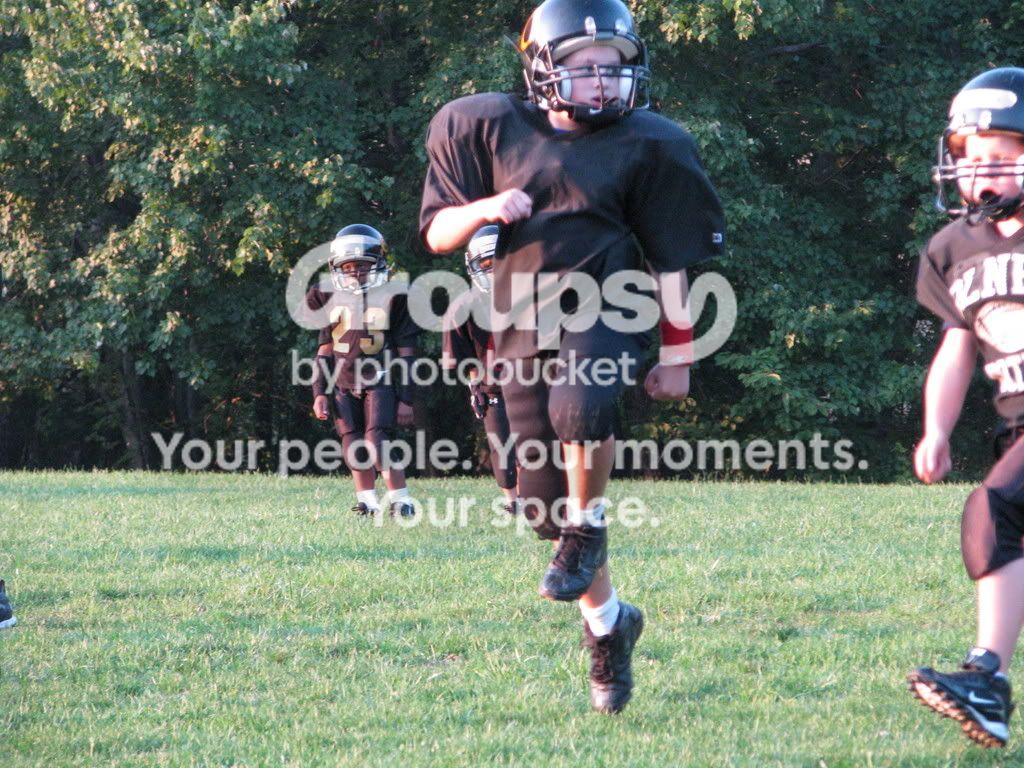
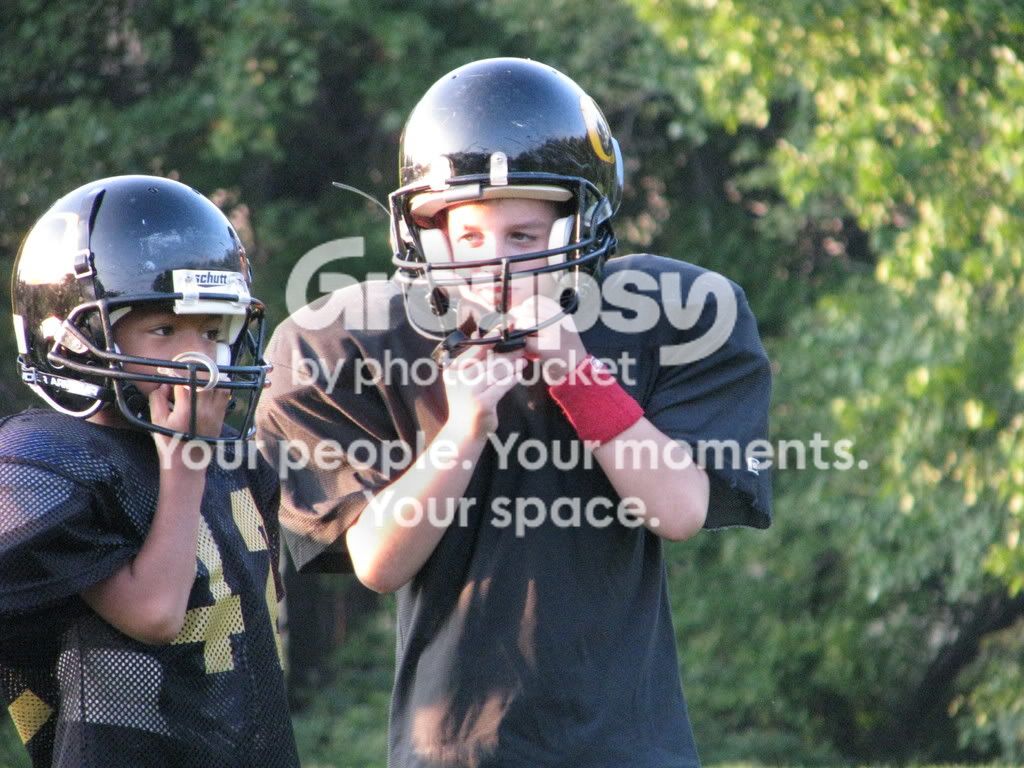
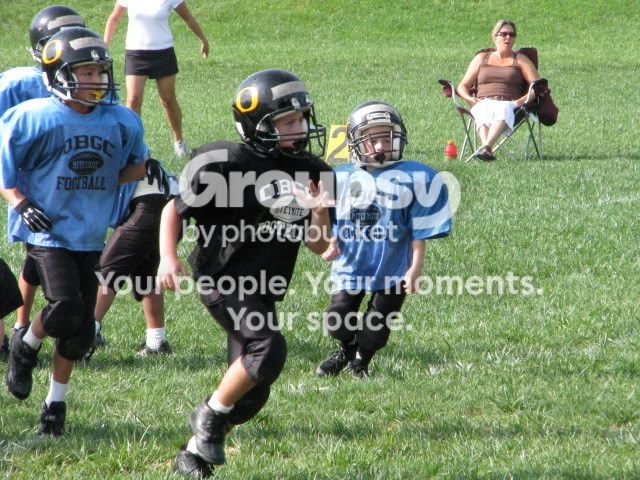
All of his pics came out amazing while most of mine look like the first one. Now be advised, this camera has way more features then I will ever use and I'm really a novice to a camera like this. So any suggestions will need to be in plain English that I can understand. If you're gonna use abbreviations, please tell me what they mean. Outdoor shooting seem to be ok. Here are a couple I took a few years ago at my sons football game using a 70-300 lens

He's #67 on the left side of this pic. I'm pretty sure I was using the sports mode setting for this.
steven.jpg


He's the one on top of the white shirts back
steven2.jpg


Picture032.jpg


Picture039.jpg


Picture036.jpg


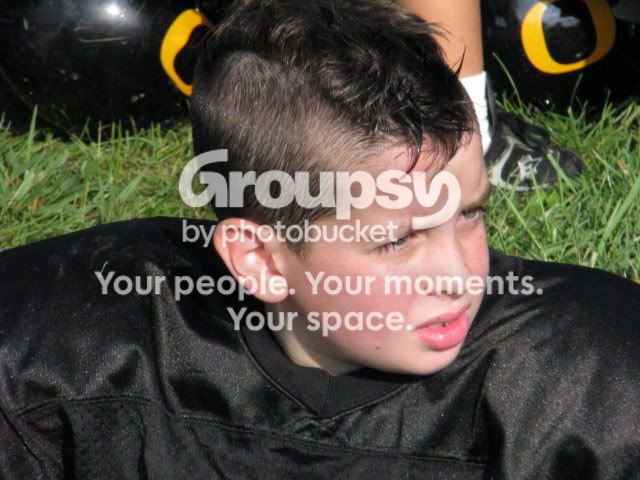
Here's some random outside pics
IMG_1147.jpg


IMG_1137.jpg


Picture043.jpg


Picture033.jpg
 
Last edited:
Look at the properties of the pictures you and your friend took.

His was taken at ISO 1600 while yours is take at ISO 400. It's normal your image is 4 times darker...

Both seem to have been taken with a Canon T3i tho... Are you sure they are the correct pictures you wanted to show ?
 
For starters, both of the top 2 pictures were taken with a Canon T3i (checked your embedded information called EXIF) in Program mode. One difference is the second image has a higher ISO. When you photograph in program mode the camera is making the majority of decisions for you. You have limited control. I suggest you search YouTube for many videos on how to photograph in manual mode. As for the rest of the images, they were taken with a point and shoot.
 
As the others have said, the main thing is that both images were taken with the same camera. The only setting that changed was the ISO... As your ISO number increased your picture will get brighter, because your sensor has let more light in essentially. In the dark image, your ISO is 400 and in the brighter one, its 1600... Hence its brighter.

And checking the EXIF data for all your other images, it would appear that none of them were actually taken with your D70... Its not surprising that your other images were ok, because they were taken with a canon powershot...

But as Tee suggested, you will find a plethora of informative videos on youtube if you simplty type in "basic photography tutorial" or " DSLR photography 101" Thats a very good place to start.
 
Sorry everyone, I posted the wrong first pic. I have corrected the mistake. Thanks for the quick responses. I think my ISO was set at 200. But does that matter when the camera is set to auto? If I go up on the ISO, won't the picture be more grainy?
 
As the others have said, the main thing is that both images were taken with the same camera. The only setting that changed was the ISO... As your ISO number increased your picture will get brighter, because your sensor has let more light in essentially. In the dark image, your ISO is 400 and in the brighter one, its 1600... Hence its brighter.

And checking the EXIF data for all your other images, it would appear that none of them were actually taken with your D70... Its not surprising that your other images were ok, because they were taken with a canon powershot...

But as Tee suggested, you will find a plethora of informative videos on youtube if you simplty type in "basic photography tutorial" or " DSLR photography 101" Thats a very good place to start.
OK, how can you tell what camera took what pics. You may be right about the summer pics, but the snow pics were def takem w/ the D70.

Thanks again for the speedy help.

This may also help you all. In the PB link, there are 2 albums, the first one are the pics taken by me, the sub album were taken by my buddy titled BP's pics.
Timonium Bike Show 2013 Photos by PRO50SC | Photobucket

Will this camera not take good clear pics set on auto?
 
Assuming you havent used a program that strips the EXIF data, like has happened to the snow ones, which is why I couldnt tell what camera took those. If you right click on the image and go to properties > Details you will find all the EXIF data that has been embedded into the image.

Looking at the gallery on PB, it appears that most of your images are slightly under exposed, but not by much. It appears that the issues you are having are - no offense - user error rather than camera error.
You said that you thought the ISO of your image was around 200, which for indoor shoots, is generally too low unless you are using additional lighting. Whereas your friend was shooting at around 1600, which naturally means that his images will be brighter.
Your camera can achieve great images indoors. You, the user, just need to know how to do it.

Probably the best way is to take your camera off of auto ISO and then control the ISO manually. I would recommend playing around one day with indoor lighting, changing just your ISO to determine where your maximum usable ISO is, before your images become too grainy. I have a nikon D90, and I know that I can comfortably shoot at ISO 1600 before noise starts becoming an issue for my standards.
 
OK, how can you tell what camera took what pics. You may be right about the summer pics, but the snow pics were def takem w/ the D70.

Only the first two snow pics may have been taken with the D70. I can't tell since there is no EXIF data in them. The rest were shot with a Canon PowerShot S5 IS.
I've never used a D70 and don't know how good its Auto mode is but I would think that it should be able to give you at least close to correct exposure in most situations.
 
Assuming you havent used a program that strips the EXIF data, like has happened to the snow ones, which is why I couldnt tell what camera took those. If you right click on the image and go to properties > Details you will find all the EXIF data that has been embedded into the image.

Looking at the gallery on PB, it appears that most of your images are slightly under exposed, but not by much. It appears that the issues you are having are - no offense - user error rather than camera error.
You said that you thought the ISO of your image was around 200, which for indoor shoots, is generally too low unless you are using additional lighting. Whereas your friend was shooting at around 1600, which naturally means that his images will be brighter.
Your camera can achieve great images indoors. You, the user, just need to know how to do it.

Probably the best way is to take your camera off of auto ISO and then control the ISO manually. I would recommend playing around one day with indoor lighting, changing just your ISO to determine where your maximum usable ISO is, before your images become too grainy. I have a nikon D90, and I know that I can comfortably shoot at ISO 1600 before noise starts becoming an issue for my standards.

LOL I pretty much already knew that. No worries, no offense taken. When using the camera in Auto mode, do you still have to manually adjust the ISO? When I look at the ISO in the menu option settings, it shows whatever I have chosen manually. Is there something in the menu I have to change from Auto ISO to manual? I looked but didn't see an option for auto ISO.

Also, couple other questions. Could my dad have changed some hard settings in the camera to suite his shooting needs/style? If so, what about doing a reset?
http://support.nikonusa.com/app/ans...an-i-perform-a-full-factory-reset-on-the-d70?

Could there also be a problem w/ the lens, maybe not metering the light correctly? How would I rule that out?
 
Last edited:
Look at page 142 in the D70 manual.

Assuming you havent used a program that strips the EXIF data, like has happened to the snow ones, which is why I couldnt tell what camera took those. If you right click on the image and go to properties > Details you will find all the EXIF data that has been embedded into the image.

Looking at the gallery on PB, it appears that most of your images are slightly under exposed, but not by much. It appears that the issues you are having are - no offense - user error rather than camera error.
You said that you thought the ISO of your image was around 200, which for indoor shoots, is generally too low unless you are using additional lighting. Whereas your friend was shooting at around 1600, which naturally means that his images will be brighter.
Your camera can achieve great images indoors. You, the user, just need to know how to do it.

Probably the best way is to take your camera off of auto ISO and then control the ISO manually. I would recommend playing around one day with indoor lighting, changing just your ISO to determine where your maximum usable ISO is, before your images become too grainy. I have a nikon D90, and I know that I can comfortably shoot at ISO 1600 before noise starts becoming an issue for my standards.

LOL I pretty much already knew that. No worries, no offense taken. When using the camera in Auto mode, do you still have to manually adjust the ISO? When I look at the ISO in the menu option settings, it shows whatever I have chosen manually. Is there something in the menu I have to change from Auto ISO to manual? I looked but didn't see an option for auto ISO.

Also, couple other questions. Could my dad have changed some hard settings in the camera to suite his shooting needs/style? If so, what about doing a reset?
How can I perform a full factory reset on the D70?

Could there also be a problem w/ the lens, maybe not metering the light correctly? How would I rule that out?
 
Ok I found the setting in the menu and it's already set to auto iso. Can I take it off aufo iso, set the iso manually and still use thd camera on auto?
 
Sorry everyone, I posted the wrong first pic. I have corrected the mistake. Thanks for the quick responses. I think my ISO was set at 200. But does that matter when the camera is set to auto? If I go up on the ISO, won't the picture be more grainy?

Yes, as ISO goes up, so does grain. HOWEVER, that is a result of you making your sensor more sensitive to light. ISO refers to how sensitive your sensor is to light. The lower the ISO, the less sensitive your sensor to light is.

Think of exposure as an equation: ISO + 1/SS + 1/F = Exposure. SS is shutter speed and F is your aperture (F/8, F/2.0, etc). Exposure must remain constant for a given image. If you want a lower ISO, you will have to either decrease your shutter speed or decrease your f stop.

Try reading this tutorial, and you'll get an idea:

The Ultimate Beginner?s Introduction to Exposure

Also, one of the best ways of learning is to set your camera in full manual mode, and take photos with different settings. It will help drill home the basics of exposure.
 
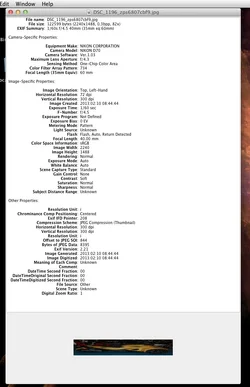
The first image was shot with a D70

$Screen Shot 2013-02-11 at 3.17.14 PM.webp
 

Create an account or login to comment

You must be a member in order to leave a comment

Create account

Create an account on our community. It's easy!

Log in

Already have an account? Log in here.

Back
Top Bottom