Curry
TPF Noob!
- Joined
- Oct 1, 2007
- Messages
- 15
- Reaction score
- 0
- Can others edit my Photos
- Photos OK to edit
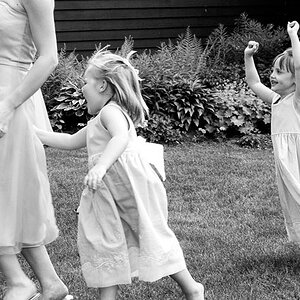
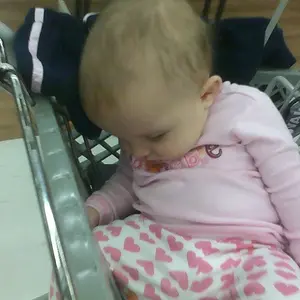
Long story short, friend was having a very small wedding (backyard) I asked them if I could "practice" they agreed. Still new and still learning to use the damn thing. Learning about composition as I go as well. Reading whatever I find on here as well.
Here are 2 sets of pics. One edited the other un-edited. I'm sorry the photos aren't the same pic. When I edited I wrote over the original on my laptop and im to lazy to go get the SD card. But you'll get the idea. The image is almost the same.
Thanks in advanced!
Camera was a D3000 stock flash (getting one soon) SB-600? 18-55 VR Lens
Settings: f/ 5.6, 1/60 sec., ISO 200
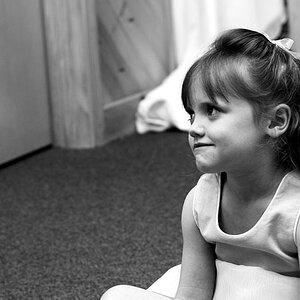
How most of the pics came out:


After a quick PS edit. Adjusted exposure by +1 and Vibrance by +68

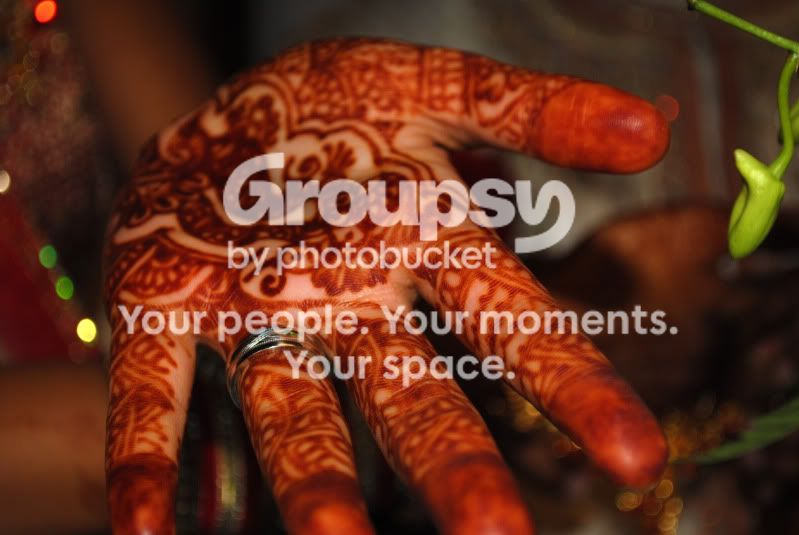
Here are 2 sets of pics. One edited the other un-edited. I'm sorry the photos aren't the same pic. When I edited I wrote over the original on my laptop and im to lazy to go get the SD card. But you'll get the idea. The image is almost the same.
Thanks in advanced!
Camera was a D3000 stock flash (getting one soon) SB-600? 18-55 VR Lens
Settings: f/ 5.6, 1/60 sec., ISO 200
How most of the pics came out:
After a quick PS edit. Adjusted exposure by +1 and Vibrance by +68


![[No title]](/data/xfmg/thumbnail/39/39476-6e232ea205145ad1a1da0690d7617642.jpg?1734173571)
![[No title]](/data/xfmg/thumbnail/35/35597-714b74cc48992e5353856abfe325df68.jpg?1734167220)

![[No title]](/data/xfmg/thumbnail/36/36421-843e629a8c32ff091e337e6880f0c323.jpg?1734168831)