What's new

First HDR Shots

KMANACP

TPF Noob!
Joined
May 18, 2012
Messages
17
Reaction score
0
Location
United States
Can others edit my Photos
Photos OK to edit
Hey guys,

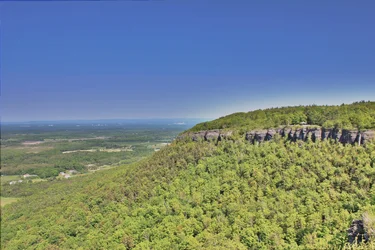
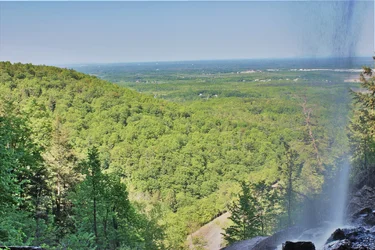
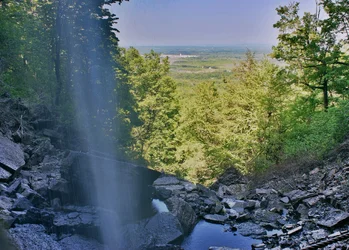
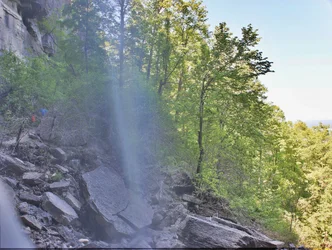
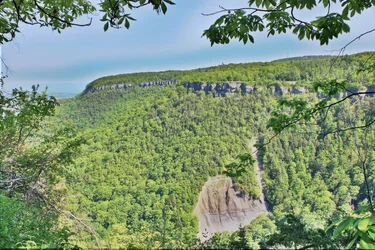
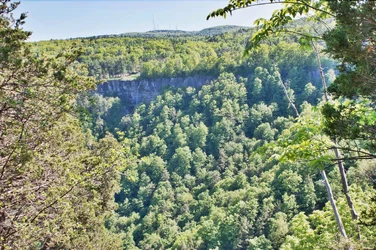
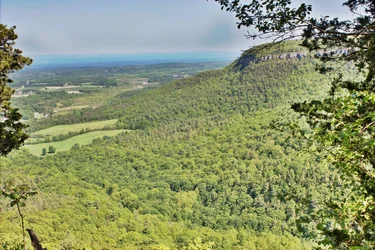
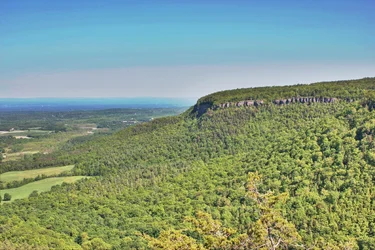
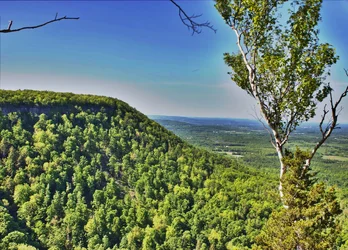
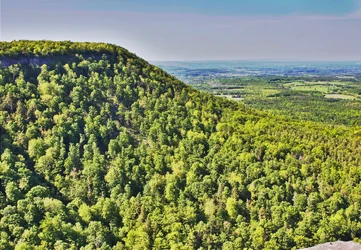
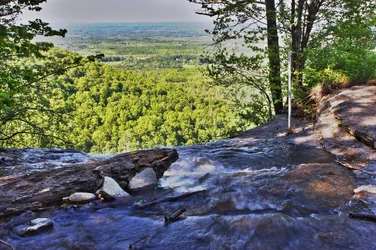
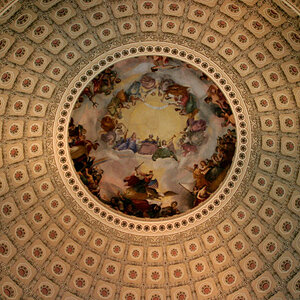
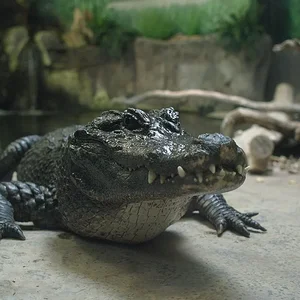
Took these HDR shots today. Taken w/o tripod on a T2i w/ 18-55 mm stock lens. Compiled via HDRist on Mac OS Lion. Getting Aperature + Lightroom tomorrow.

Please let me know what you think.
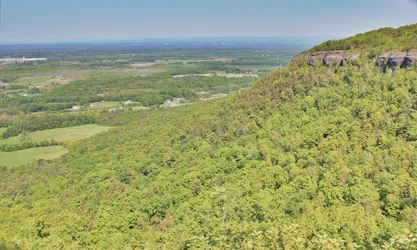
$Trial 1.webp$Trial 2.webp$Trial 3.webp$Trial 4.webp$Trial 5.webp$Trial 6.webp$Trial 7.webp$Trial 8.webp
 
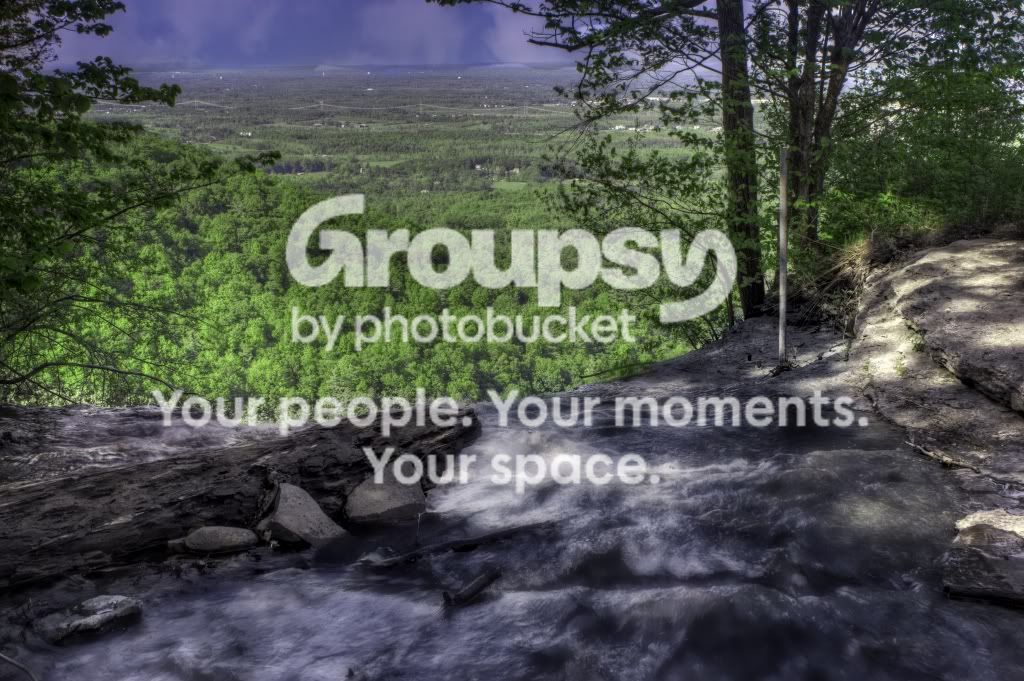
The lack of response makes me feel as if these pictures are perfect! ahahaha but honestly... how can I improve? I know they're not the greatest... My fav shot is the last one (the water falling with the forest in the back).
 
The HDR is not very good.. at all. HDR doesnt suit this photographs. They are also fake HDR. Real HDR is made from different shots with different exposures.
 
Hey...

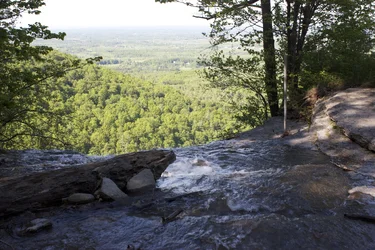
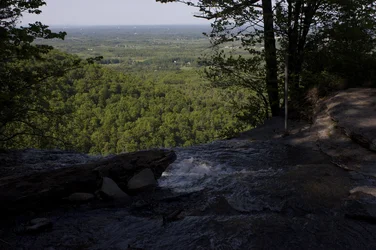
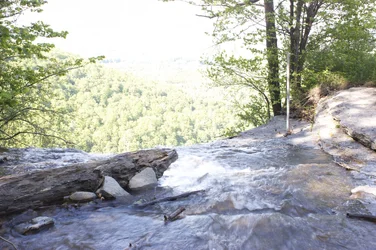
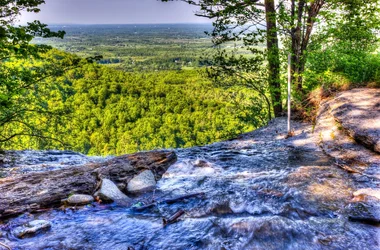
I did use three shots to compose each one of these pictures. I'll provide the three shots and the post processing pics for one of the pictures I took. Please note that I had to use the softwares self-aligning program as I didn't have a tripod. I have since bought a Manfrotto 055XPROB tripod and will be using it for subsequent shots.

I know these are not great as per your standards but this was my first time ever experimenting with HDR and different exposures. I used the T2is exposure range with -2,0, and 2+.

Attached are the three pics and the final to give you an impression of what was done:

$IMG_4934.webp$IMG_4935.webp$IMG_4936.webpView attachment 9182

Thanks in advance for your help and sorry if this is insulting the name of photography! Just a newb trying to learn.
 
$HDR Final (1 of 1).webp

I tried editing it through lightroom and composing it through Photomatrix Pro... let me know how I can improve please
 
Does your camera have the ability to shot raw?
 
Yes, all the pictures I took were in RAW format. I processed them through Lightroom and I made the HDR in Photomatrix, then I took the final image and played around with it in lightroom again. It's only my second time editing anything so I'm a little bit new. I watched a few videos on youtube with regards to exposure settings etc and pretty much just edited them to have a proper histogram and to just look right. Just need a bit of guidance as to where I'm headed and if its on the right path.
 
You do not want to process the images before merging them. Either merge them within photomatix or photoshop first then do the tonemapping. I'd love to give you some ideas and pointers with the images that you included however they are processed and they won't work. IF you can get the RAW files zipped up somehow I'd be happy to.
 
Hey everyone,

I have the original raw files but I don't know how to upload them... The extension is .CR2, I tried using the attachment link but it states (invalid file). Is there any way I could upload them?

I just want to know how you did the Tone Mapping... did you do it just by looking or did you use the histogram to make sure the image is perfect?

Also, I would like some feedback on the original shots... were they done correctly? Is that how they're supposed to look or should they have looked different from the getgo?

Thanks in advance for the help.
 
Last edited:
You can zip them and use a free file hosting site like mediafire. You could also email them to me if you wish info@guywithcamerapgh.com. I am in another state for some work training which means boring time in a hotel room the next couple of days.
 
This is the best I can come up with, the sky I don't like so much but I really don't have the processing power on my laptop I thought I did.

untitled.jpg
 

Create an account or login to comment

You must be a member in order to leave a comment

Create account

Create an account on our community. It's easy!

Log in

Already have an account? Log in here.

Back
Top Bottom