What's new

First Posted Pics! C&C Please

Crystal

TPF Noob!
Joined
May 20, 2010
Messages
57
Reaction score
7
Location
Australia
Can others edit my Photos
Photos OK to edit
Hi everyone:D

Thought i'd finally learn how to upload pics! My lovely mother & sister were my models, i’m trying to find flattering angles and poses I've also just discovered photoshop so feel free to give me your opinions & advice.


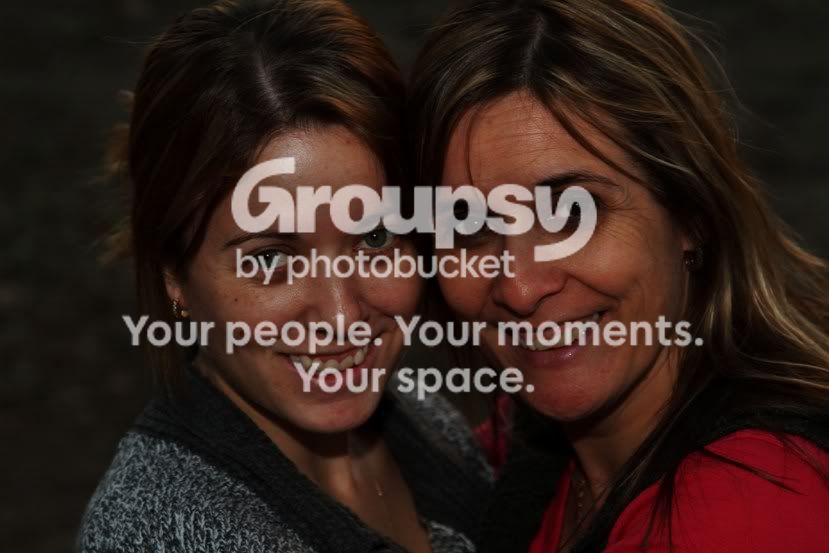
1.
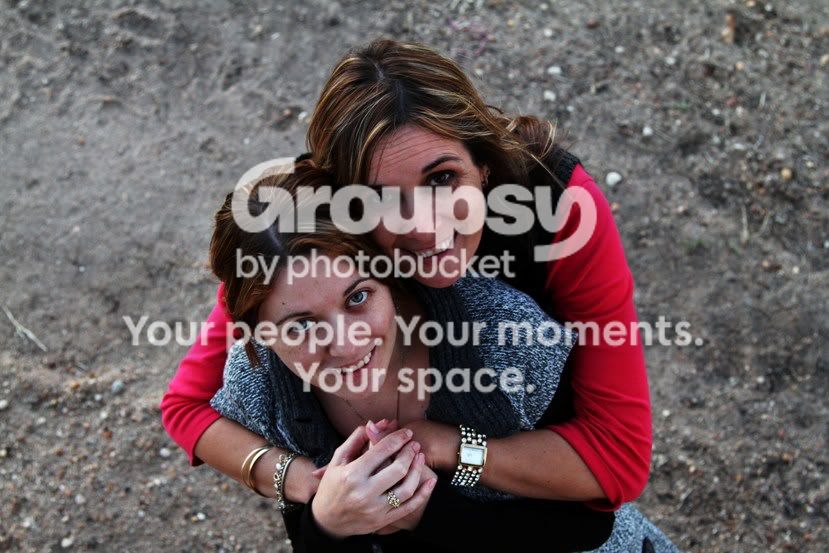
mumandsheriportraits120EDITcrop.jpg


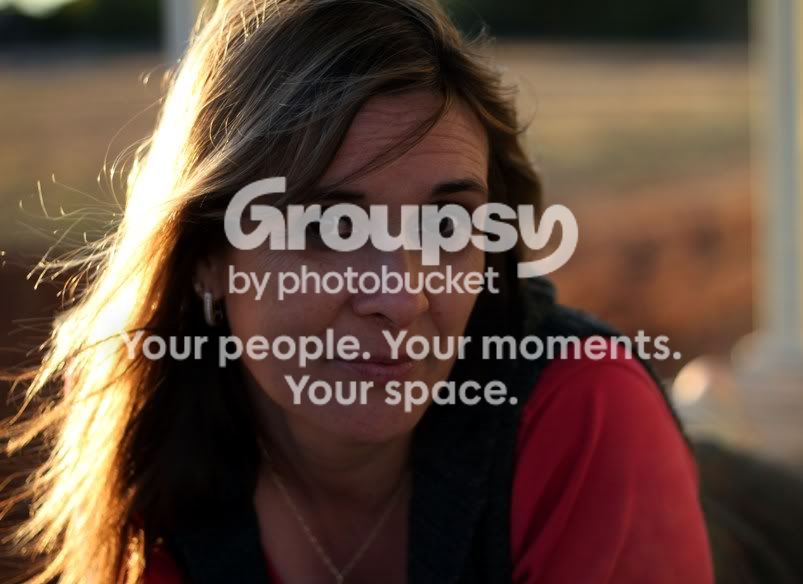
2.
mumandsheriportraits104EDITcrop.jpg


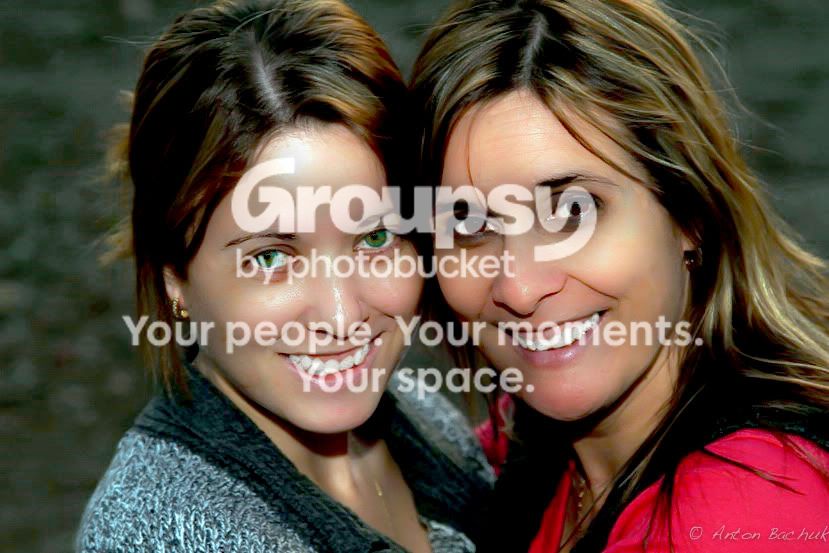
3.
mumandsheriportraits079EDIT.jpg
 
Congrats on posting your first pics. A few thoughts from a fellow noob....

- 2 and 3 are underexposed

- on the 3rd pose you may consider shooting portrait orientation.

Great start...keep shooting!
 
#1 - I really like the idea here and you captured there closeness nicely. The face of your mother seems a bit underexposed. You could have used a reflector here (not that I have one, but it could have helped)
#2 - This one is really underexposed and the focus is not on their eyes.
#3 - Also underexposed (a fill flash or reflector might do the trick). Keep your eye on her head. I think portraits not always need portrait orientation, but at least let your mom keep the top of her head!;)
 
i like number 3 alot but yeah 2 and 3 are underexposed on the faces , bounce some flash or use a reflector for some fill light.
 
Hey Guys - thanks for the advice. the pics were taken as the sun was going down and it got dark pretty quick - I was using flash in some but it was just too much (i have so much trouble with lighting) & I have so much to learn. I've just put the originals up - are they any better? i got a bit excited with PP!
1.IMG]http://i1034.photobucket.com/albums/a427/indigoella/Portraits%20original%20June%202010/mumandsheriportraits120.jpg[/IMG]

2.
mumandsheriportraits104.jpg


3.
mumandsheriportraits079.jpg
 
Wow 2 and 3 are so much better! Why did you make them so much darker? I can understand you would want to get rid of the flash glare on your sisters forehead. But just darkening it, is not the way to do it. Maybe someone can suggest ways to enhance it better in PS. (I'm completely useless with the program... Haven't worked with it much, because I don't have a copy on my computer)
I think you actually did a good job editing #1. That looks actually better than your original.

Mind your focus next time your at it. In #3 you mist the focus on the eyes (the focus is somewhere in her hair) In protraits you should always have the eyes sharp.

Good job though! Keep it up!
 
Hey Guys - thanks for the advice. the pics were taken as the sun was going down and it got dark pretty quick - I was using flash in some but it was just too much (i have so much trouble with lighting) & I have so much to learn. I've just put the originals up - are they any better? i got a bit excited with PP!
1.IMG]http://i1034.photobucket.com/albums/a427/indigoella/Portraits%20original%20June%202010/mumandsheriportraits120.jpg[/IMG]

2.
mumandsheriportraits104.jpg


3.

Quick edit, eyes are a little oversaturated but other then that not bad
39203282.jpg
 

Create an account or login to comment

You must be a member in order to leave a comment

Create account

Create an account on our community. It's easy!

Log in

Already have an account? Log in here.

Back
Top Bottom