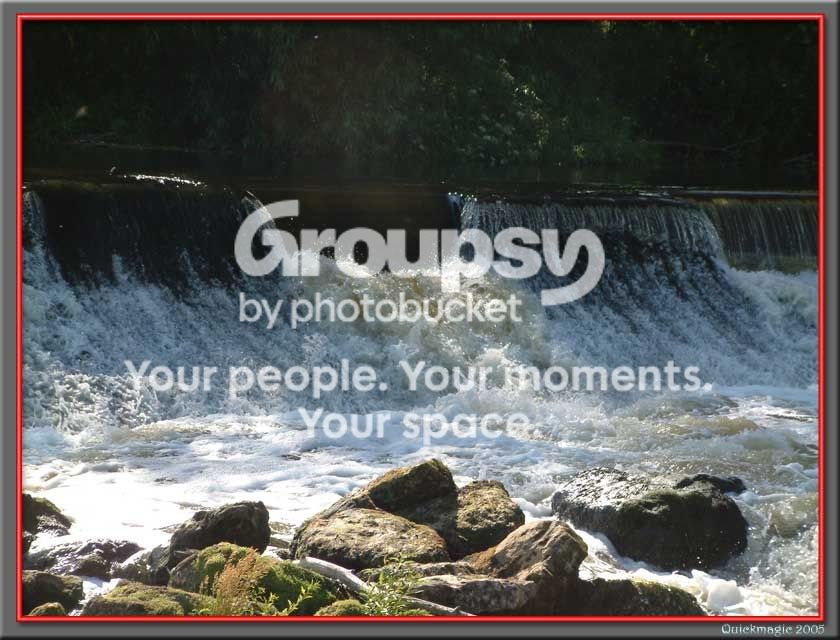
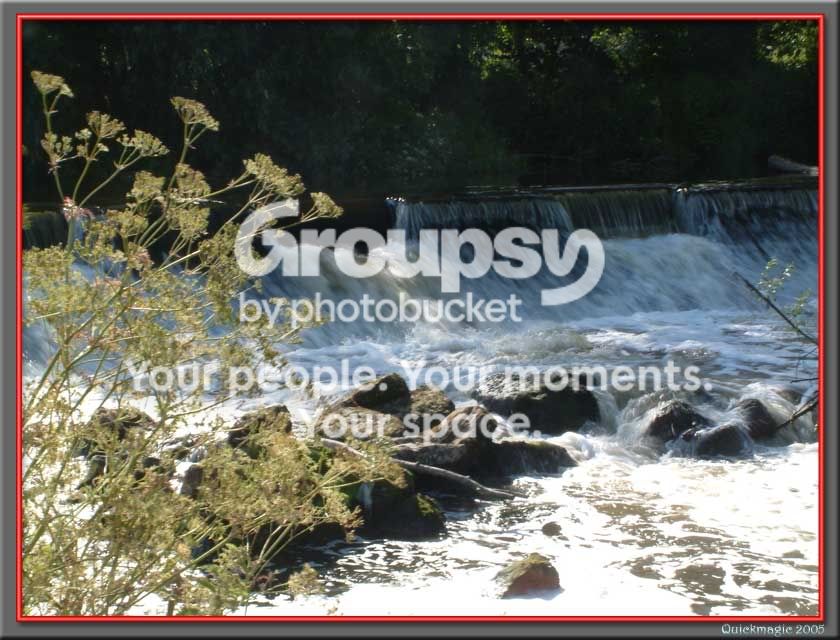
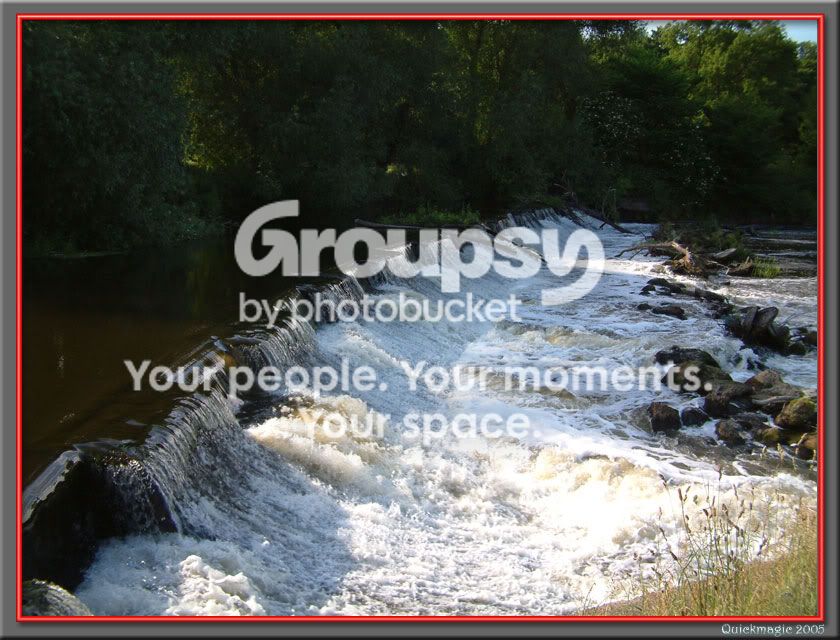
See how the white parts of the water fall, the froth, are very very white and you can't see much if any detail in the white parts.... that's the over exposed part. On my monitor (coz remember everyone's is different and can make pictures look too dark, too bright, too red or whatever.) it looks like the top part of the waterfall is the best exposed bit. ie: I can see detail in it without it being too dark or bright.
If you're just using a simple camera and can't change the way in which it meters, but you are able to focus it with a half push of the shutter button.... just half push the button while keeping the part of the photo with the most difficult part of the pic in the middle of the view finder. Then move the camera back to the original framing you wanted and finish pushing the button.
If I'm in a trying situation like this one, I'd always try and meter for the brightest part (ie the froth) and then fix up the under exposed (or too dark) areas of the photo in Photoshop. Or you could get a Graduated Neutral Density Filter, or you could go back to the scene at a different time in the day to get better lighting.