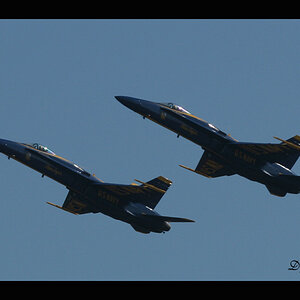
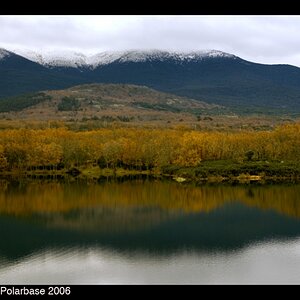
Depends on how much control you want, and what tools you have available.
You could make it into a brush in Photoshop, then you could choose the brush and size it to fit, and place it.
You could make it a separate file, and drag it onto your photos as a new layer, easy to adjust opacity and placement.
I'd create a canvas the size of image and banner added together. Copy the image and paste it on the canvas. Copy the banner, paste & move it into place. Bam, done.
I'd create a canvas the size of image and banner added together. Copy the image and paste it on the canvas. Copy the banner, paste & move it into place. Bam, done.
Make it a .png file and have it added as a watermark on export via lightroom. Assuming you're using Lr, then you can make it an automated part of an export preset. Or you can make an action in Ps.



 Assuming you're using Lr, then you can make it an automated part of an export preset. Or you can make an action in Ps.


![[No title]](/data/xfmg/thumbnail/41/41890-a5975e67f00dd9340fcf9dba8728a762.jpg?1734176243)
![[No title]](/data/xfmg/thumbnail/36/36660-bd2cdec38aac6e50675fa36657307cba.jpg?1734169171)