What's new

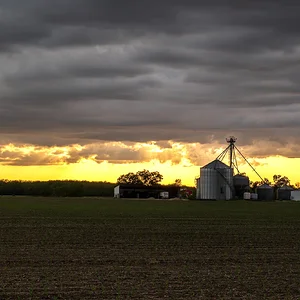
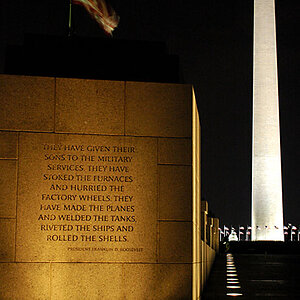
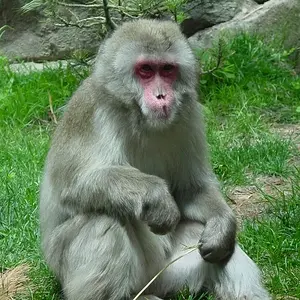
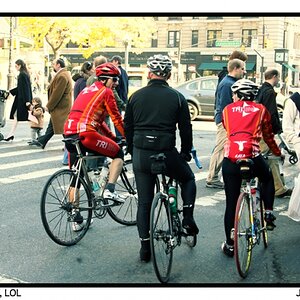
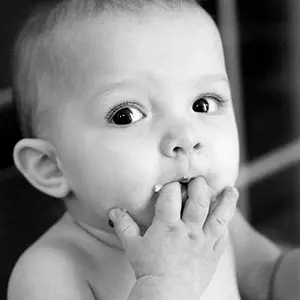
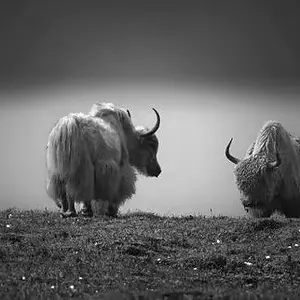
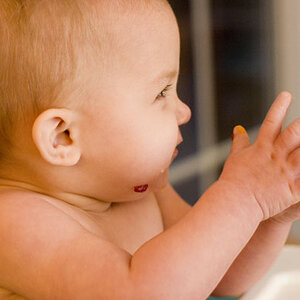
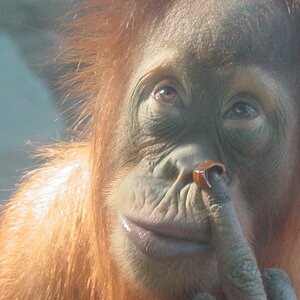
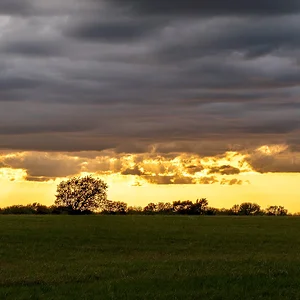
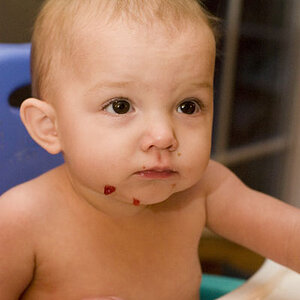
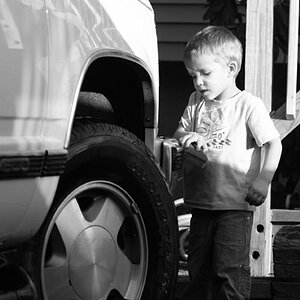
I'm trying to figure out how these effects are done!

JoshEshmont

TPF Noob!
Joined
Nov 30, 2011
Messages
4
Reaction score
0
Location
Pasadena, Maryland
Can others edit my Photos
Photos NOT OK to edit
I had a program that automatically did it and I'm not sure how it works. My buddy is a photography not so much myself. I would love to be if I could afford a nice camera. Any insight would be wonderful! The file was original a .raw and converted later into .jpeg after. I've checked the Exif and couldn't find any information to help me.

Thank you so much!
 
226246_208548962501454_100000390565159_695166_8137165_n.jpg
 
Hard to tell exactly what was done unless we can see the originals. But I would guess the contrast was boosted at the ends of the curve.

BTW, it's against forum rules to post images that aren't yours.
 
I would bet it's a Big Gob of Topaz Adjust
 
a WHOLE lot of heavy use of the clarity slider, while leaving the image slightly over exposed to create a faux HDR look. It's definitely not something I'd aspire to.
 
x1eq7r.jpg


They are my photos I'm the guy IN the photo haha. Thank you for your help guys! I'll provide any information that's needed
 
Looks like 100 radius unsharp mask lol.
 
Lucis art would give you the look in the second one, along with a preset in Topaz Adjust 5. (don't remember which one)
 
Throw a highpass filter on a smart object layer and change it to Overlay. Then increase the filter slider until you get that grungy halo look. Assuming you are using photoshop that is.
 
i'd say high pass filter or topaz adjust

But overall, the photos look pretty bad in my opinion, I wouldn't try doing stuff like that unless you're just trying it out for fun.
 

Create an account or login to comment

You must be a member in order to leave a comment

Create account

Create an account on our community. It's easy!

Log in

Already have an account? Log in here.

Back
Top Bottom