GulliNL
TPF Noob!
- Joined
- Aug 1, 2011
- Messages
- 3
- Reaction score
- 0
- Can others edit my Photos
- Photos OK to edit
In about two weeks they will begin construction for my new home. I'd like to make a time lapse movie out of it so when all is finished I have the whole process sped up in a movie.
Now here are some interesting limitations;
The estimated construction period will be around 250 construction days or 1.5 years. I'd like to make 1 picture every day for that time period. Of course I would love to have more pics every day to make the changes smoother but I have a full time job so one pic a day will be the best I can do.
The construction site has lots of construction surrounding it and it's in the middle of an existing neighborhood. No chance of leaving a camera for a long period of time to manage itself. I will have to come back every day and manually take the pictures.
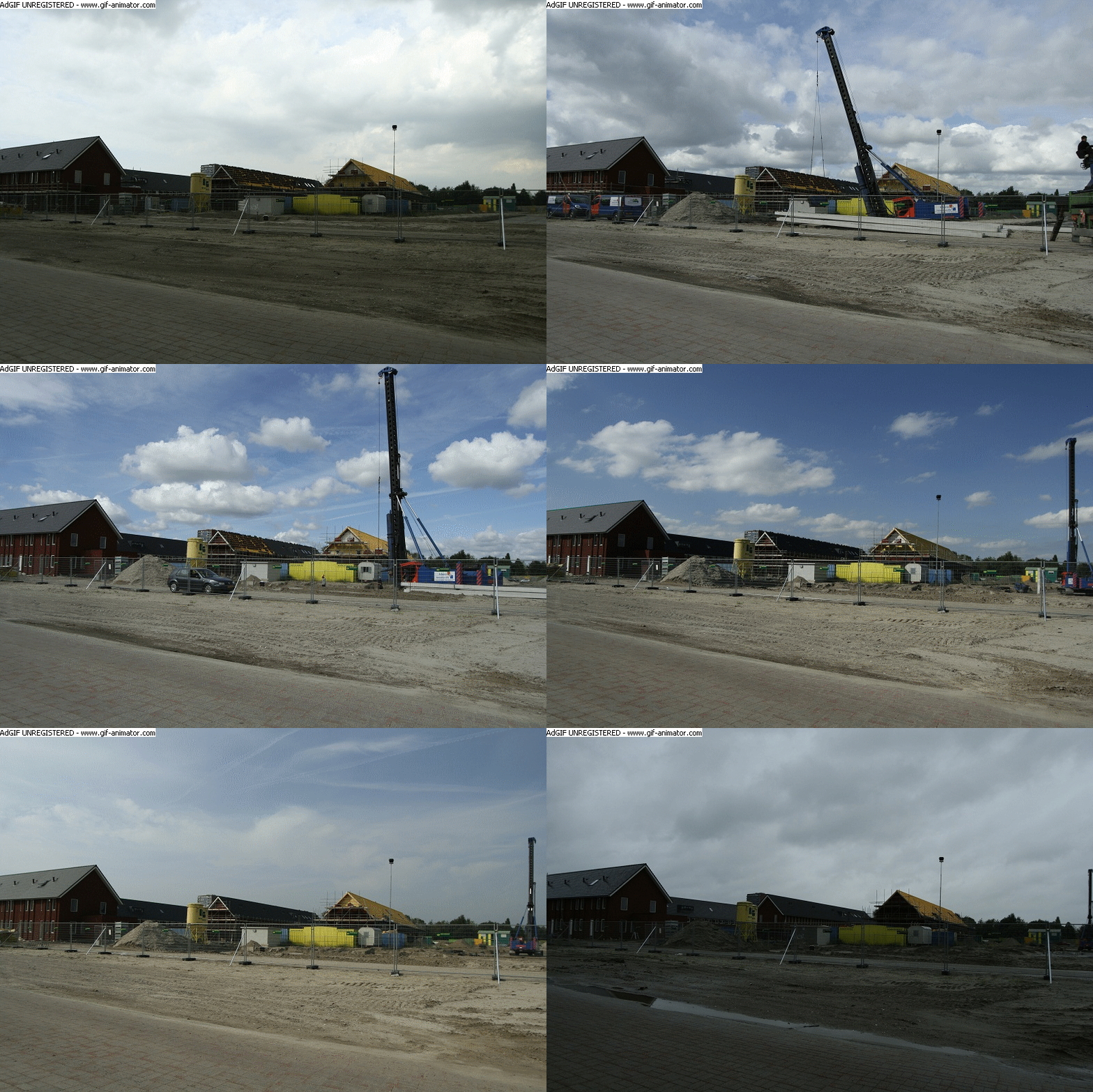
I live in the Netherlands and the weather over here is somewhat irregular, one day you can have a beautiful and sunny day, the next day it could be pouring with rain. When you have fluctuating light and contrast during the entire movie, could that be destroying the "mellow" feeling most timelapse movies can create?
I have a tripod and a dSLR, but I have to set up shop every day again, because as I said, leaving the camera behind is not an option. How do I make sure the images will line up with the previous ones? Of course it won't be a pretty sight when every frame is pointed "somewhere near the middle of the subject", this wil cause the movie to become jittery and uneasy on the eyes I guess. I have thought about leaving a 'buffer' on the edges of the pictures, so in the end I can align all pictures and crop the sides where they don't align.
As for the light and contrast-problems I guess there could be some post-processing done when I use RAW images, only I have no experience in RAW processing so tips would be very welcome.
And the last problem; I have calculated that when I would take one picture a day for 1,5 years that would give me about 550 pictures. If I would put them together in a movie playing @ 30fps this would leave me with a movie of just 18 seconds. Is there any way I could stretch this to, say, a minute so it would be more like a movie than a quick burst of pictures? Maybe something like a flash-like motion tween, or playing it @10fps (which would ruin the experience I think)
So, if anyone has experience with this kind of time lapse, your advice would be very welcome