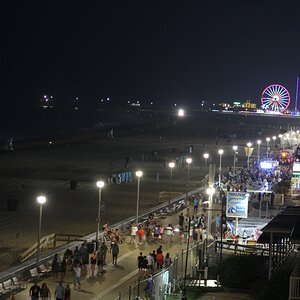
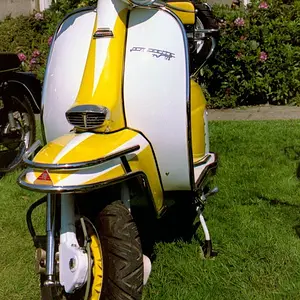
How do you delete a picture - now a thread.. ? - I posted the above shot thinking I took it, and now have my doubts. I can't find the original file and it appears this 600x800 is the only one I can find ... I "DID" take shots like this in Sun Valley, and it was in that group, but my EXIF data only shows the file info, and nothing on the camera info.. I'll look further, but again, I'm not sure this is one of my original photographs and don't know how to delete it until I know for sure.
Sorry...
r



![[No title]](/data/xfmg/thumbnail/32/32159-cd588f68f116c390a4eaddec2380f1a6.jpg?1734161046)





![[No title]](/data/xfmg/thumbnail/32/32161-a5da499a329f1fae945778aac75d4442.jpg?1734161046)