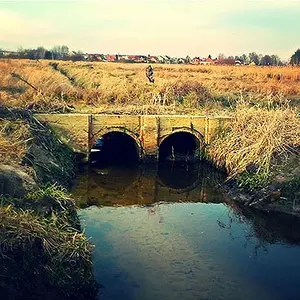
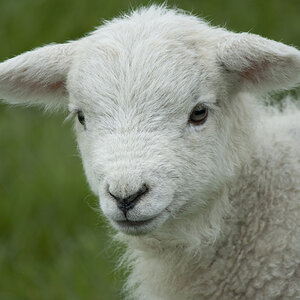
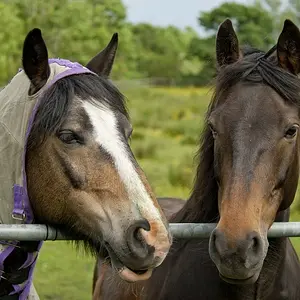
Nice job on the editing hannahrebekah, but i think that you sharpened way too much. The stuff on the field, i dnt know if it is grass or what, but it just looks weird and way too sharp
Nik Software's Viveza. Photoshop plugin. Lets you set a control point on a certain color, for a certain area... and adjust it however you want, contrast, hue, brightness..
Nice job on the editing hannahrebekah, but i think that you sharpened way too much. The stuff on the field, i dnt know if it is grass or what, but it just looks weird and way too sharp
Thanks to both of you for taking the time to edit! I am not used to manipulating photos except for red eye and the program I bought can do a lot but I'm a real newbie to this stuff!
And for the "not OK to edit", I had to pick something when I registered and I really don't have a problem with constructive editing ... it'll help me grow in photography to see other people's views.
And for the "not OK to edit", I had to pick something when I registered and I really don't have a problem with constructive editing ... it'll help me grow in photography to see other people's views.



![[No title]](/data/xfmg/thumbnail/30/30877-ef8d8a8cf110d5566382bb4e8a76fd3f.jpg?1734158872)
![[No title]](/data/xfmg/thumbnail/42/42278-22ed940cbdc5888a28d9be36006594dc.jpg?1734176689)