
AlexMoon
TPF Noob!
- Joined
- Jan 22, 2013
- Messages
- 29
- Reaction score
- 1
- Location
- Chicago
- Can others edit my Photos
- Photos OK to edit
Hey TPF!
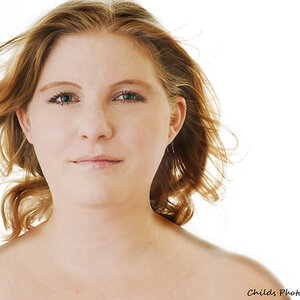
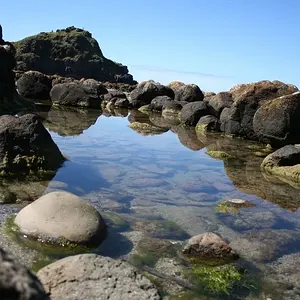
This is my first time uploading any photos here. These are just a few photos i have taken in a couple different settings. I have only been shooting for about 6 months on my Canon Rebel T3i w/18-55mm kit, and 50mm f/1.8. I am definitely still a beginner, but im trying to acquire more knowledge and better equipment to further my abilities.
Comment and critique is greatly appreciated
***Also, if anyone can help me find a better way to put my pictures on here so that they dont take up so much space that would be great.

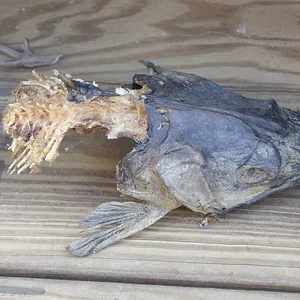
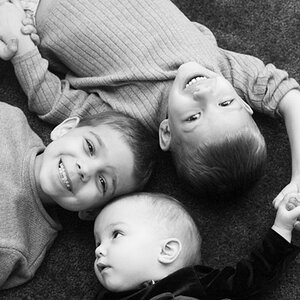
IMG_4283 by alex.moon111, on Flickr

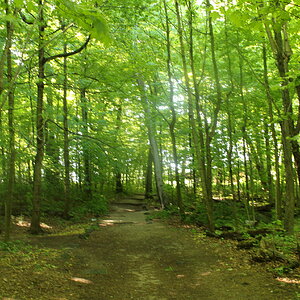
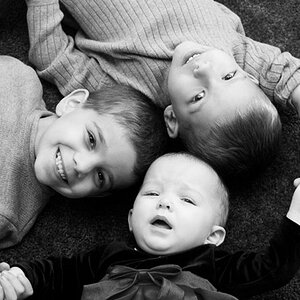
IMG_4149 by alex.moon111, on Flickr

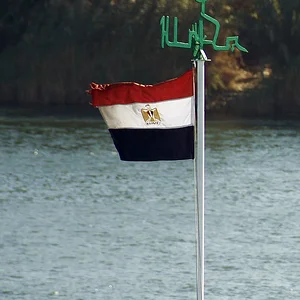
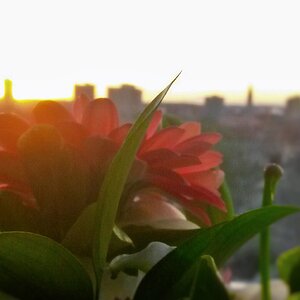
IMG_3918 by alex.moon111, on Flickr

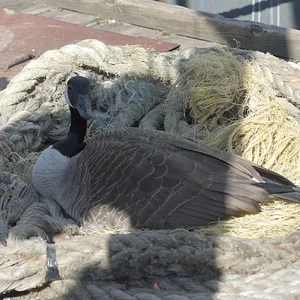
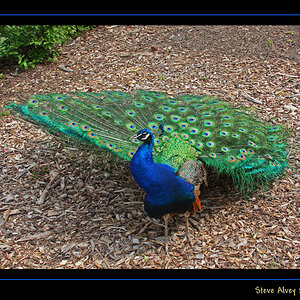
IMG_4180 by alex.moon111, on Flickr
This is my first time uploading any photos here. These are just a few photos i have taken in a couple different settings. I have only been shooting for about 6 months on my Canon Rebel T3i w/18-55mm kit, and 50mm f/1.8. I am definitely still a beginner, but im trying to acquire more knowledge and better equipment to further my abilities.
Comment and critique is greatly appreciated
***Also, if anyone can help me find a better way to put my pictures on here so that they dont take up so much space that would be great.
IMG_4283 by alex.moon111, on Flickr
IMG_4149 by alex.moon111, on Flickr
IMG_3918 by alex.moon111, on Flickr
IMG_4180 by alex.moon111, on Flickr