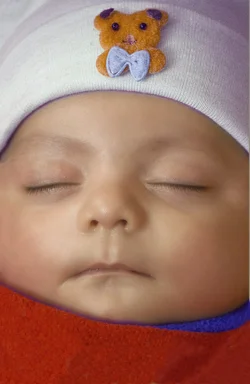
Pulled green, added a touch of cyan, lightened it up a bit, and did a small amount of softening on skin irregularities (this is difficult since we have no idea of what the childs skin color is really like... and there are no true whites or blacks to use as a gauge)
This one is great. Datails have been preserved esp on cap and ajustements have been made on cheecks. How did you make cheeks so smooth? I recently tried burn and dodge tool on photoshop cs5 but couldn't achieve this much smoothness. I even tried patch tool but no success. Which method did you use?
I like what Charlie has done with the cheeks. Not sure how he did it, but one easy way I've found with babies (and other tender thingies) is to just turn down the clarity on Adobe Camera Raw. Below is an edit with clarity turned way down (the only other change is in color balance, you can see the changes in the EXIF data).
I like the B&W versions alot. Infact I had taken the shot in monochrome but when opened the raw file in photoshop cs5 it brought back the colors. Great editing.
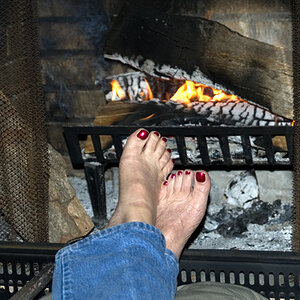
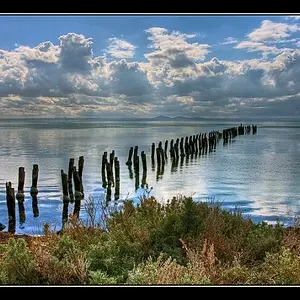
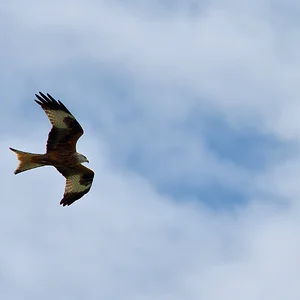
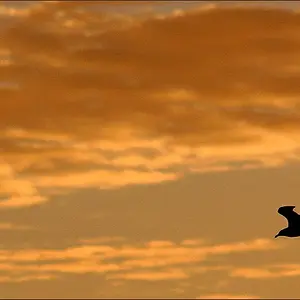
heres one of my bored late night edits before i go to sleep gives me good practice. I didnt know what to do with it so i took a different route. View attachment 35111
This was an indoor shot so had to use the camera flash (which left an unpleasant shadow as visible near neck). How would you take this shot and under what camera settings?
I like what Charlie has done with the cheeks. Not sure how he did it, but one easy way I've found with babies (and other tender thingies) is to just turn down the clarity on Adobe Camera Raw. Below is an edit with clarity turned way down (the only other change is in color balance, you can see the changes in the EXIF data).



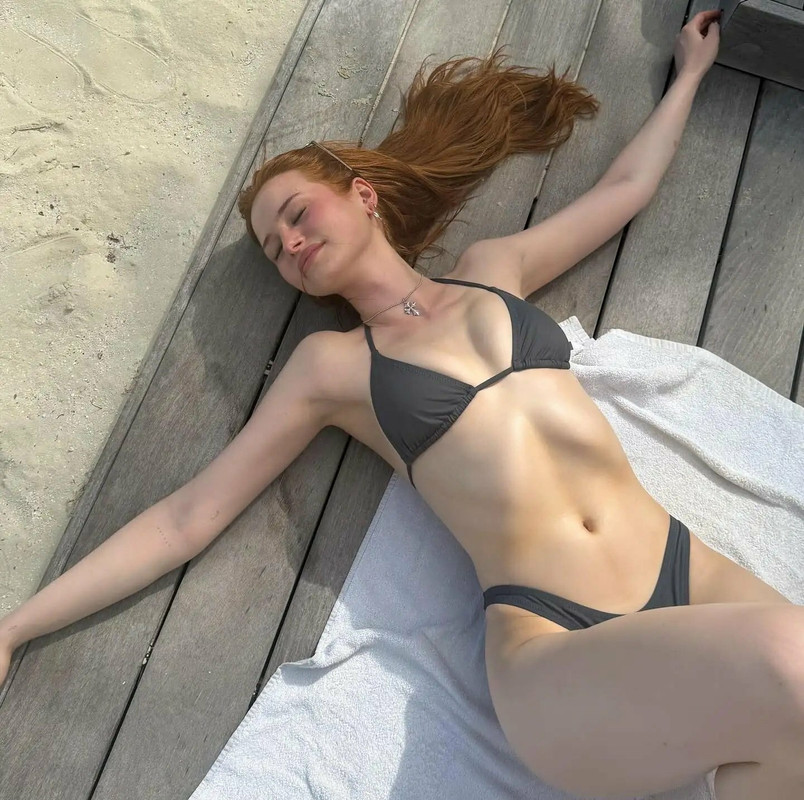

 gives me good practice. I didnt know what to do with it so i took a different route.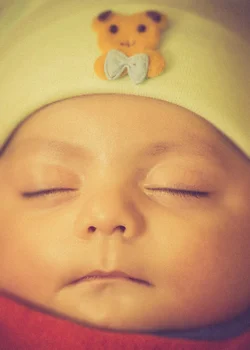




![[No title]](/data/xfmg/thumbnail/37/37540-73002ccb910b97978bc38658622a34d3.jpg?1734170695)