Nice shots, overall. I'm torn between 3 & 5 for a favorite.
#1 would greatly benefit from flash, and I think a tighter crop. The sky is completely blown out, and the skin tones are pretty cool.
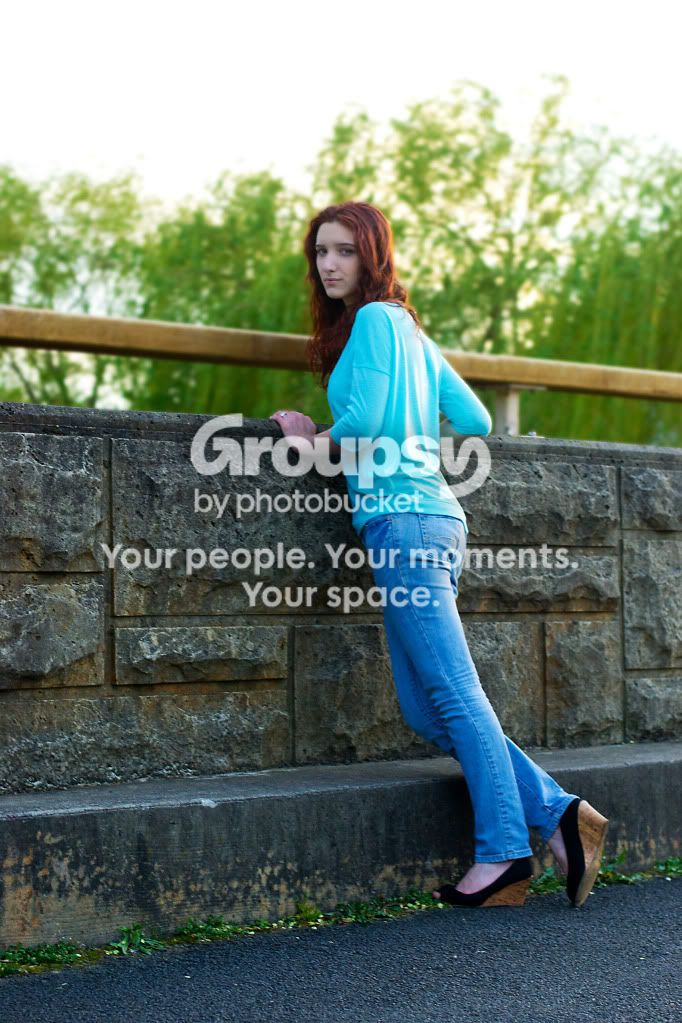
#2 would also benefit form flash, though I think less dramatically. This time I think her skin tones are fine, but she's a bit over exposed.
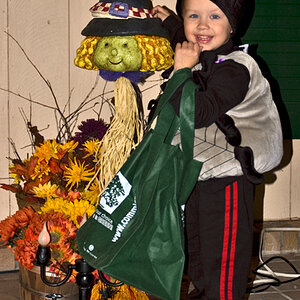
#3 I really like. There's a bunch of broken "rules" here, but I'm not going to quibble, cuz I really do like this image

#4 I'd tighten up the crop just a bit, but not too much on this one. I like the context that the background gives, so I'd hate to eliminate it. Just put a bit more emphasis on her. I also find her to be a bit overexposed in this one.
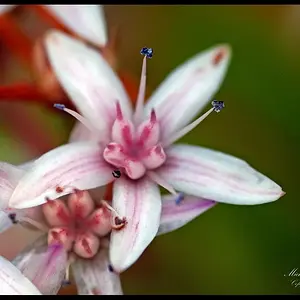
#5 I also really like. I don't think there's anything you can do with the crop, but if you had a chance to re-shoot it, I'd love to see her a bit further right and higher in the frame. The light on this one is really nice, and her skin tones look great.
Nice job!








![[No title]](/data/xfmg/thumbnail/36/36301-27972c0474532c2ef657014362950733.jpg?1734168626)
![[No title]](/data/xfmg/thumbnail/38/38293-15e3a85f038b239e3c60bf9f38f5d56c.jpg?1734172201)
![[No title]](/data/xfmg/thumbnail/39/39182-efc21fe87c9b5f9b2fa9ab0f8f01c205.jpg?1734173056)
![[No title]](/data/xfmg/thumbnail/37/37520-d3e4d6582aa2781be7abf64e8651db45.jpg?1734170680)


![[No title]](/data/xfmg/thumbnail/39/39439-d0a6beaaf39993860b74ccbd81fdd122.jpg?1734173529)