What's new

Need your feedback on these 3 pics

goodguy

Been spending a lot of time on here!
Joined
Dec 5, 2012
Messages
5,555
Reaction score
1,121
Location
Toronto Canada
Can others edit my Photos
Photos OK to edit
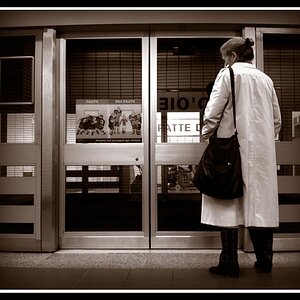
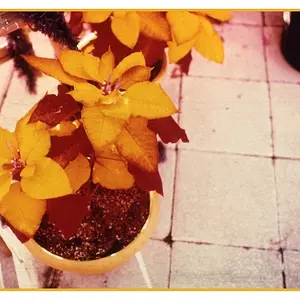
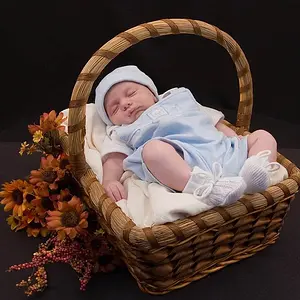
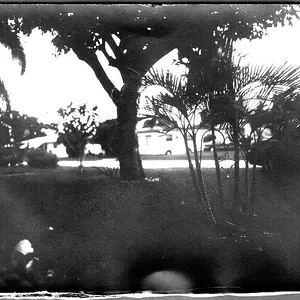
Working on light and need to see what you think I did right and wrong

AE1_3687_zps4b4930ca.jpg


AE1_3673_zpsb47f2e33.jpg


AE1_3669_zpsdfe9b300.jpg
 
I like the lighting. No hotspots, good angle to the subject. The only thing I would recommend is some space between the shell and the background so the wrinkles in the backdrop disappear in the bokeh/don't get lit.
 
1 and 3 for me. Great shots. maybe a little reflective light to take some of the shadow off the shell. later Ed
 
I like the lighting. No hotspots, good angle to the subject. The only thing I would recommend is some space between the shell and the background so the wrinkles in the backdrop disappear in the bokeh/don't get lit.

1 and 3 for me. Great shots. maybe a little reflective light to take some of the shadow off the shell. later Ed
Thank you both for feedback, thanks guys :)
 
The light is a bit too yellow for my taste in the lady photo, additionally there is a reflection on her forehead and something at the bottom of the photo(name plate?).
 
The light is a bit too yellow for my taste in the lady photo, additionally there is a reflection on her forehead and something at the bottom of the photo(name plate?).
Thats a good prespective, I think I agree, light is a bit too yellow and the reflection on her forhead could have been avoided by positioning the light on a slightly different angle.
Yes there is a tag at the bottom of the statue and I left it there as I thought its a part of the sculpture so it should be in the picture too.
 
It looks like you used tungsten/incandescent lighting with the camera white balance set to sunlight.

I recommend adjusting the white balance, using a reflector for fill, and making sure focus is sharp. The first 2 photos look soft.

The light is harsh and the shadow edges are sharp.
That indicates the light source was small - like a table lamp.
Light modifiers (diffusion panels, umbrellas, softboxes, bouncing off a wall and/or ceiling, etc) are used to make a light source seem larger. The larger a light source is the softer the light, and the more diffuse the shadow edges are. Shadow edge diffusion is often described as how light 'wraps' around a subject.

If you don't already have it, an often recommended resource is: Light Science and Magic: An Introduction to Photographic Lighting

 
It looks like you used tungsten/incandescent lighting with the camera white balance set to sunlight.

I recommend adjusting the white balance, using a reflector for fill, and making sure focus is sharp. The first 2 photos look soft.

The light is harsh and the shadow edges are sharp.
That indicates the light source was small - like a table lamp.
Light modifiers (diffusion panels, umbrellas, softboxes, bouncing off a wall and/or ceiling, etc) are used to make a light source seem larger. The larger a light source is the softer the light, and the more diffuse the shadow edges are. Shadow edge diffusion is often described as how light 'wraps' around a subject.

If you don't already have it, an often recommended resource is: Light Science and Magic: An Introduction to Photographic Lighting
Wow thank you, you are absolutly right I used a table lamp to light these guys and getting a way to difuse the light loks like will make light softer and better, great feedback, thank you.
As for white balance, I left it on auto, I am darn insecure in touching this setting, never touched white balance, my D7100 is usually very good at getting it right but obviously these pictures are yellow.
 

Create an account or login to comment

You must be a member in order to leave a comment

Create account

Create an account on our community. It's easy!

Log in

Already have an account? Log in here.

Back
Top Bottom