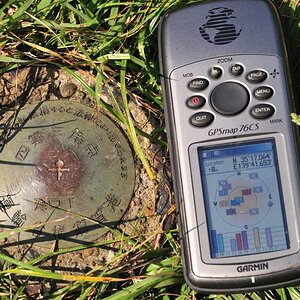
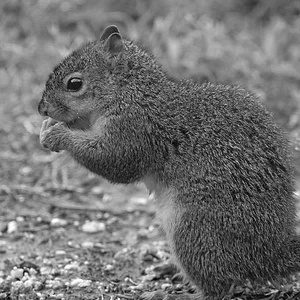
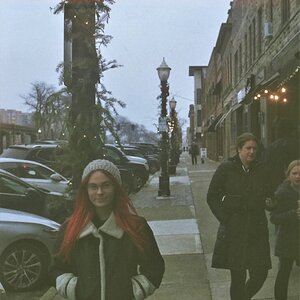
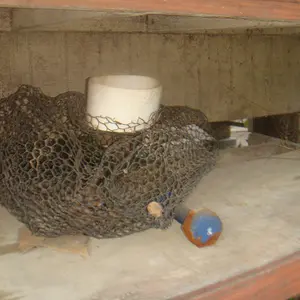
In photoshop you go to the "Image" drop down menu > Adjustments > Invert.
Once it is inverted you need to manually adjust the brightness and contrast as desired from within the same "Adjustments" menu. If you want to use the "Gamma" adjustment as detailed earlier in this thread, you need to use Imageready which is bundled with Photoshop CS.
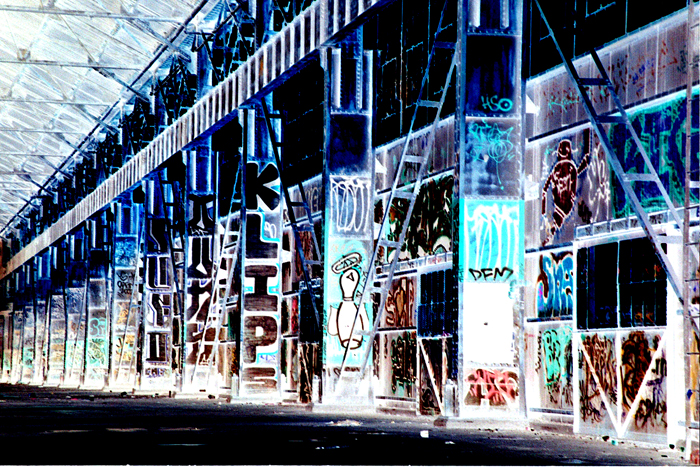
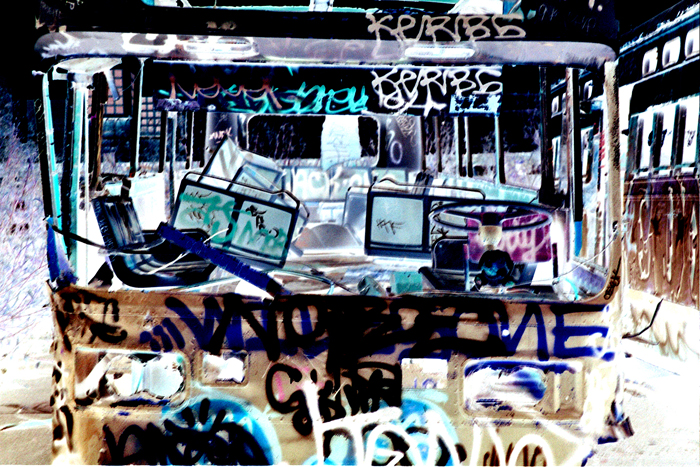
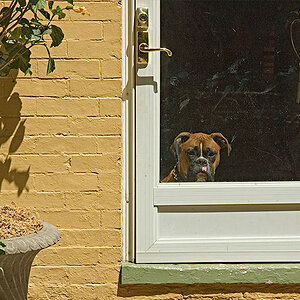
That's a perfect subject for a negative... nicely done!
Oh and just incase anyone didn't put 2 and 2 together... you can invert any photo posted here to see what it (somewhat) looked like originally. For those okay-what-on-earth-could-that-be photos.
Oh and just incase anyone didn't put 2 and 2 together... you can invert any photo posted here to see what it (somewhat) looked like originally. For those okay-what-on-earth-could-that-be photos.








![[No title]](/data/xfmg/thumbnail/30/30993-7c6dca4375064e92f2ea6cbfabf9b59e.jpg?1734159063)