What's new

new guy..need some CC!

stanton3

TPF Noob!
Joined
Oct 30, 2012
Messages
34
Reaction score
3
Can others edit my Photos
Photos OK to edit
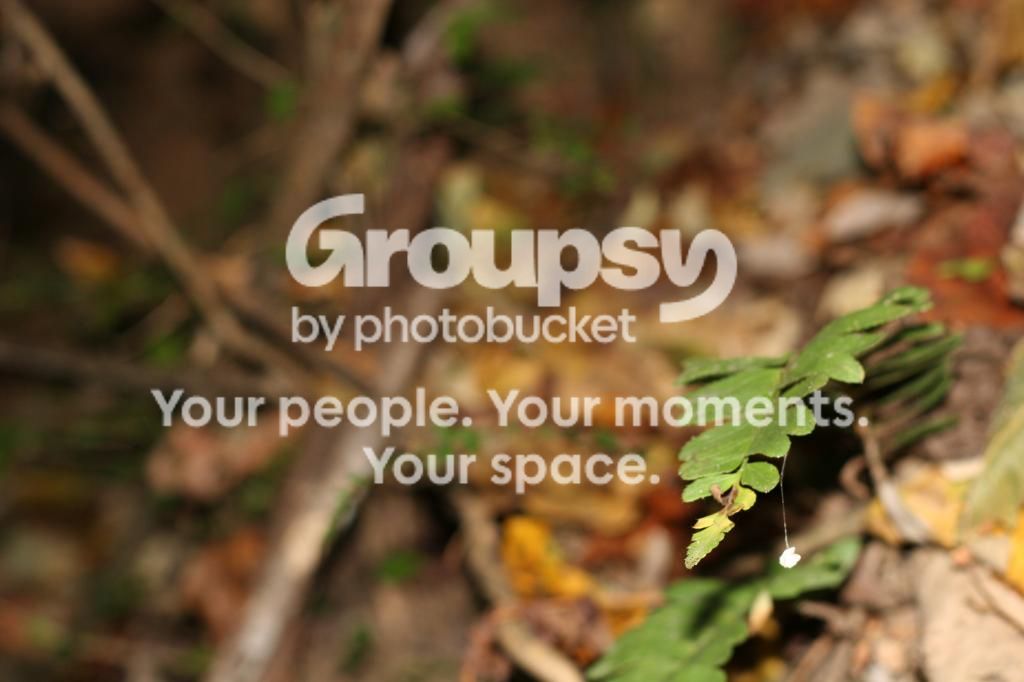
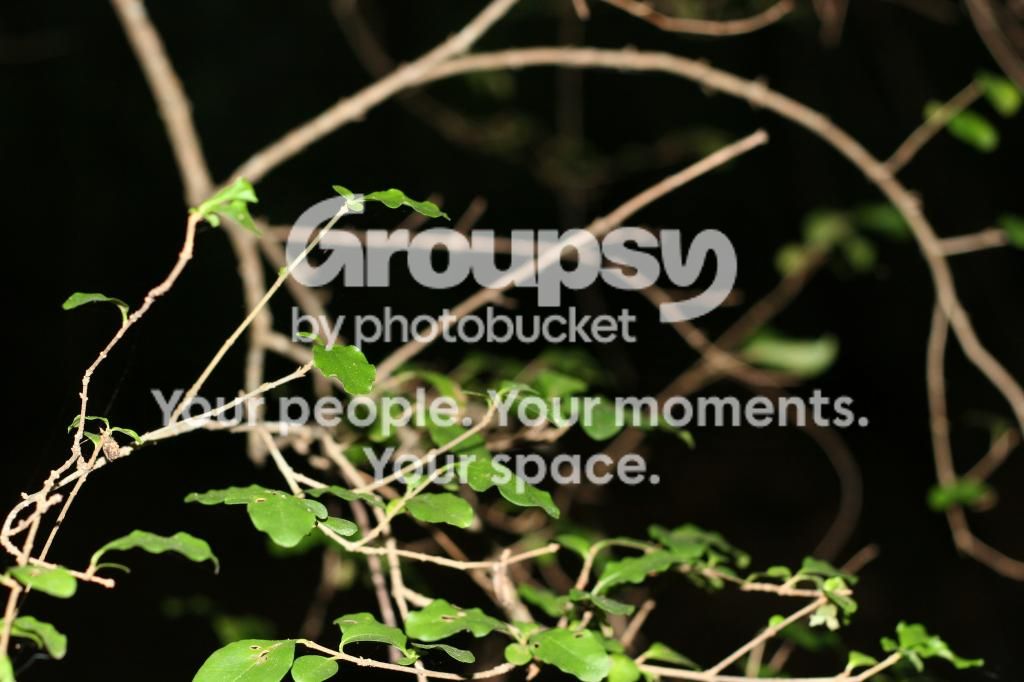
Hey all i'm just getting started with photography..today was my first time taking pics with my new dslr. My setup is a canon 20d with the basic ef 50mm 1.8 II. I've taken some pics and just need a bit of advice and comments.
043.jpg


039.jpg


008-1.jpg


This is the main one I could use advice on. What is the best way to keep the rest of the pic lit, but the white not washed out?

038.jpg


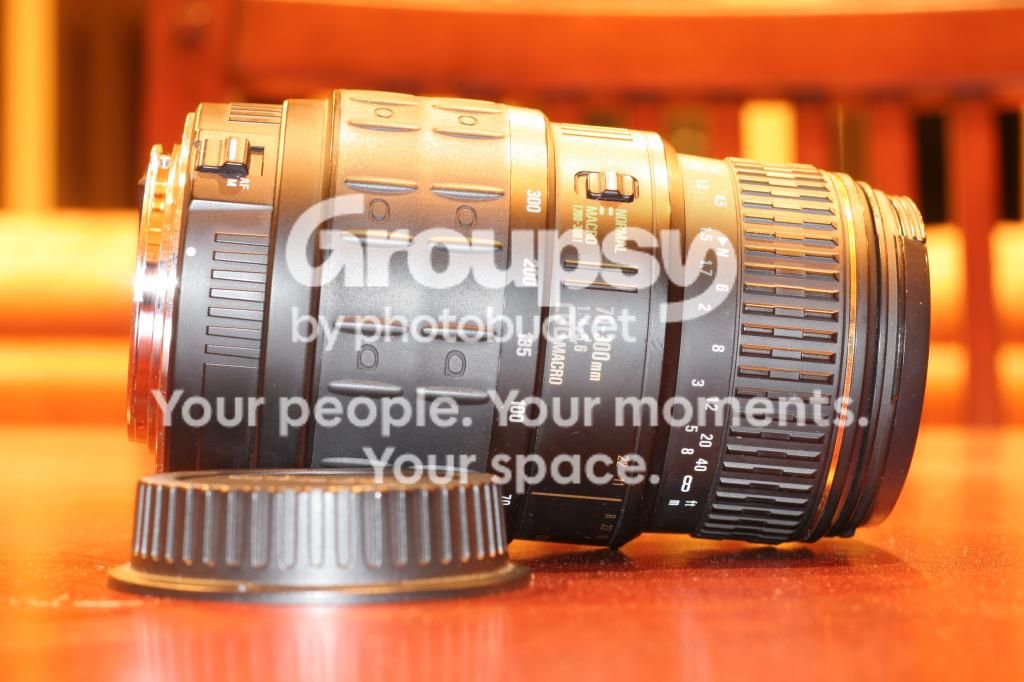
Another question...I was going through some old photo equipment today and found 70-300 4-5.6 LDO Macro. This was from my moms old canon rebel film camera. It still is in good shape. Is there any reason I shouldn't use it on my 20d? And is this a decent lens?

Thanks guys! I know they're not great, but say what you feel! haha
 
If it's an EF lens you should be able to use it with your camera.
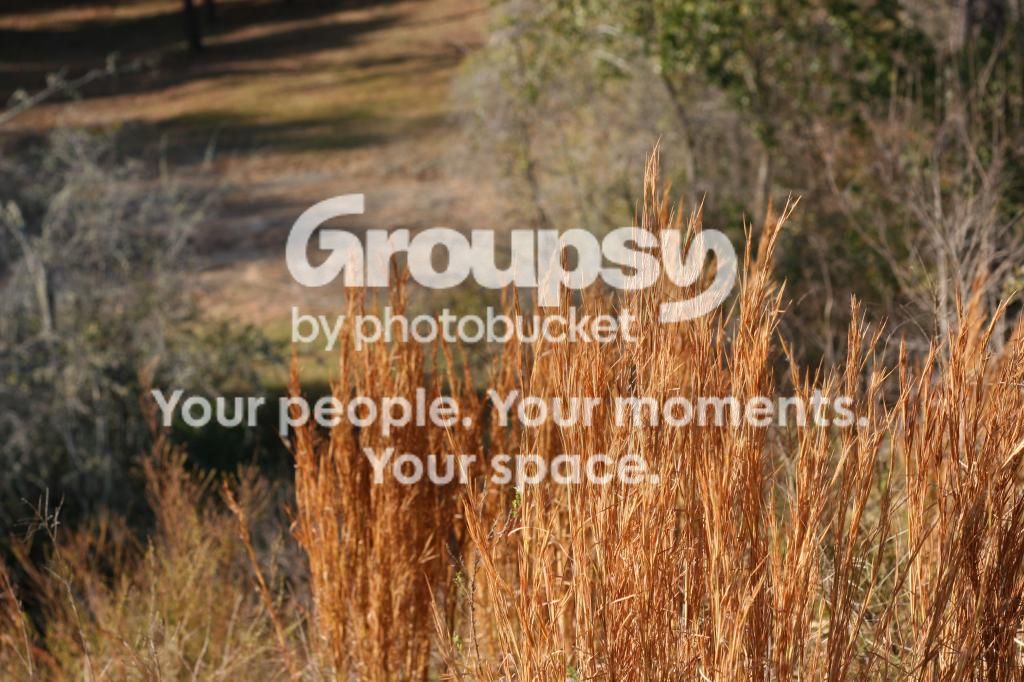
Your images lack any subject or story to them.
Start with composition. That is the first big leap in improvement anyone can make in images. HEre's my favorite link on composition.
Then you have to begin to learn the basics of exposure and create it yourself to control the entire image. Here's a jump start on those tutorials.
 
Thank you for the links! And yea I was just really eager to get some pics right when I got the camera so I took anything haha.

As far as the lens..it doesn't say ef anywhere. The only other thing it says is quantaray for canon af.
 
Thank you for the links! And yea I was just really eager to get some pics right when I got the camera so I took anything haha.

As far as the lens..it doesn't say ef anywhere. The only other thing it says is quantaray for canon af.
Take a photo of the mount end of the lens. If it was a film rebel it should be an EF mount
 
147.jpg

150.jpg


It mounts on my 20d fine.
 
Your lens images are fine
As MLeek has pointed out your Points Of Interests are not convincing in the first set; and that mushroom is over exposed; probably metered from the dark region in the frame
Regards :D
 
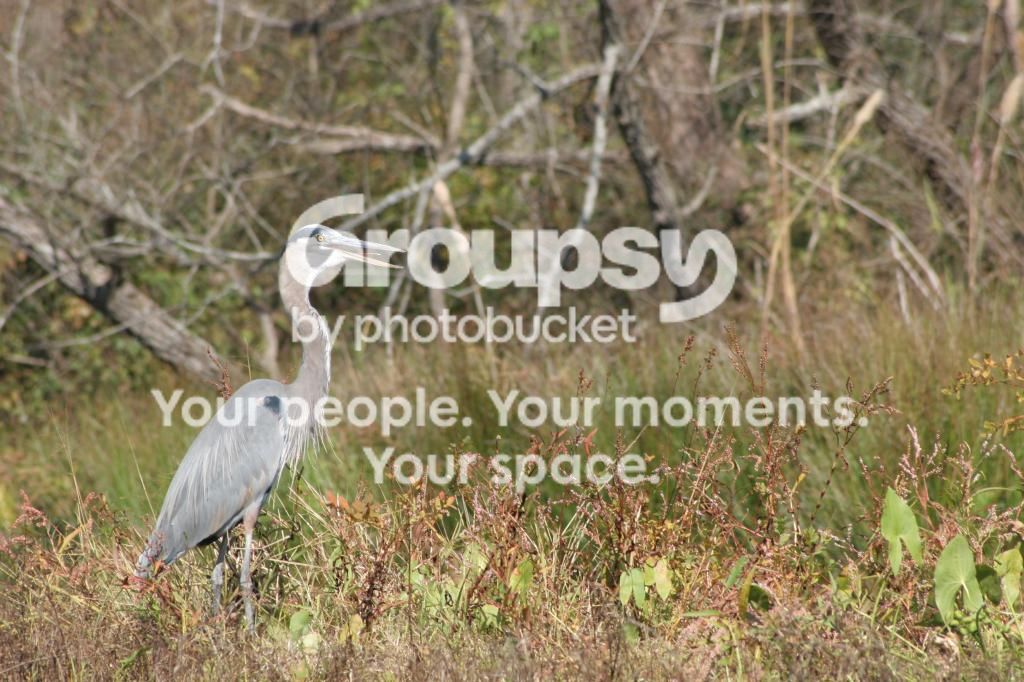
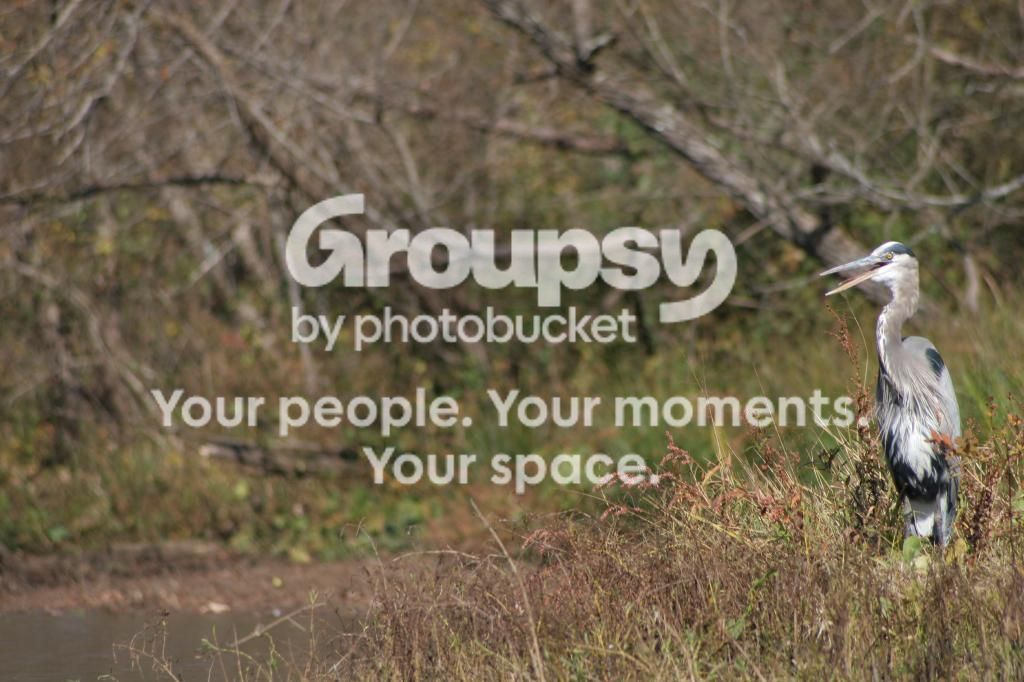
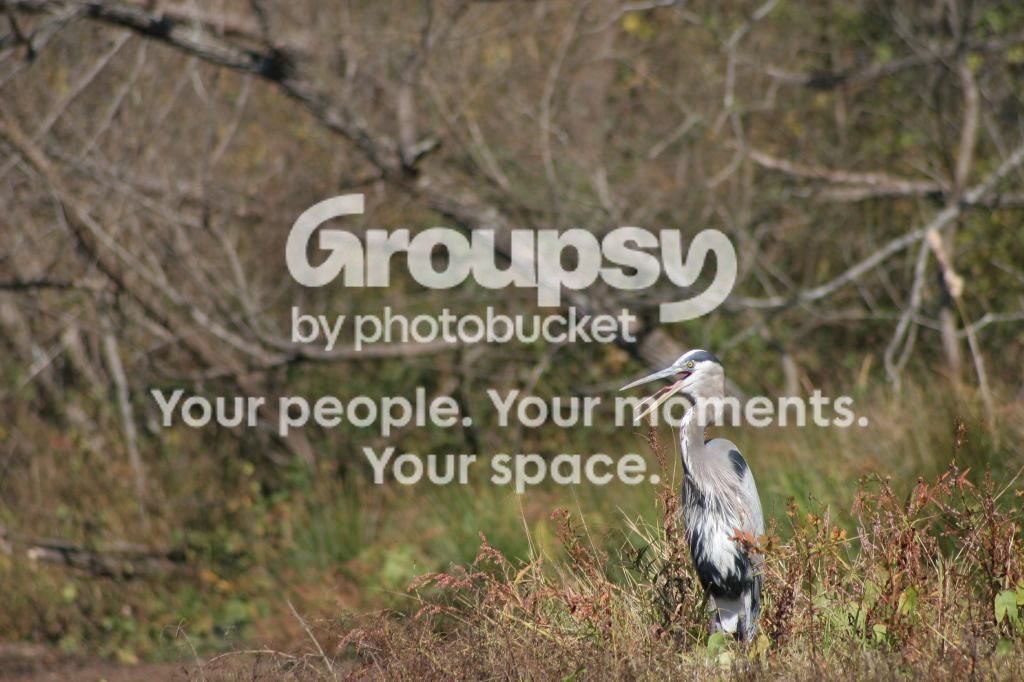
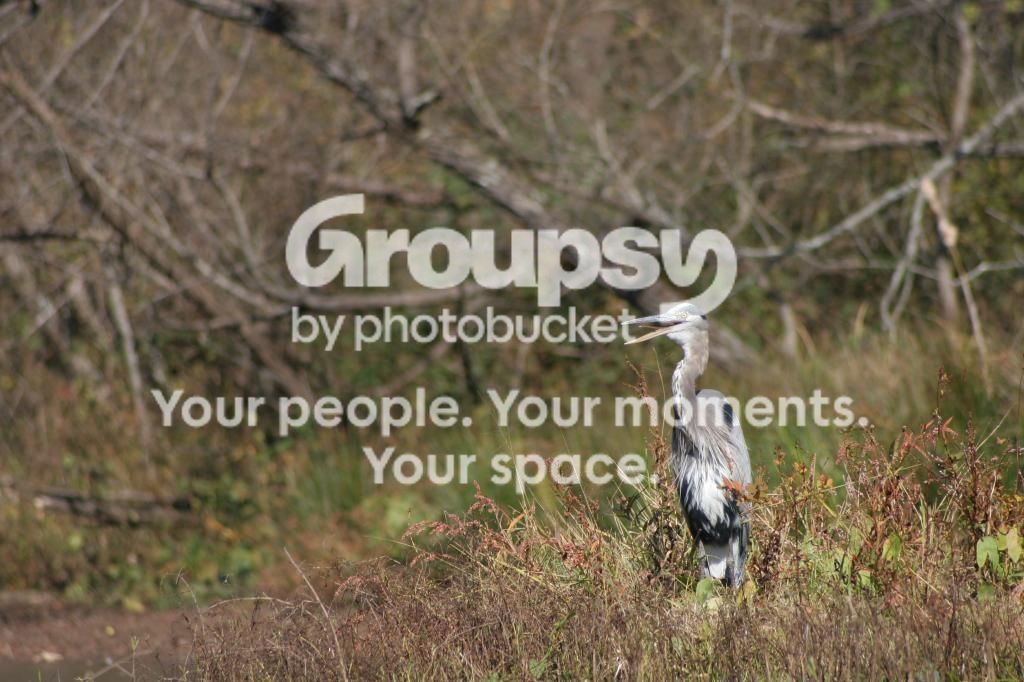
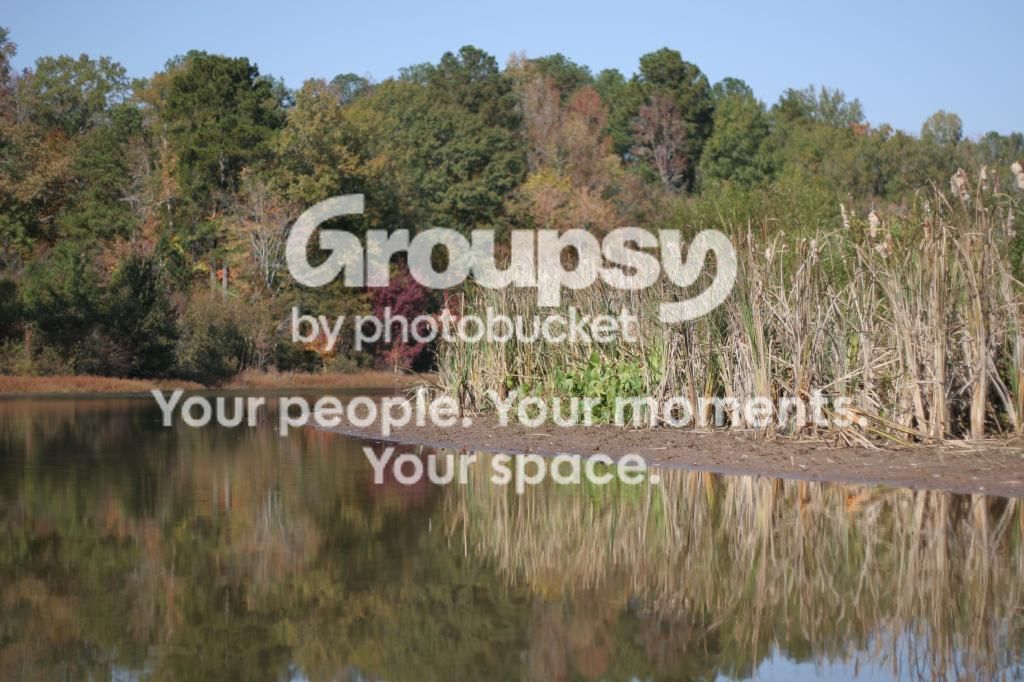
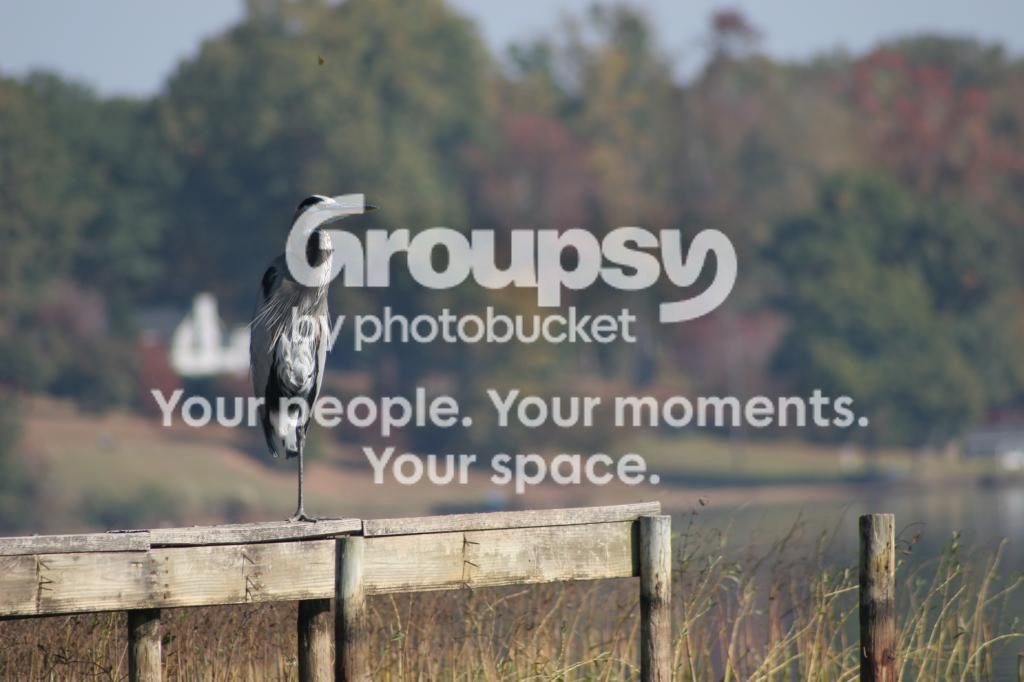
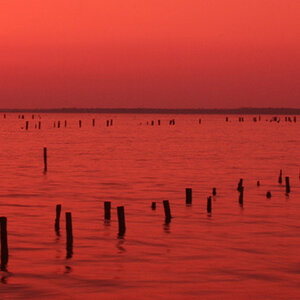
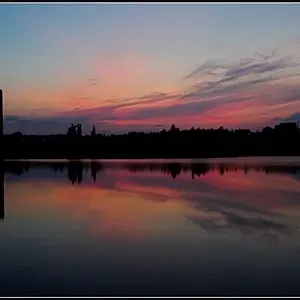
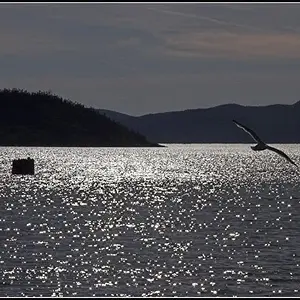
Thanks! I agree about the the first images. Went out in the kayak today...

1.
197.jpg


2.
189.jpg


3.
182.jpg


4.
178.jpg


5.
126.jpg

6.
036.jpg


C&C please! All of these are un-cropped
 
Huge improvement ....keep shooting and you will learn your camera
 
I like the last two photos. I noticed you said they were all un-cropped. I would suggest that you crop in to eliminate some empty space. Huge improvement since your first post.
 
Thank you!!! I spent most of last night figuring out shutter speed and aperture.

Edit: I tried cropping and sharpening some on photobucket, but none of my changes show up.

Is there a version of photoshop or something similar that is free and works good?
 
Sparky480 highly recommends GIMP. (hopefully not speaking out of turn)
If you are considering buying a program eventually Adobe has 30 free trials on all of their programs.
 
Hi Stanton, the following advice assumes that you know basic terminology and technique for photography. If you are confused about any of the things I mention, a simple Google or YouTube search will help you immensely. In the image with the blown out leaves there a couple things you could do to improve the exposure.

If you you are using flash, decreasing its output strength with give you the results you want. If you are not using flash, then your problem is that the leaves inthe front are receive a significantly larger amount of direct sunlight. Consequently, they are overexposed. Diffusing the light hitting them would be your solution in this case.

I apologize in advance for any typos, I am replying through my cell phone.
 

Create an account or login to comment

You must be a member in order to leave a comment

Create account

Create an account on our community. It's easy!

Log in

Already have an account? Log in here.

New Topics

Back
Top Bottom