^^^ Ok, all major improvements and I got a lot of great ideas from it that I employed here.
I also got a really odd tip from the nice nice lady at the local Pro camera shop. She said she fought with haze issues for years and one day, just for laughs, tried the photoshop Auto-levels and was
amazed to find that it actually got her like 90% of the way there. I was baffled. However, I see that at least one of you did this with some solid results as well.
She also said that, to some degree, this is just a problem. If there is any significant moisture in the air when you do an aerial shot, you're just going to have this problem. She did mention that the polarizing filter I got would help with some of the washout I was experiencing, which is good.
One question... Deadeye...that looks really solid. When you say "defog"... do you mean you just used unsharp mask to defog it? I tried your settings and didn't get quite as positive a set of results.
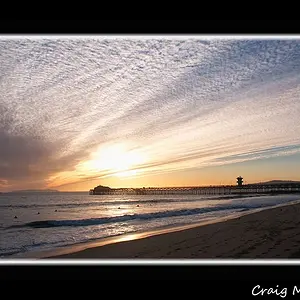
Anyway, after yet ANOTHER session employing your tips and feedback, this is what I've come up with... (please forigve the addition of the frame... my batch script at home in photoshop is setup for this and I was too lazy to strip it.)

== 1 ==
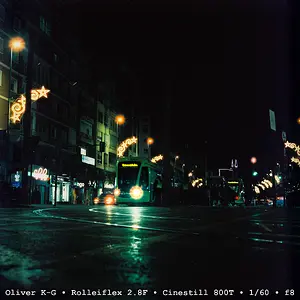
== 2 ==
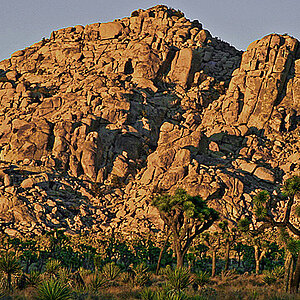
== 3 ==
What does everyone think? I think they are -way- better, thanks to y'all... :hail: I do think there is some limitation to what I can do with these just because there simply
was some haze, I
did have some camera shake and focus issues, etc... but better!
So what have we learned for aerial shots...?
- Try to use Aperature priority if possible, and crank it way up to reduce shake.
- Use a polarizing filter if a sunny day to saturate and reduce glare.
- Watch your inifinty focus point (still working on this one...)
- Try to go out on as low of a humidity day as humanly possible.
- Don't fall out. :lmao:
You guys rock! Thanks!








![[No title]](/data/xfmg/thumbnail/31/31050-824a861ee359cd274a794fc7b9ff8f7b.jpg?1734159158)

![[No title]](/data/xfmg/thumbnail/37/37604-7ad625e983f92f880eb65a264eeef5e4.jpg?1734170732)
