Using Photoshop Elements 4 Mac version (old version)
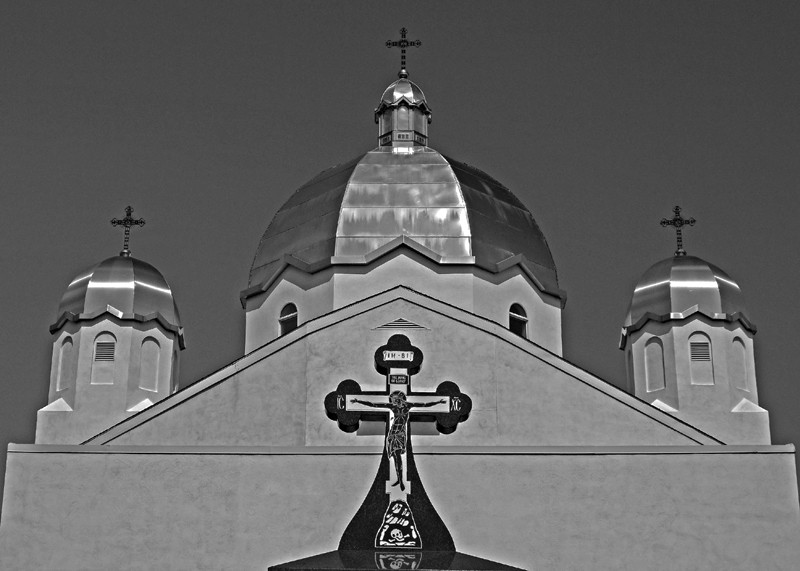
1. Turn on Grids, View > Grids, then rotate and Level the photo, Image > Rotate > Free Rotate Layer
2. To straighten the vertical lines, skew the image, Image > Transform > Skew.
3. Crop to desired size
4. Create a layer for Levels, don't change anything click OK
5. Create a layer for Hue/Saturation, desaturate the the image, -100
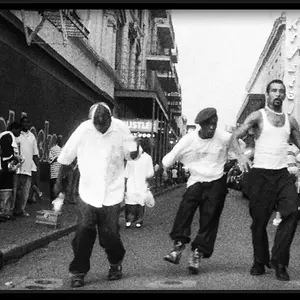
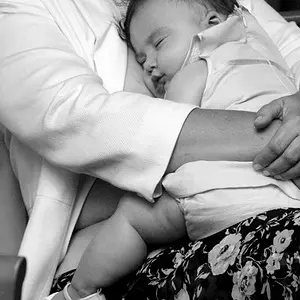
6. Double click the Levels layer bring in from the right the white triangle. Bring in from the left Black triangle. Do both to your liking. You'll now have a nice B&W photo.
7. Clear the image of a hazy appearance, Filters > Sharpen, Unsharp Mask, set to 20-60-0
You're finished, your image will be outstanding. See, you don't need a raw file (it is raw not RAW), GIMP, Lightroom, Aperture, Photoshop. Photoshop Elements will do just fine.




![[No title]](/data/xfmg/thumbnail/37/37519-6093821531f744039f3ac2b3e30c7dbf.jpg?1734170680)
![[No title]](/data/xfmg/thumbnail/37/37520-d3e4d6582aa2781be7abf64e8651db45.jpg?1734170680)