NicholasPetrilli
TPF Noob!
- Joined
- May 2, 2013
- Messages
- 14
- Reaction score
- 4
- Location
- Richland Washington
- Can others edit my Photos
- Photos OK to edit
This will be my first post on TPF so I thought I'd give you a little background (Strictly related to Photography)
I KNOW NOTHING! Haha, I work in the I.T. Industry and I've always admired photography and never really had the time or funds to pursue it as a hobby until now. I went and bought myself a 5D Mark III and two lenses. (My boss told me it was good equipment to purchase) And now I'm taking pictures of everything I can find attempting to gain some understanding of what appeals to the eye. Being technically minded and utilizing this fantastic resource called the internet I've caught on pretty quickly to most of my cameras features, what the settings do, F/stop, shutter time, focal range, ISO etc... I have no real GOAL with Photography, except to enjoy myself, maybe get outside more, gain knowledge and a fantastic hobby.
TLDR: I'm a n00b.
I've been posting my stills on reddit.com/r/photocritique in hopes of getting some honest feedback, considering I know nothing and have nobody to advise me. Sadly, on Reddit I've found nothing but snide remarks and short useless critiques that are about as helpful as an Asian driving instructor.
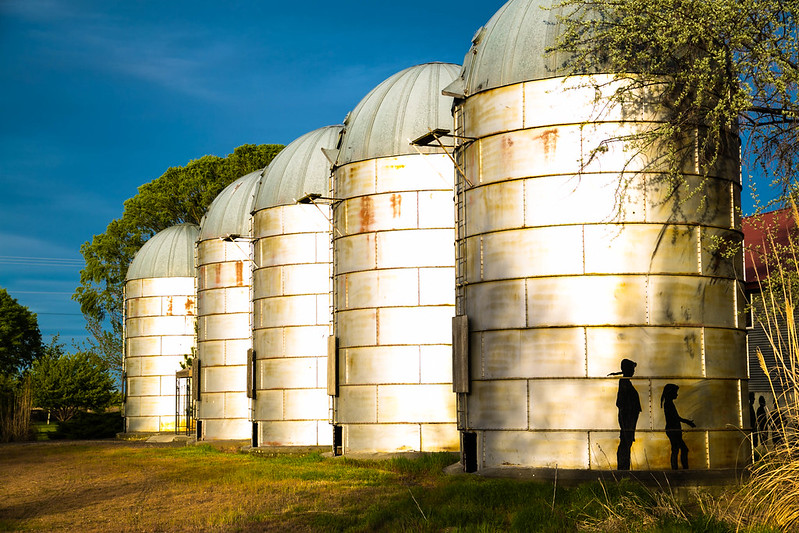
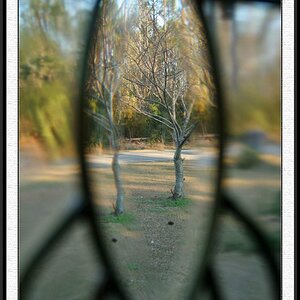
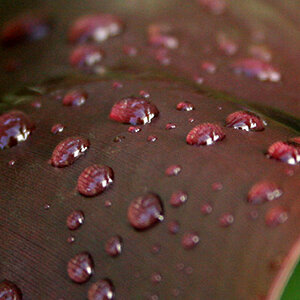
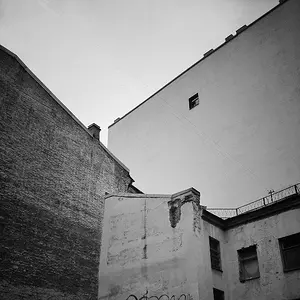
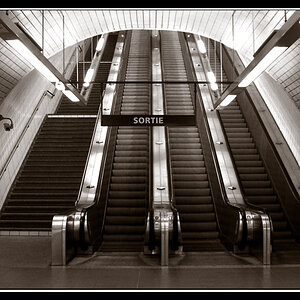
I've taken approximately 1100 pictures in the past 3 weeks and this is a small collection of the photos I consider half decent. I used Lightroom to edit them (something else I know nothing about) and I would appreciate any and all advise on post processing.
And I'm only using Flickr because I can't upload large images on here... Boo.
Flickr: Nicholas Petrilli's Photostream
I KNOW NOTHING! Haha, I work in the I.T. Industry and I've always admired photography and never really had the time or funds to pursue it as a hobby until now. I went and bought myself a 5D Mark III and two lenses. (My boss told me it was good equipment to purchase) And now I'm taking pictures of everything I can find attempting to gain some understanding of what appeals to the eye. Being technically minded and utilizing this fantastic resource called the internet I've caught on pretty quickly to most of my cameras features, what the settings do, F/stop, shutter time, focal range, ISO etc... I have no real GOAL with Photography, except to enjoy myself, maybe get outside more, gain knowledge and a fantastic hobby.
TLDR: I'm a n00b.
I've been posting my stills on reddit.com/r/photocritique in hopes of getting some honest feedback, considering I know nothing and have nobody to advise me. Sadly, on Reddit I've found nothing but snide remarks and short useless critiques that are about as helpful as an Asian driving instructor.
I've taken approximately 1100 pictures in the past 3 weeks and this is a small collection of the photos I consider half decent. I used Lightroom to edit them (something else I know nothing about) and I would appreciate any and all advise on post processing.
And I'm only using Flickr because I can't upload large images on here... Boo.
Flickr: Nicholas Petrilli's Photostream