What's new

Photos of the Zoo...:)

Surfsquish

TPF Noob!
Joined
Sep 14, 2010
Messages
107
Reaction score
3
Location
Florida
Can others edit my Photos
Photos OK to edit
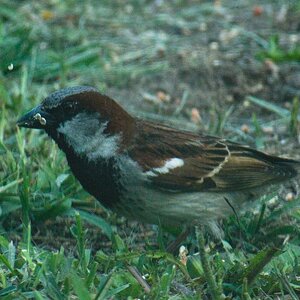
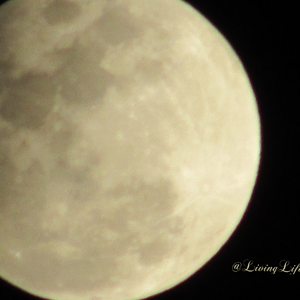
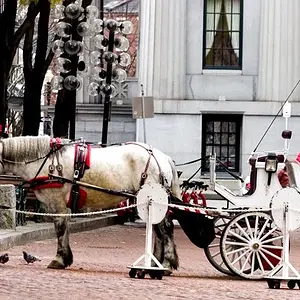
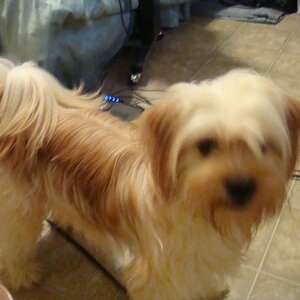
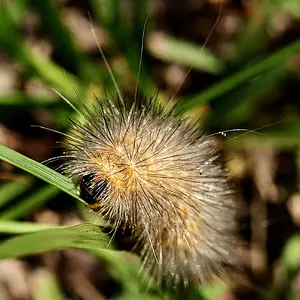
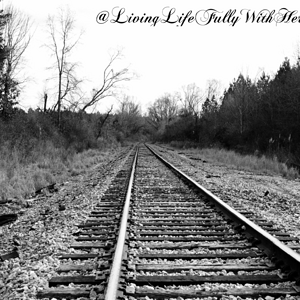
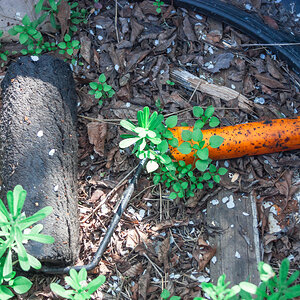
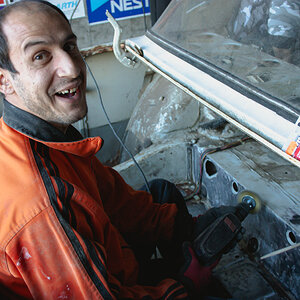
Stepping out of taking photos of Real Estate and trying out natural photography. I also played with Photoshop and it looks like its a must...:)
Please feel free to add any knowledge from all the experts here...:) Thank you..:)

5099336984_5e96daa996_z.jpg


5098744865_ee99febceb_z.jpg


5098750931_3f8941f2b1_z.jpg


5099356032_ec6860901d_z.jpg
 
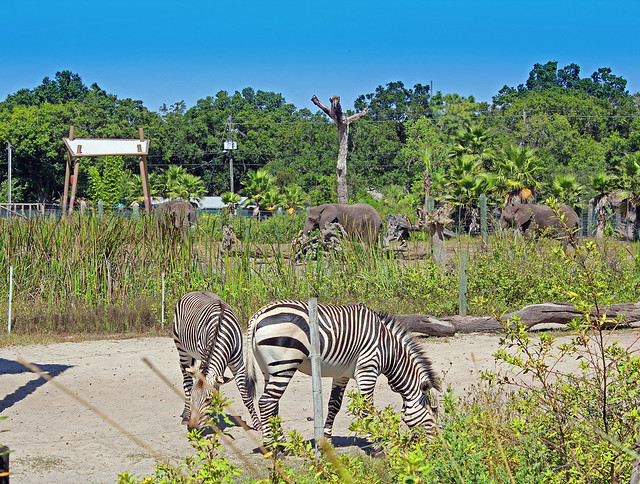
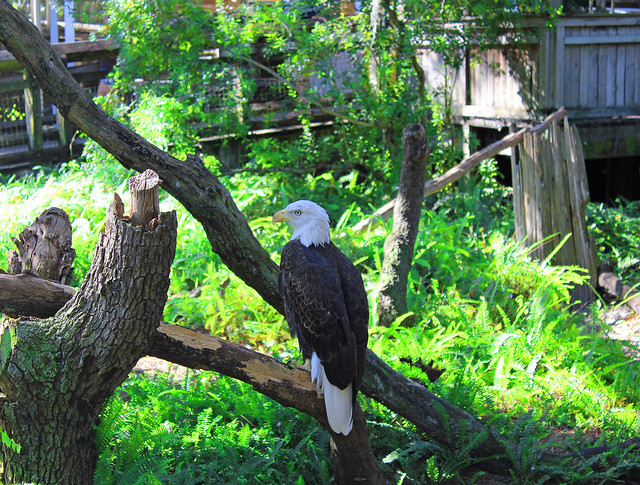
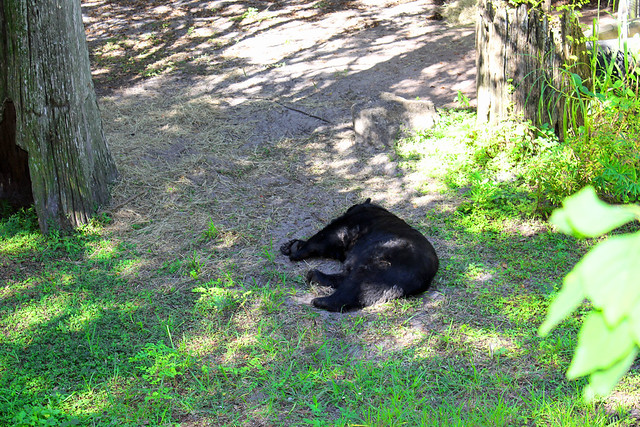
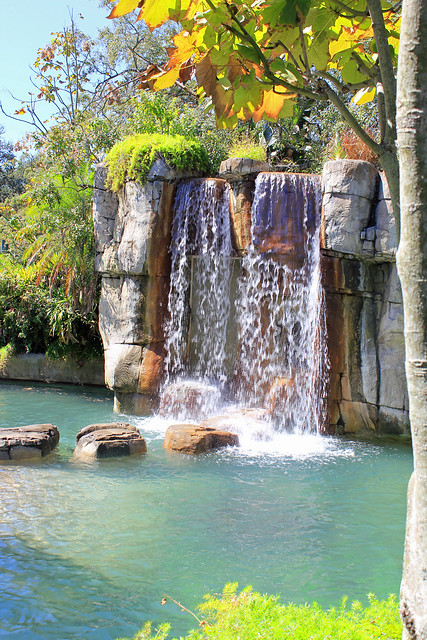
your greens look like they are neon green in most of your pics.
 
the lighting conditions are very harsh... the sun is directly overhead which doesn't give you much shaping and dimension, and it makes the contrast between the shadows and light very rough...

first thing i would try is shooting at a different time... i.e. earlier in the day or later in the day... something else to try is if you're at this time of day look for pockets of light.. i.e. that bird or bear photo... if the subject had been in a pocket of light while everything around is in shadow, it can make the subject really pop... like if you had a flash pointed at it...

i'd say worry about the light first before photoshop...
 
Maybe its just this laptop screen... But they look over-exposed to me... especially #1.

I agree that the elephants rock. However, I think maybe they deserve a frame of their own... Maybe using a1:4 aspect ratio and converted to B&W... With a slight bump to the contrast?

Obviously it would look better if you were working from the original... But this will give you an idea what I mean...

5099336984_5e96daa996_z.jpg
 
the lighting conditions are very harsh... the sun is directly overhead which doesn't give you much shaping and dimension, and it makes the contrast between the shadows and light very rough...

first thing i would try is shooting at a different time... i.e. earlier in the day or later in the day... something else to try is if you're at this time of day look for pockets of light.. i.e. that bird or bear photo... if the subject had been in a pocket of light while everything around is in shadow, it can make the subject really pop... like if you had a flash pointed at it...

i'd say worry about the light first before photoshop...

Understood. Thank you
 
Maybe its just this laptop screen... But they look over-exposed to me... especially #1.

I agree that the elephants rock. However, I think maybe they deserve a frame of their own... Maybe using a1:4 aspect ratio and converted to B&W... With a slight bump to the contrast?

Obviously it would look better if you were working from the original... But this will give you an idea what I mean...

5099336984_5e96daa996_z.jpg

Thank you very much. By over exposed, you mean the subject should be more in focus? What is a 1:4 ratio?
 
By over exposed, you mean the subject should be more in focus? What is a 1:4 ratio?

Over exposed... The sensor/film is exposed to to much light.. (shutter too slow)... But it might have been due to the lighting conditions as well... Under exposed is the opposite... Not enough light gets to the sensor/film.

Math class... :lol:

Aspect ratio refers to the length and width of the frame... 1:4 simply refers to the ratio of "units".

For example a standard 4X6 photo uses an aspect ratio of 2 units wide by 3 units high (portrait) or 3 units by 2 (landscape)...

Assuming that a "unit" is an inch, then 2 times a 2:3 aspect ratio results in a photograph that is 4x6.
 
Last edited:
I love the eye you have in ALL of the pictures, (especially the artistic coloring of the waterfall), but everything is so over exposed. I'd like to see it selectively exposed or maybe not at all.
 
I love the eye you have in ALL of the pictures, (especially the artistic coloring of the waterfall), but everything is so over exposed. I'd like to see it selectively exposed or maybe not at all.

Thank you...:) :) :)
 
By over exposed, you mean the subject should be more in focus? What is a 1:4 ratio?

Over exposed... The sensor/film is exposed to to much light.. (shutter too slow)... But it might have been due to the lighting conditions as well... Under exposed is the opposite... Not enough light gets to the sensor/film.

Math class... :lol:

Aspect ratio refers to the length and width of the frame... 1:4 simply refers to the ratio of "units".

For example a standard 4X6 photo uses an aspect ratio of 2 units wide by 3 units high (portrait) or 3 units by 2 (landscape)...

Assuming that a "unit" is an inch, then 2 times a 2:3 aspect ratio results in a photograph that is 4x6.

Got it, Thank you very much. Florida weather lately has been bright like a light bulb....:)
 

Create an account or login to comment

You must be a member in order to leave a comment

Create account

Create an account on our community. It's easy!

Log in

Already have an account? Log in here.

New Topics

Back
Top Bottom