behanana
TPF Noob!
- Joined
- Mar 21, 2011
- Messages
- 164
- Reaction score
- 11
- Location
- Pennsylvania
- Can others edit my Photos
- Photos OK to edit
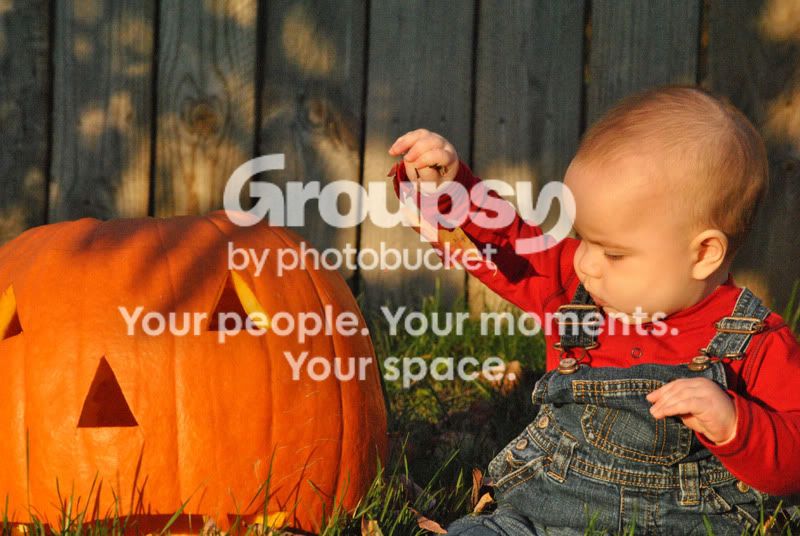
Please take a look at this and offer any suggestions on changes, I'm looking to blow this one up just to hang around the house. It's the favorite shot of my monkey from the fall.
Edit: I know there are some comp. problems with the pic, as Schwettylens pointed out it's too tight, after that post I guess I'm looking more for editting suggestions, I'm going to use this one even with it's flaws because both my wife and I love it, I just want to make it as good as possible before I get it printed. Thanks, Ben.
Edit: I know there are some comp. problems with the pic, as Schwettylens pointed out it's too tight, after that post I guess I'm looking more for editting suggestions, I'm going to use this one even with it's flaws because both my wife and I love it, I just want to make it as good as possible before I get it printed. Thanks, Ben.
Last edited:


![[No title]](/data/xfmg/thumbnail/42/42359-17c2ddbbb8366896f948a571f6c09cac.jpg?1734176895)