What's new

Please help!

N00B

TPF Noob!
Joined
Aug 25, 2011
Messages
5
Reaction score
0
Location
Ohio
Can others edit my Photos
Photos NOT OK to edit
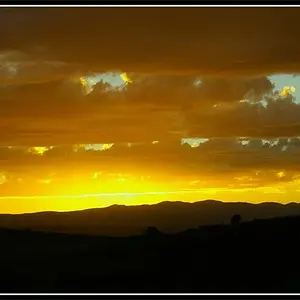
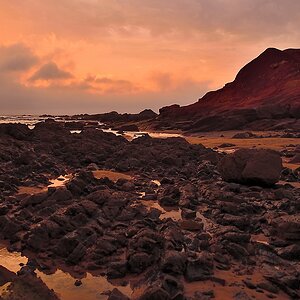
this week is my first week back to school and in photography class we have been told to start thinking of projects. well i know what i want to do but i dont know how to make it. there is a video i saw on you and the colors were warm and soft. i really liked it and i was wondering if you guys could help me with the name of the effect so my teacher can help me, thanks! /watch?v=DPox-ddXJsE
 
You didn't post a valid link, so no one can watch the video.

Not making the minimal effort it takes to make the appropriate capital letters, hurts your online credibility.
 
I did post a link, except when i went to preview the post nothing appeared. So I simply got rid of the YouTube.com part, so all you have to do is type YouTube.com and copy what i put which is /watch?v=DPox-ddXJsE. Also, i'm sorry about the capitalization and such, Facebook kind of ruined that for me xD
 
I did post a link, except when i went to preview the post nothing appeared. So I simply got rid of the YouTube.com part, so all you have to do is type YouTube.com and copy what i put which is /watch?v=DPox-ddXJsE. Also, i'm sorry about the capitalization and such, Facebook kind of ruined that for me xD

Try putting this in your post:

[media=youtube]DPox-ddXJsE[/media]


And it is kind of sad to see so many kids throwing away their education on stupid IM/TM language.
 
Why don't you just show the youtube video to your teacher?
 
I did at first, I think my computers Flash is outdated or something. LOL ROFL LMAO TTYL HMU SMH. Ha i'm just kidding it will all pass one day!
 
YouTube is blocked at my school. I can bypass it but it's not worth the trouble I can get in
Why don't you just show the youtube video to your teacher?
 
Hi Noob,

For photography you can use a warming filter. Is this for a video project or photography project? I know very little about video but on the photography side you can use a warming filter in front of the lens, or warm it up in photoshop if you are shooting digital. Or adjust your color temperature warmer than normal. Good luck in class and don't forget to post some of your work so we can see your project!

Later.

Sent from my iPad using PhotoForum
 

Create an account or login to comment

You must be a member in order to leave a comment

Create account

Create an account on our community. It's easy!

Log in

Already have an account? Log in here.

Back
Top Bottom