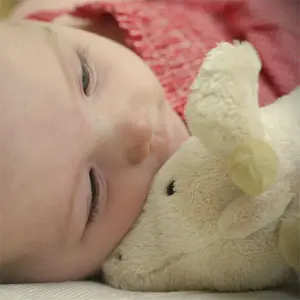
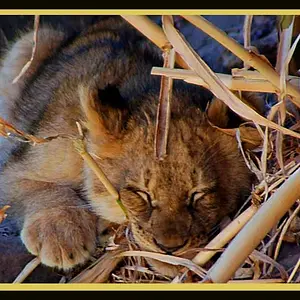
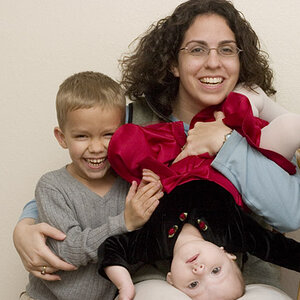
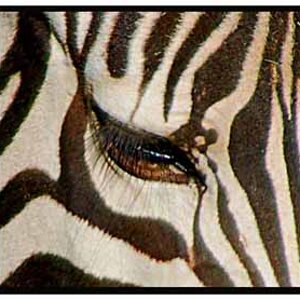
If you're asking what I think you're asking, it's at least partially done by whitening the eye whites more and kicking up the saturation and maybe the contrast a little. That's how I do it anyway. I'm really awful at Photoshop, but I'm trying to learn some of this stuff as well.
You can do a curves adjustment layer, push it up a little, and mask everything but the eyes. If needed, throw a saturation layer on top, push it up a little, then mask. Throw an unsharp mask filter on a copy of your layer at a low percentage, mask everything but they eyes and adjust the opacity if you need to tone it down. Pretty easy adjustments though, just make it look natural, not like a cartoon.



![[No title]](/data/xfmg/thumbnail/37/37101-cf094d75976427b415711e9c9955c8a3.jpg?1734169828)
![[No title]](/data/xfmg/thumbnail/37/37102-ef61523dcb48f0bd3a761c8bb5cea767.jpg?1734169829)