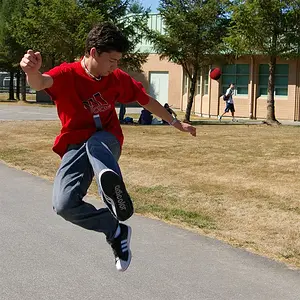
thanks for asking, go ahead and show me your edit. Please tell me what you did though I really want to get better at photoshop. Heres another question, what is sharpening in USM mean?
i dont use Photoshop, so im not sure if it has the same tools as what i do use, PaintShop Pro X.
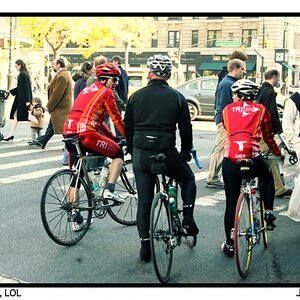
i used the clarify tool to get rid of the hazy look, increased the saturation a little bit (10), whitened the teeth, sharpened the eyes very slightly, bumped up the contrast a little (12), and then used the noise removal tool (35).
after that, i opened the picture in the trial version of LightZone 3 i downloaded and lightened the shadows in their faces and lightened the dark spots around the eyes.
after saving again, i opened it in PaintShop Pro again and decreased the brightness a small amount, sharpened the entire image, and then used the soften tool on a couple spots around the knees and on the boy on the rights neck to get rid of some noise i got from sharpening the entire image, and saved it.
i did the edits last night at 4am, so i may have forgotten a step or 2. it looks a tiny bit smooth IMO, but adding a little bit of noise might help it look a little better.