EhJsNe
TPF Noob!
- Joined
- Nov 23, 2008
- Messages
- 618
- Reaction score
- 1
- Location
- A Riverside Town by Canada
- Can others edit my Photos
- Photos OK to edit
Yeah, it's a great idea.
BTW, anyone got any suggestions on what film is best for general shooting? I know Velvia 50 is great for landscapes but what about just anything?
For general stuff go with anything the store has. I really like Fugi Superia 200, it just looks nice.
You can get some cool effects by buying slide film and having it processed at a negative film palce. (It might be the other way around...or it might work both ways..Ive never personaly done it) Its called "Cross Processing" I love the way it looks, and regularly replicate it in CS4
Ok, the store around here only carry Kodak 400, Fuji 200, and Fuji 400 Superia. I'll have a look at Adorama. The cross processing thing sounds cool, I'll try it. I did a search and it's both ways I think. Also, how is it done in pp? Anyway, thanks for your help!
I prefer Fujifilm for some reason...i dont know why....but whatever the store caries will by good for general stuff...
A lot of image editing programs have a cheasy preset that works if your lazy...
I like using the curves in photo shop to do it.
Heres a tutorial I found, it explains it better than I can...
Adobe Photoshop Tutorial | Digital Photography | Cross Processing | Create High-Contrast Photos | Layers Magazine
Any program that has a curves setting will work, doesnt nescesarily HAVE to be photoshop....
Usually a vignette is also added. Most programs have a tool or filter for doing that.



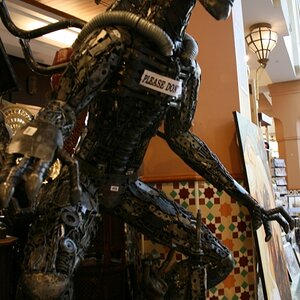
![[No title]](/data/xfmg/thumbnail/37/37097-8fae54adbc44059a8189fcf5e7bb8f76.jpg?1734169828)

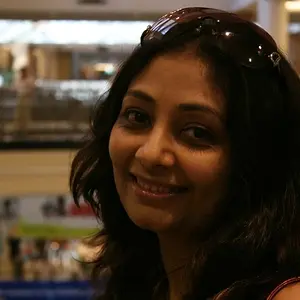
![[No title]](/data/xfmg/thumbnail/37/37094-a3c300cd42f78d01d01fe80c1233002e.jpg?1734169827)
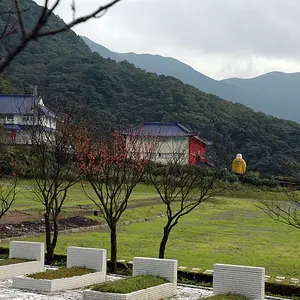
![[No title]](/data/xfmg/thumbnail/37/37091-18fa97e6ac84c47479921254caf164c3.jpg?1734169826)