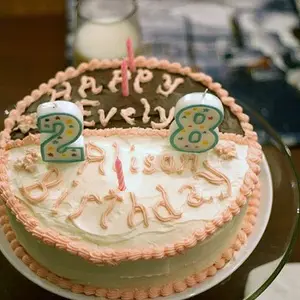
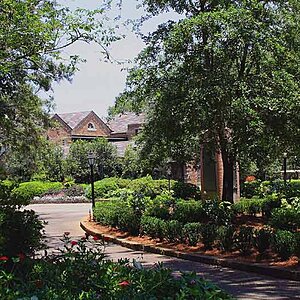
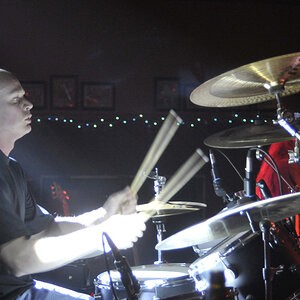
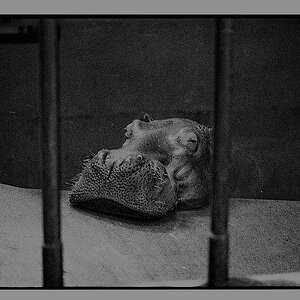
Opher TPF Noob! Joined Aug 7, 2009 Messages 448 Reaction score 5 Location Kitchener ON Can others edit my Photos Photos NOT OK to edit Aug 11, 2009 #1 Hello have wanted to know how to do this for quite a bit. I have an example. I have the gimp and Corel Paint Shop Pro Photo X2 to work with. I prefer working with gimp if i can (Corel is on my other computer) would love any help you can give.(-:
Hello have wanted to know how to do this for quite a bit. I have an example. I have the gimp and Corel Paint Shop Pro Photo X2 to work with. I prefer working with gimp if i can (Corel is on my other computer) would love any help you can give.(-:
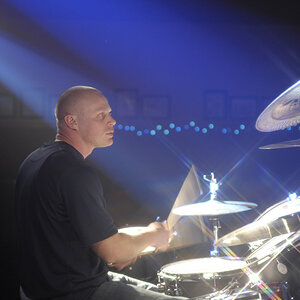
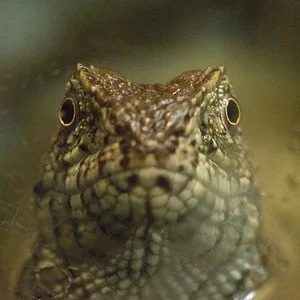
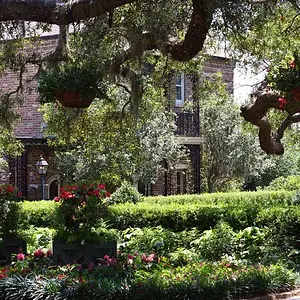
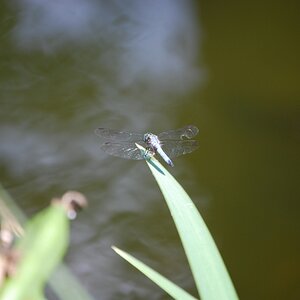
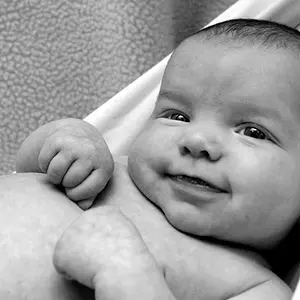
Opher TPF Noob! Joined Aug 7, 2009 Messages 448 Reaction score 5 Location Kitchener ON Can others edit my Photos Photos NOT OK to edit Aug 11, 2009 Thread Starter 🔹 #2 I got it :thumbup: What do you think? It is my first selective B/W. A little bit choppy but it is mostly a test
I got it :thumbup: What do you think? It is my first selective B/W. A little bit choppy but it is mostly a test
fred0000 TPF Noob! Joined Mar 3, 2009 Messages 99 Reaction score 0 Location Nanaimo, BC, Canada Can others edit my Photos Photos OK to edit Aug 11, 2009 #3 Opher, do you think you could post a link or explain how you did it? I was watching this thread in hopes to learning this teqnique aswell. thanks.
Opher, do you think you could post a link or explain how you did it? I was watching this thread in hopes to learning this teqnique aswell. thanks.
Opher TPF Noob! Joined Aug 7, 2009 Messages 448 Reaction score 5 Location Kitchener ON Can others edit my Photos Photos NOT OK to edit Aug 11, 2009 Thread Starter 🔹 #4 There is probably a better way but this is what I did. First off i used the GIMP. (it is what was handy) First i used the "free select" tool to select the part i wanted to keep. Second I went "select" than "Invert" (i think Ctrl i works to) Third I went to "colors" than slid the saturation down all the way. Hope this helped. I am still open for any suggestions
There is probably a better way but this is what I did. First off i used the GIMP. (it is what was handy) First i used the "free select" tool to select the part i wanted to keep. Second I went "select" than "Invert" (i think Ctrl i works to) Third I went to "colors" than slid the saturation down all the way. Hope this helped. I am still open for any suggestions