Re your before & after pics using NIK...
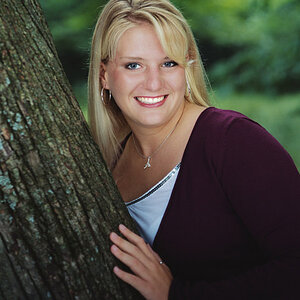
...if you hadn't told me you had applied a skin-softening technique, I'd have been telling you that the after picture was blurred/OOF...
It doesn't look OOF, you can still see each individual stray hair, but as I mentioned, those settings are:
1 - too extreme
2 - improperly adjusted
3 - there is no PS technique that will take 15 years off my mug... lol
But with a little more experience with it, I can see it being a wonderful tool, I just need to get better with it.
There is so much to learn in post processing, like just recently, I took pictures in an auditorium for a school musical where the lighting was horrid (pitch black and a stage with extemely powerful, uneven and different coloured lights). Getting anyone's face to look even passable was a challenge. My first attempts were terrible, but after playing with one picture for over 30 minutes, I had decent results. I now have to do them all over, but thats not what we're really talking about.
There are many ways to do skin softening, and the NIK software is one of the easiest that if you take the time to learn, will give you nice results. Of course, I will also be looking at the other ways as well. I can always create a series of steps and turn it into a PS action to automate that process, if I wishes.







![[No title]](/data/xfmg/thumbnail/37/37602-1ef8dbb1c2d0e4ff347ee65d328c3603.jpg?1734170730)