De-saturate the photo, which will effectively make it B&W.
I agree on a square crop and losing the top wisp but keep the curlicue.
You could also make it a negative so the background becomes white with black smoke in front.
There is a hot pixel and some light wisp to the left of the top swirl that I would Spot Healing Brush out.
I color my smoke photos.
I duplicate the de-saturated Background layer, change the blending mode to Soft Light, select the Brush tool, a color, size the brush, and 'paint' color where I want it.
Since you don't allow editing of your photos here are a couple of mine to show you what that can look like.
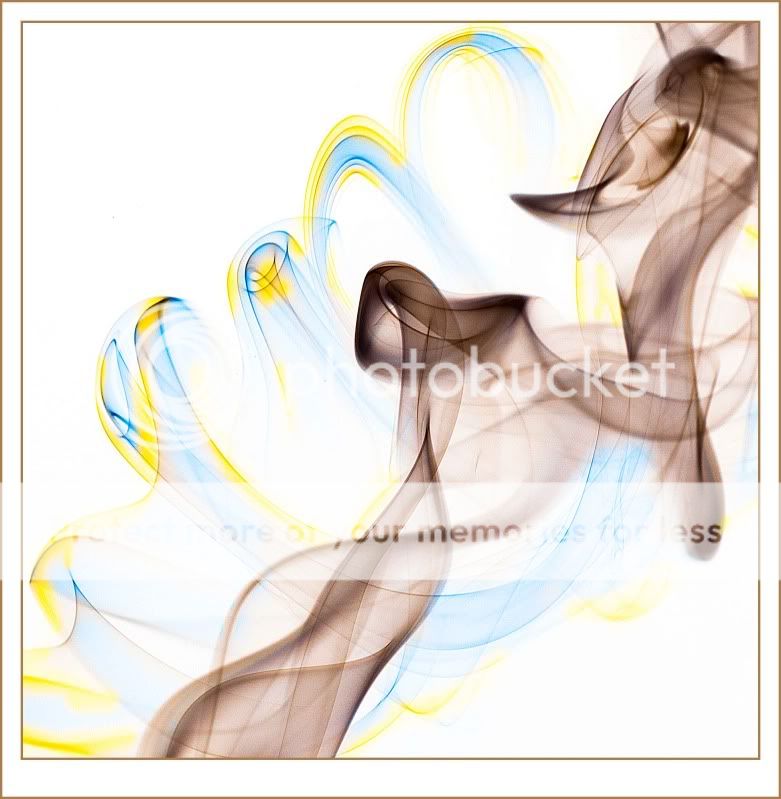
Made into a negative, cropped, colored, and framed:
Scheherazade
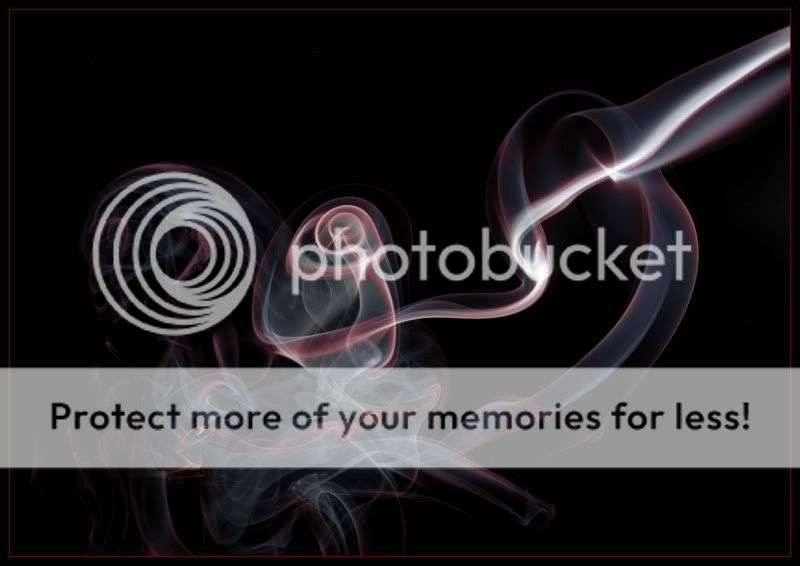
Rotated, cropped, colored, framed:
The Rose


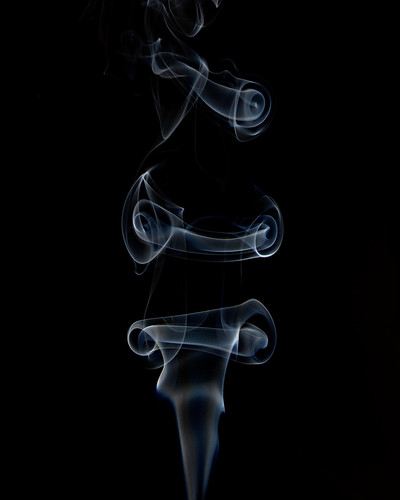 DSC_1337 by n8.iverson, on Flickr





![[No title]](/data/xfmg/thumbnail/40/40287-4f839095000f74d779b90ed75df9dc62.jpg?1734174702)
![[No title]](/data/xfmg/thumbnail/41/41756-e54235f9fba04c8380cd991845bb84b1.jpg?1734176055)