I'm new to photography too, but have been doing computer graphics manipulation as a hobby for a few years. I usually adjust the 'levels' on almost every shot I take. It helps the contrast and helps you direct attention where you want it. If you don't have any photo manipulation software installed you can try the camera's included software, which tends to be bad in my (admittedly limited) experience, or buy photoshop if you have tons of money to spare, or if you want a free program that is like photoshop, try
The GIMP It is a free program that does a lot of what photoshop does.
If you download that you can either just start playing with images (always save an original copy first!) Or google for 'gimp tutorial __________' and fill in whatever interests you!
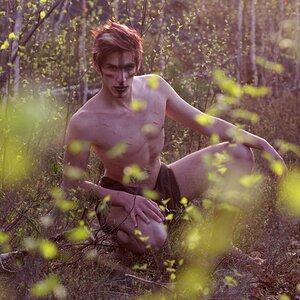
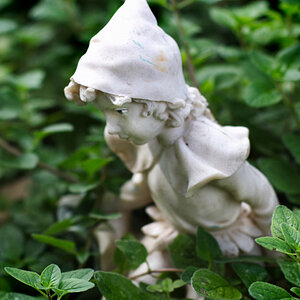
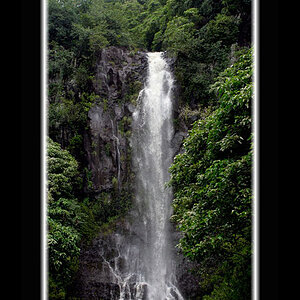
I used levels and filter->UnSharpMask to make the leaves 'pop' and then I cropped it because I like this as a vertical shot that fills the frame, but that's just me... you can try it and make it how you want.
Good luck, and more importantly have fun, image manipulation can be difficult (frustrating) if you are new to it, but if you remember to keep copies of your original images, then no problem! If you prefer there are also lighter weight options like the camera software, or
Picasa which have fewer options and take more control away from you with the goal of making things easier, depends on your needs...
:edit: Also note that many "Photoshop" tutorials are easy to follow along with in GIMP, you just have to cope with differently named menus. :/edit: