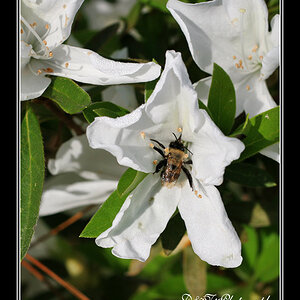
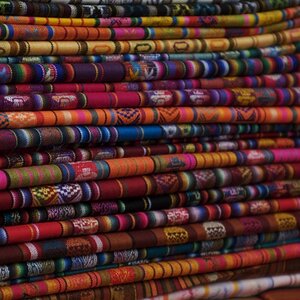
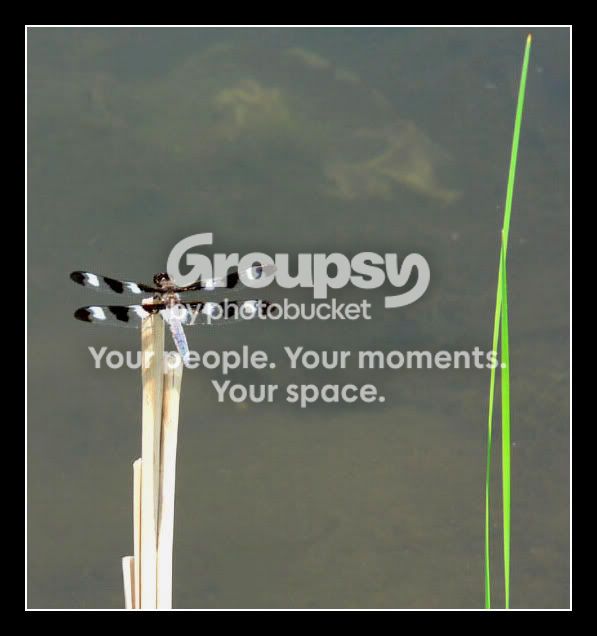
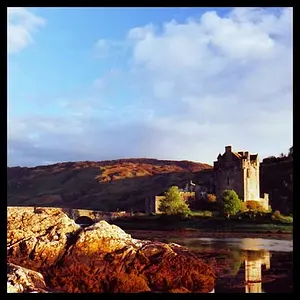
glad you like it. I didnt pay attention to any of the settings sorry, I just turned the saturation up just enough so it didnt blow the colors out, the contrast was just to pull some more white out of the greys and then i compensated by lowering the brightness till the water wasn't so washed out.
the frame is the easiest thin to do in photoshop. remember to set the size of your picture before you start doing the frame (im assuming you know how to do that because this shot is just the right size) go to image> canvas size... (a window will pop up similar to image size) look right at the bottom of the window and you will see canvas extention color: change that to white to make the inner part of the border. Now look where you edit width and height, change where it says inches to pixels. Now add 4 pixels to the width and the height (you can change this to whatever number you like but for your picture i used 4) click OK and you have the inner part of your frame. mow go back and do the same thing but change the color to black, for the black part i added 40 pixels. Hope that made sense, sorry it was so long.
-Joe






![[No title]](/data/xfmg/thumbnail/42/42056-76026251cb5ebb85b4a4d281d36121d8.jpg?1734176440)
![[No title]](/data/xfmg/thumbnail/42/42055-105f2ee23a1fd79c786de42c5578274b.jpg?1734176440)
![[No title]](/data/xfmg/thumbnail/42/42059-61b97bbebb00e6276672551f4e3b3e43.jpg?1734176455)

![[No title]](/data/xfmg/thumbnail/42/42060-f597479f8fd78d4bb4d17e7686fb0812.jpg?1734176459)