What's new

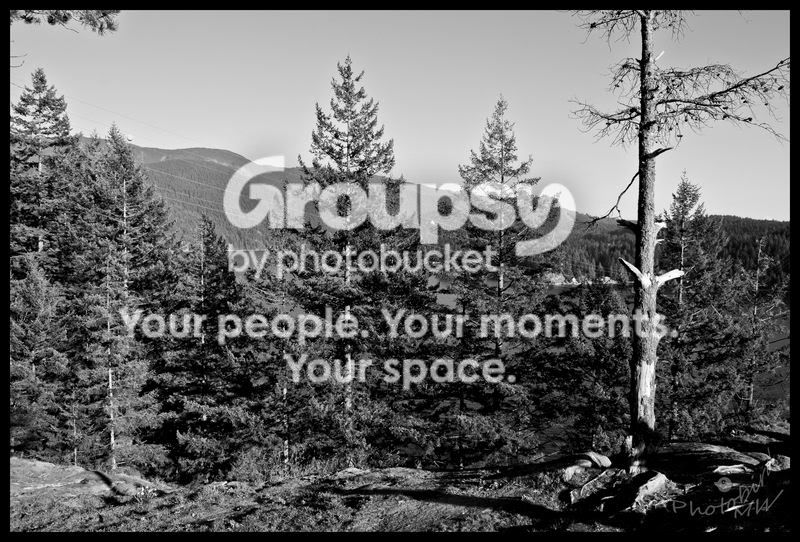
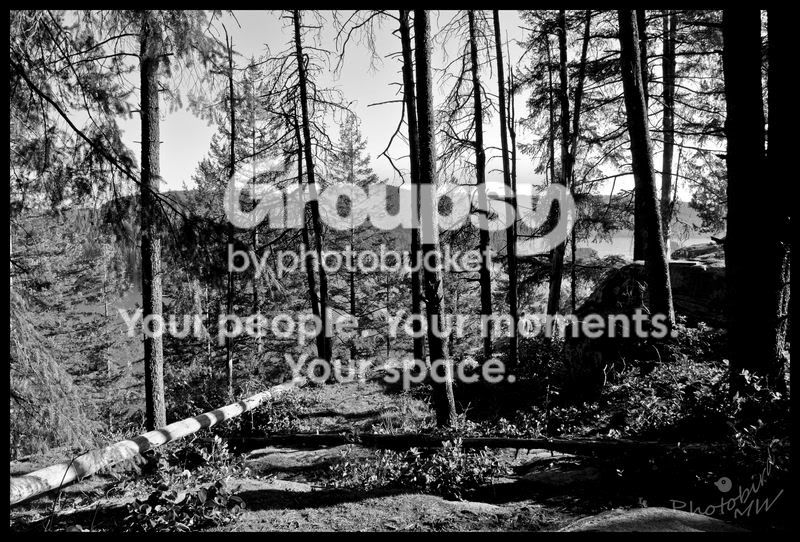
The Hike B&W ---- C&C

FemFugler

TPF Noob!
Joined
Nov 12, 2009
Messages
288
Reaction score
2
Location
Canada
Can others edit my Photos
Photos OK to edit
Ignore the random watermark in the corner, i was playing around with a watermark program and decided to watermark some of my pictures even though my stuff isn't even worth stealing. haha


Personally, i'm not to sure about the black and white... i think one or two of them look ok.... but the rest are ... i don't know i guess they're ok too...

I'll let you guys be the judge of that though. :sexywink:
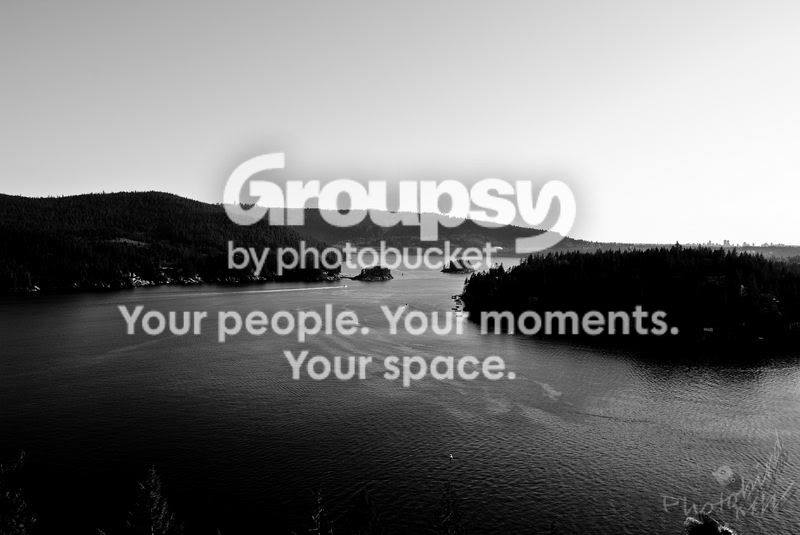

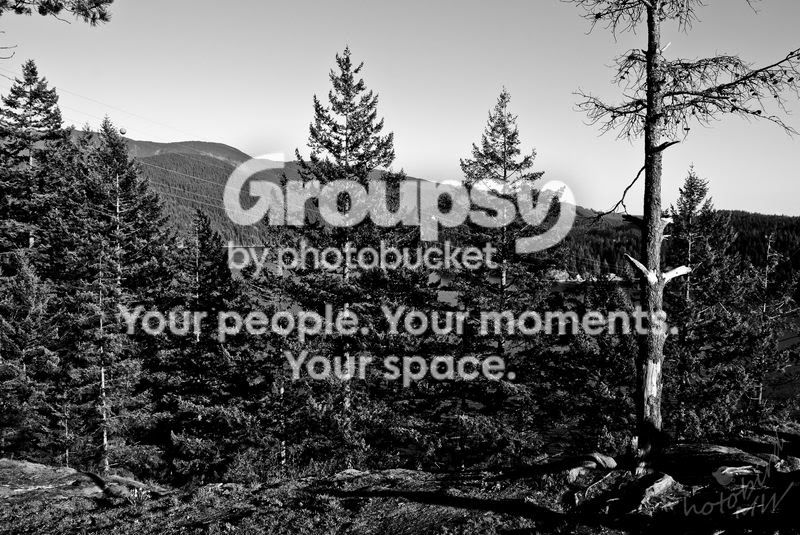
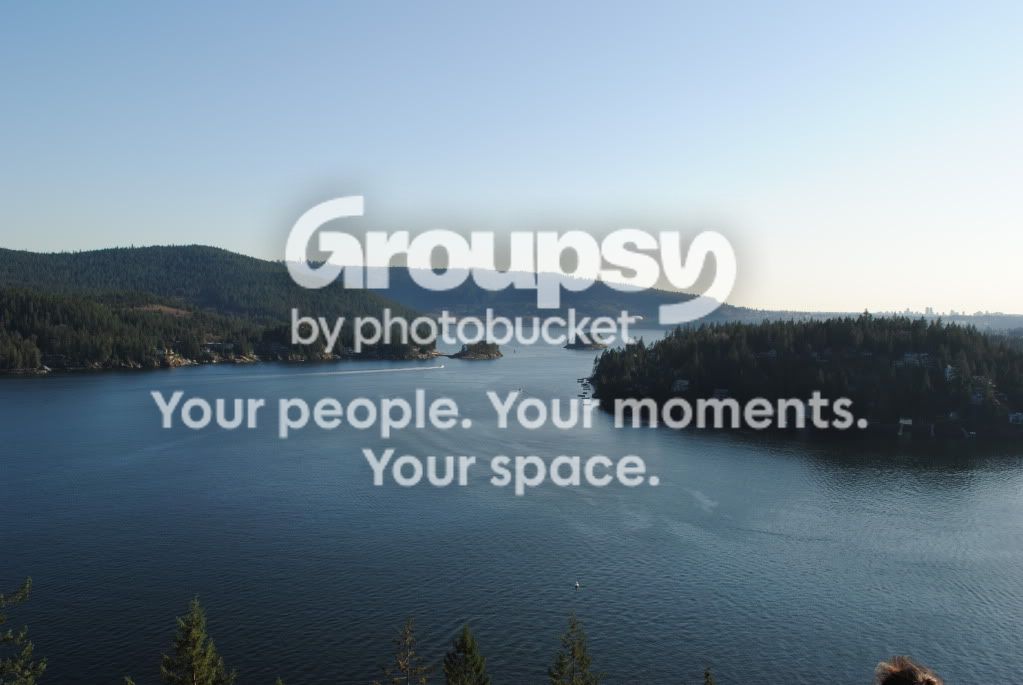
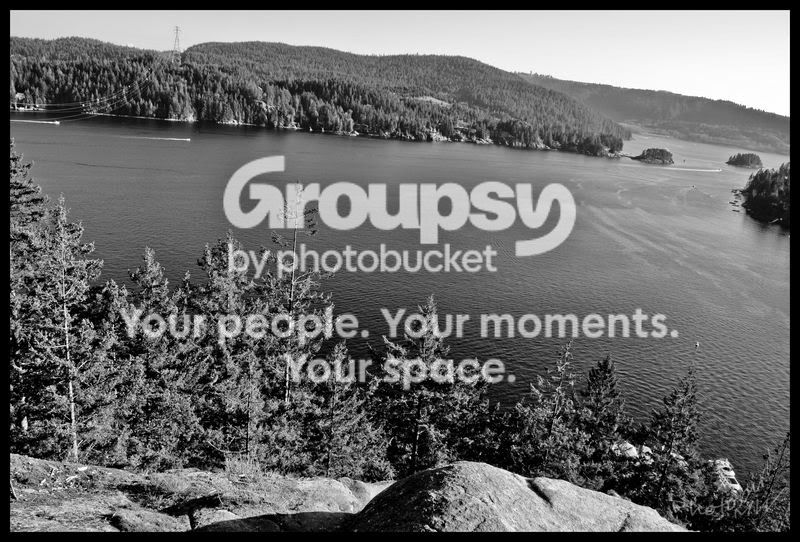
DSC_0254.jpg


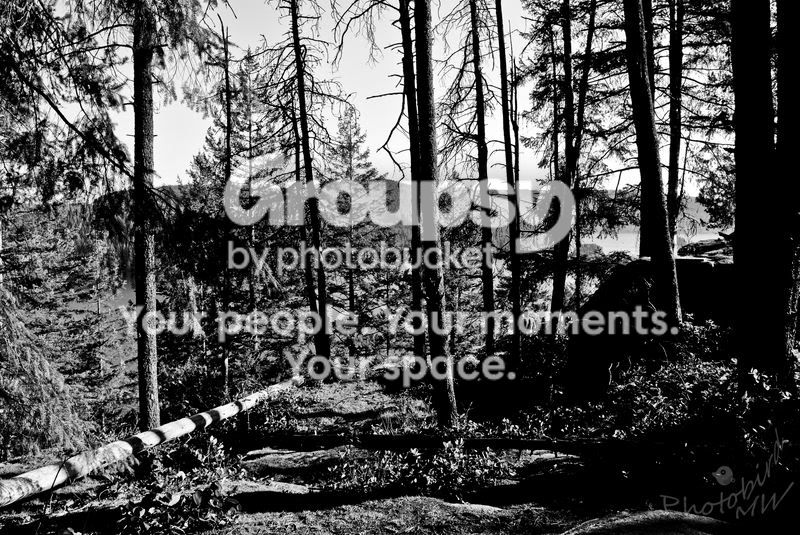
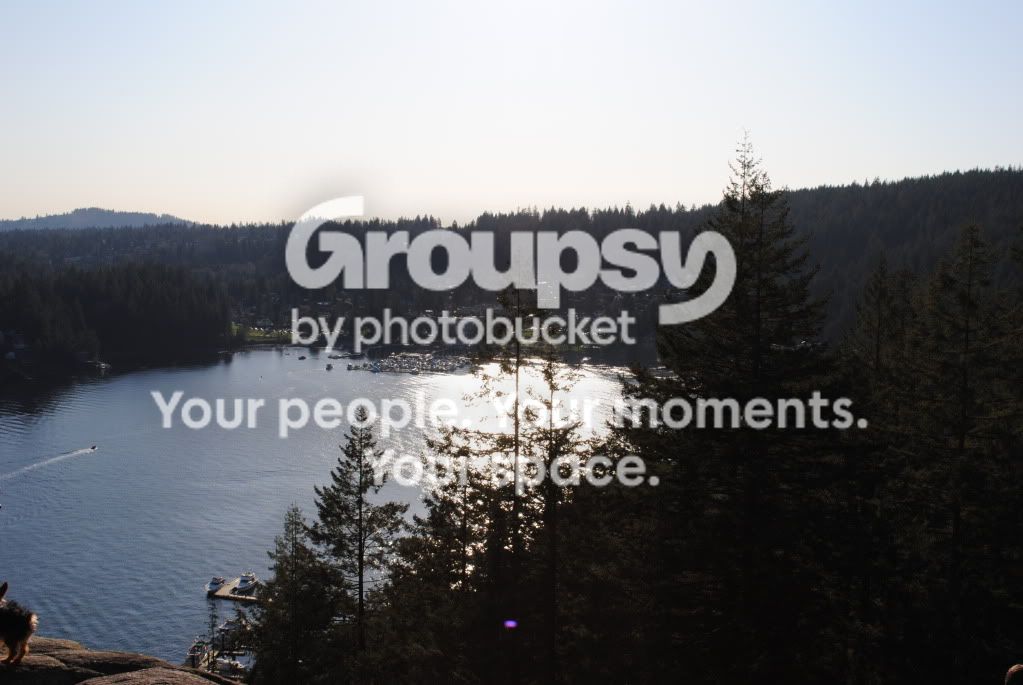
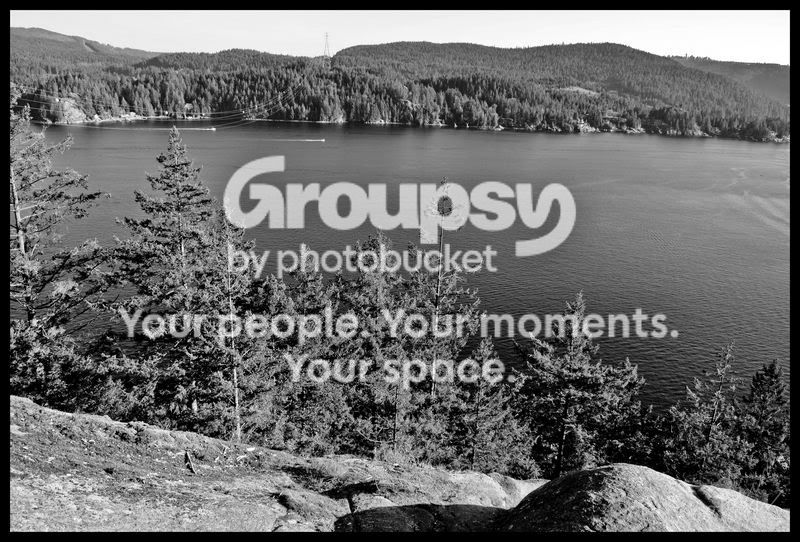
DSC_0239.jpg


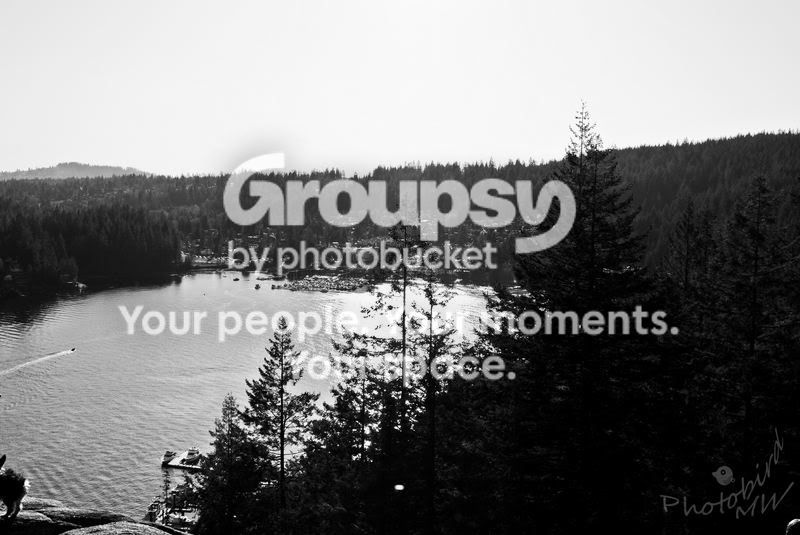
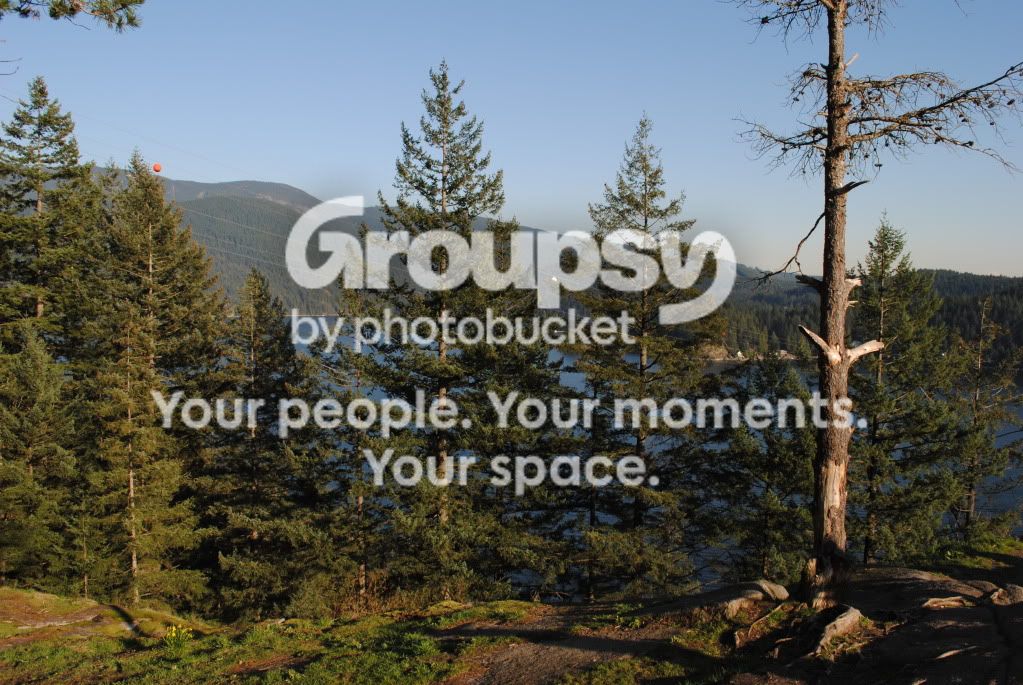
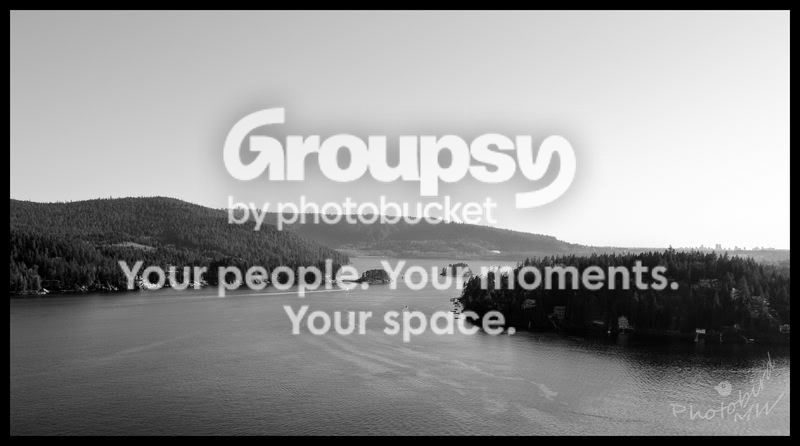
DSC_0238.jpg


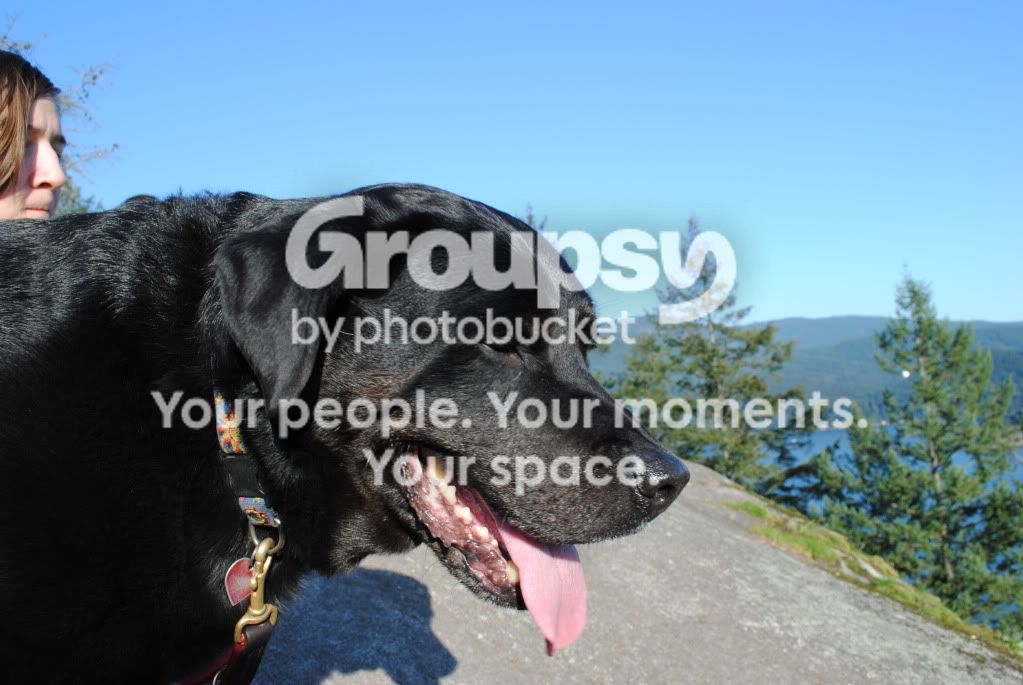
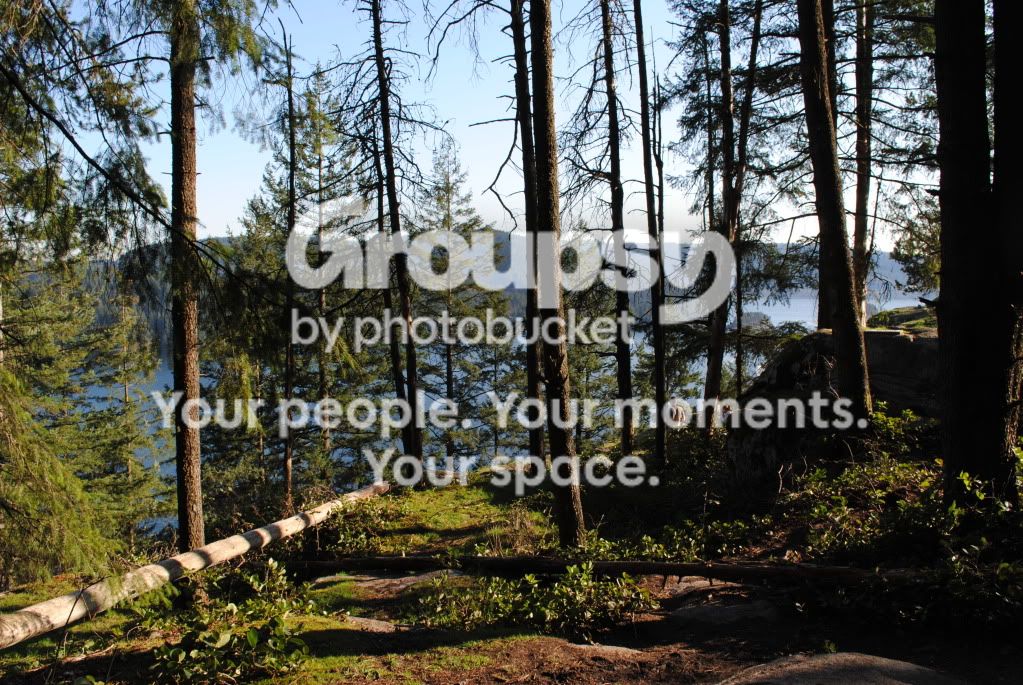
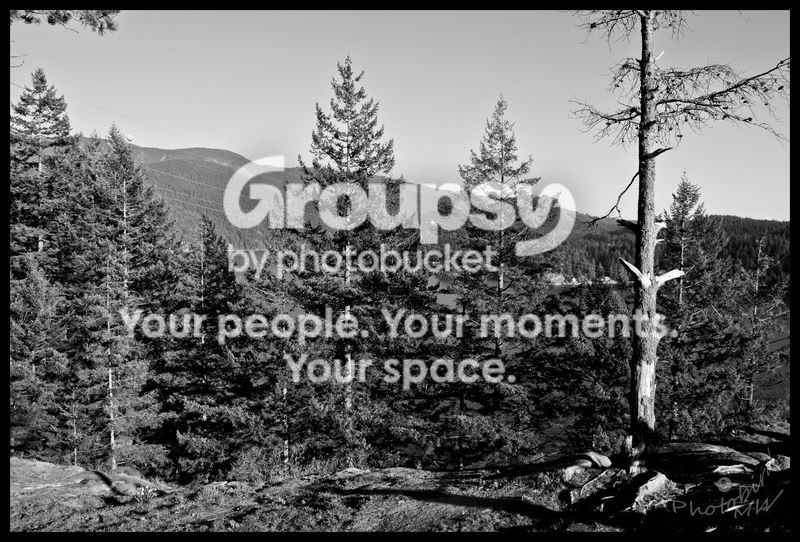
DSC_0245.jpg


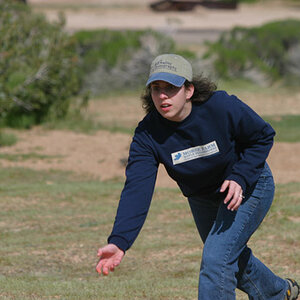
There's another picture of the dog that i like better but part of his tongue was cut off in the photo :( In this one i had to crop my friend's face out of it because the other one the dog's eyes were shut and then there's the other where his tongue was cut off a bit.... So this one was the only half decent one i got of the dog but that's ok because i went up for the view.... haha
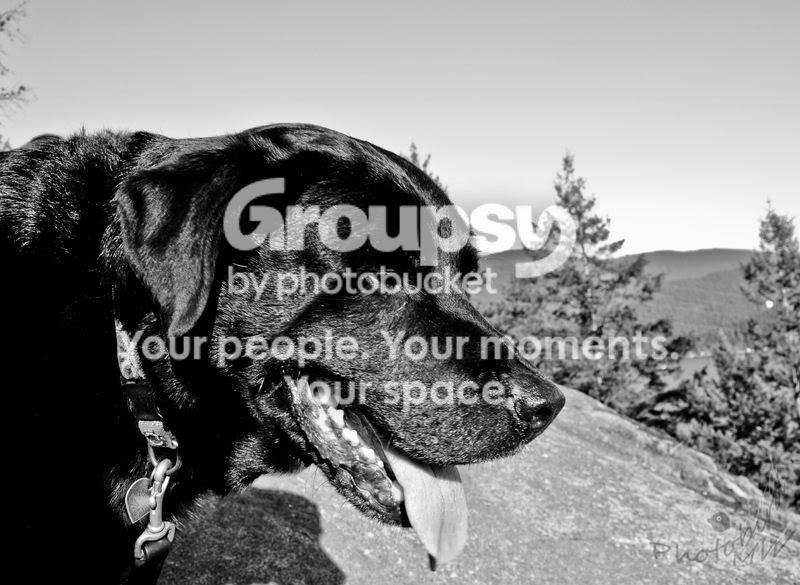
DSC_0285.jpg
 
Last edited:
I'll try and give a few coments. I'm by no means a landscape guy. Landscapes intimidate the hell out of me lol.

They all lack a clear subject. The first and fourth have a sense of depth to them but I think this could have been better portrayed in color. The B&W conversion make them all a bit boring to me. I can't figure out what two and three are about. Trees? Or fallen trees? Did you have a goal in mind for the end product of those shots?

For the last one you put your shadow on the dog and then the direct shadow coming from the sun created and equally distracting shadow from the dog onto the rock. When taking pictures in harsh sun like this try and find a completely shaded spot. The shade will act like a giant diffuser that will give an even light over your subject.

Hope these comments help,
Indeedies
 
I wonder if that is a shadow on the dog or EV issue.
 
Can we see the color versions?
 
I'm uploading the originals now to photo bucket .... just a sec
 
DSC_0285.jpg


DSC_0254.jpg


DSC_0245.jpg


DSC_0239.jpg


DSC_0238.jpg


They aren't edited in lightroom or anything..... the originals.... nothing has been done to them...

For some the exposure settings were a bit off i think...
 
some of the b&w ones just hurt my eyes
 
I agree about the lack of purpose/focal point. You could also try adjusting your cameras settings to make the pictures more 'vivid' (look online, there are a lot of tutorials for this).

Landscapes are really hard. I recently went to the mountains and a lot of my pictures were like this. Got a few good ones though.

-Dave
 
The first one you posted works very well in black and white.

How are you converting these?
 
1,3&4 are a little dark in B&W for me, the others were putty good and the trees had some good looking shadows.
 
Maybe just a bit too contrasty? They have so much going on in them that the contrast just makes your eyes ache
 
The first one you posted works very well in black and white.

How are you converting these?

Converting them to B&W?

I'm using Lightroom.

I've been using the high contrast B&W preset and then adjusting the settings/curve on them so they fit a bit better. Maybe i should have gone with the low contrast one or skipped the preset and just made it B&W myself through the curve/settings or used a different program? Would it make a difference if i used photoshop? or should i just make them in colour... or perhaps just lighten them so they're not so dark in B&W?

Ya, i think some of them are a bit too harsh the more that i look at them, the more i see it.
 
AHAH... I figured as much.

I would leave the preset alone and make your own B&W using the tone curve and then the HSL section.
You can desaturate it in a more controlled manner, controlling all the colors in the scene separately. Mucho better that way.
 
Are these a bit better?

DSC_0266.jpg


DSC_0265.jpg


I cropped this one a bit....
DSC_0254-2.jpg


DSC_0239.jpg


DSC_0239-2.jpg


DSC_0238-2.jpg
 
AHAH... I figured as much.

I would leave the preset alone and make your own B&W using the tone curve and then the HSL section.
You can desaturate it in a more controlled manner, controlling all the colors in the scene separately. Mucho better that way.

Thank you, i will try that out and keep that in mind. :)
 

Create an account or login to comment

You must be a member in order to leave a comment

Create account

Create an account on our community. It's easy!

Log in

Already have an account? Log in here.

Back
Top Bottom