What's new

thin green line on negative scans

I had the same problem with my V600 and was searching for the solution when I found your post. I cleaned the flatbed glass, the transparency glass in the lid and took a can of dust off and blasted the film holder and all of its little calibration holes with it. After a thorough cleaning, the purple line went away. It is definitely a dust or debris problem. Hope this helps.

BZ
 
GAH! The green line just started showing up for me too. This is the first I've seen of it, and I've scanned thousands of frames with this scanner. And I just cleaned it today too...

It is not on every frame though...
 
GAH! The green line just started showing up for me too. This is the first I've seen of it, and I've scanned thousands of frames with this scanner. And I just cleaned it today too...

It is not on every frame though...

Oh, no...Josh, you didn't watch that videotape "The Circle" within the last 24 hours, did you??? [wink] If you did---your scanner is going to die within the next day!!!!!!!!! Ack!!!!!!
 
Too early to say for sure, but it seems to be related to boosting the exposure in the scanner. Frames that were a little under exposed had it, but properly exposed ones didn't.
 
I deleted most of the ones it showed up on, but here are three-


2011112811 by J E, on Flickr

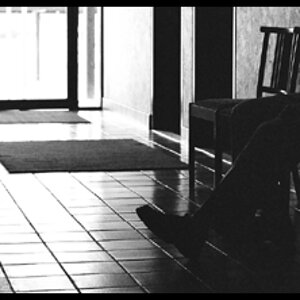
It's there on B&W too, but it's obviously not green-


2011112820 by J E, on Flickr


2011112821 by J E, on Flickr


Roughly center of frame (the line is horizontal) on the B&W ones. Now that I see it on the B&Ws, I have seen it before, but didn't make the connection.

I keep my scanner pretty clean, so I don't see how it could be dust or anything...
 

Create an account or login to comment

You must be a member in order to leave a comment

Create account

Create an account on our community. It's easy!

Log in

Already have an account? Log in here.

New Topics

Back
Top Bottom