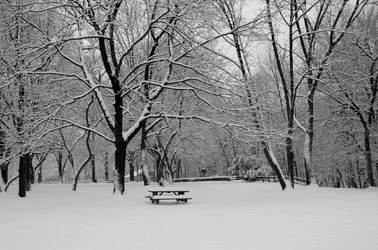
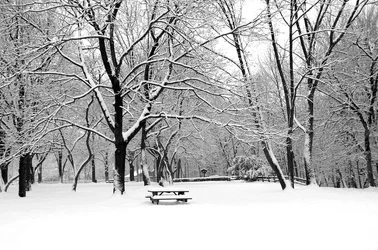
serene image... although it is underexposed a bit. Whites are grey! Contrast is cranked up a bit too.
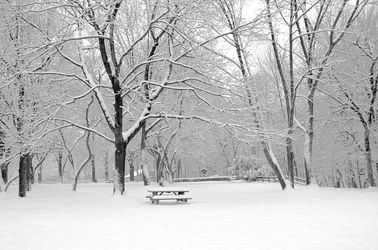
Here is an edit.. I reduced contrast, so I could keep some detail in the snow and in the trees... and then increase brightness a good bit. Keep in mind that your meter will always try to turn a predominantly white scene into Grey... that is the way it works. Add a stop or two of exposure comp to compensate.
edit (still not !00% white.. as all detail would be gone) If you do not calibrate your monitor, it may be set too bright.. and makes your original look good to you.
original
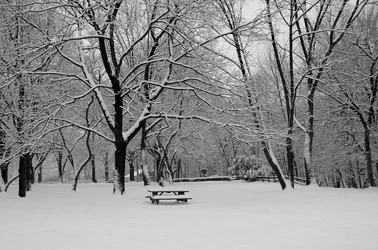
yet another edit... left the high contrast, but brightened foreground to WHITE.. so you could see the difference...




![[No title]](/data/xfmg/thumbnail/40/40356-883c642c8d24d2709b359f9c8b196fcf.jpg?1734174788)
![[No title]](/data/xfmg/thumbnail/31/31086-ae0d6678ca78859132ce5375d5300961.jpg?1734159204)
![[No title]](/data/xfmg/thumbnail/42/42026-4f14b406e4eb9c886f454721fb021fba.jpg?1734176410)