What's new

Three full days of taking photos of my boyfriend on his bike.

Jelinekjava415

TPF Noob!
Joined
Apr 25, 2012
Messages
22
Reaction score
0
Location
Washington State
Can others edit my Photos
Photos OK to edit
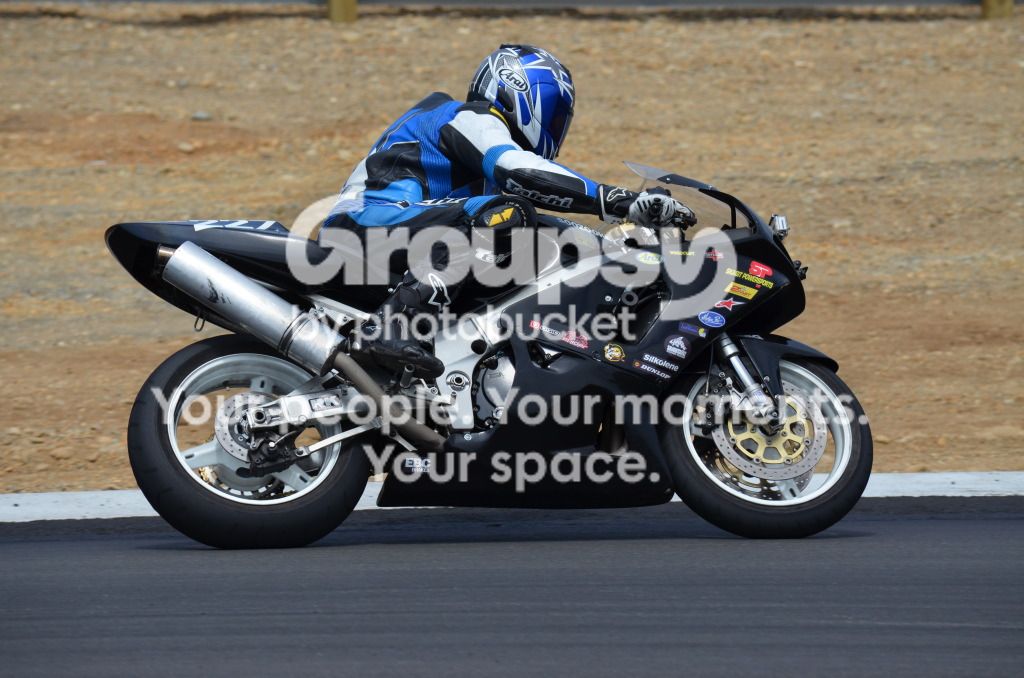
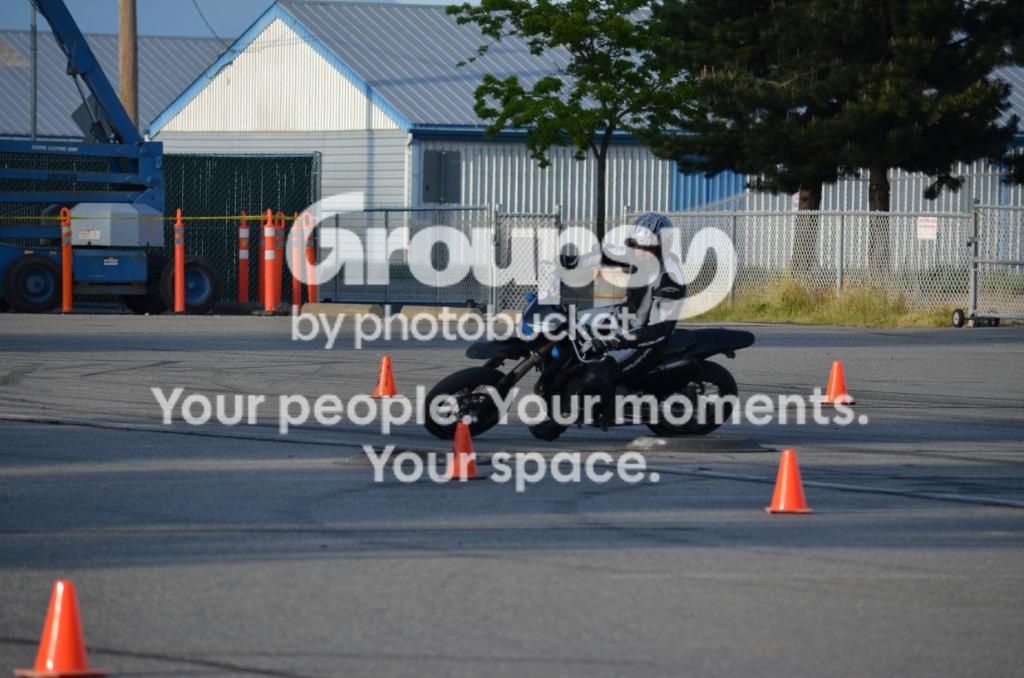
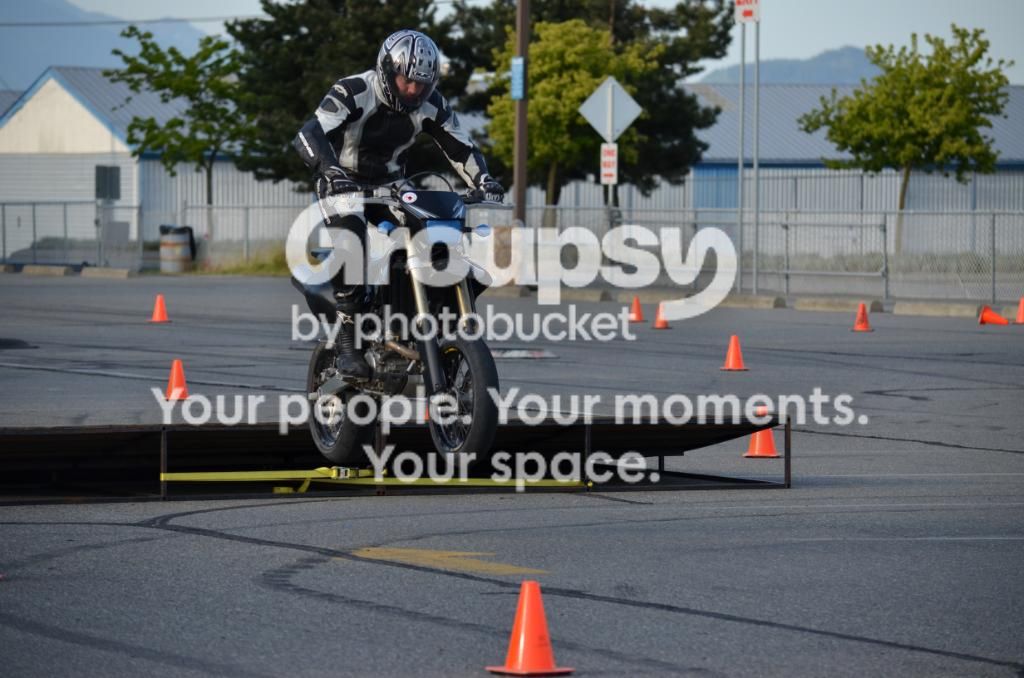
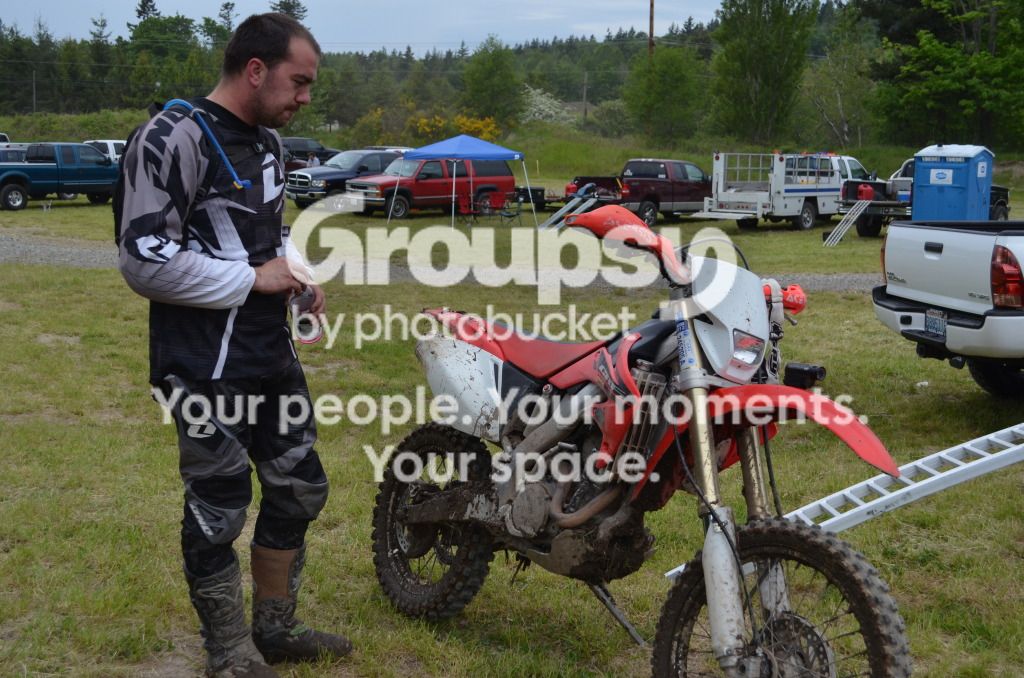
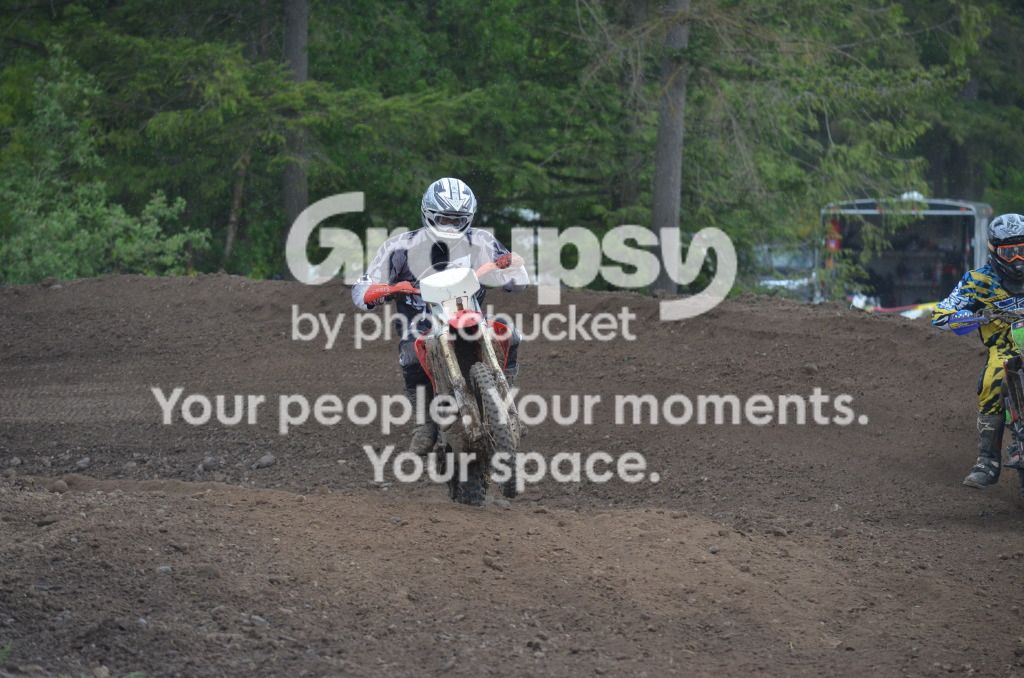
So this weekend, I went with my boyfriend to three different track days. They were all awesome and completely different. First day out we heading down to the new Shelton track called The Ridge. I practiced my panning and got pretty good at it near the end, since I took more than 700 photos. The next day we went up to The Tradex Center in Canada where I practice his jump photos in the dirt part of the track. There was a cement part and a dirt part. Very interesting track. Yesterday we went to Hannegan Speedway and he was riding his dirtbike on this day. Got some good shots of him trying to jump and his turns. Crazy three days of fun! Thanks for the tips on panning everyone. How about the dirtbike pictures? Would that be the same thing??

Here is a couple from the first day:
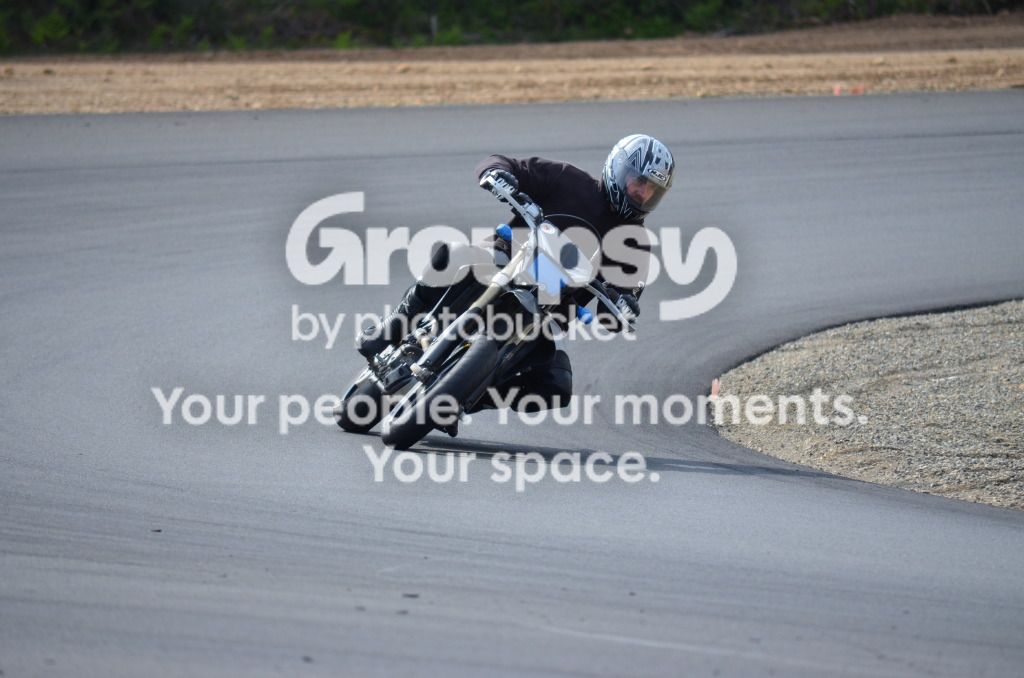
theridge716.jpg

theridge673.jpg

theridge688.jpg


Here is a couple from day two:
bcsm064.jpg

bcsm074.jpg


Here is the last day:

hannegan005.jpg

hannegan131.jpg

hannegan067.jpg
 
IMO, these are slightly underexposed and low contrast and would benefit from reprocessing.

Added contrast selectively, motion blurred background, sharpened selectively

$theridge673llllllllll.webp

added some rotational blur on the wheels blur that's a mixed result.

$theridge673rorational.webp
 
Last edited:
If by panning you are referring to the effect whereby the subject is sharp and the background is blurred, you need to use a much slower shutter speed. 1/1250 s is very fast...much too fast to allow for motion blur. In fact, at 1/1250 s, these very same images theoretically could have been achieved with no panning technique whatsoever. Close your aperture down some and/or use a lower ISO value to achieve a slower shutter speed while maintaining proper exposure.
 
If by panning you are referring to the effect whereby the subject is sharp and the background is blurred, you need to use a much slower shutter speed. 1/1250 s is very fast...much too fast to allow for motion blur. In fact, at 1/1250 s, these very same images theoretically could have been achieved with no panning technique whatsoever. Close your aperture down some and/or use a lower ISO value to achieve a slower shutter speed while maintaining proper exposure.

That is what I was meaning.....don't understand changing the numbers though. Still learning about camera. :P
 
would have been a great time to practice panning... especially 2, 3.
 
If by panning you are referring to the effect whereby the subject is sharp and the background is blurred, you need to use a much slower shutter speed. 1/1250 s is very fast...much too fast to allow for motion blur. In fact, at 1/1250 s, these very same images theoretically could have been achieved with no panning technique whatsoever. Close your aperture down some and/or use a lower ISO value to achieve a slower shutter speed while maintaining proper exposure.

That is what I was meaning.....don't understand changing the numbers though. Still learning about camera. :P

would have been a great time to practice panning... especially 2, 3.

That's what I got to do all day that day. Took 703 photos too.

If you want to learn about the camera, I humbly suggest you slow down. By taking 703 photos, you probably didn't really practice anything much beyond looking through the view finder and pressing the shutter release. Beyond those two things, "changing the numbers" is essentially the whole point. Make purposeful adjustments to individual camera settings, take pictures of a scene, and observe how the different exposure parameters influence the final photograph. I suspect that busting off 703 photos in one day did not allow you the time to learn much of anything.
 
If you want to learn about the camera, I humbly suggest you slow down. By taking 703 photos, you probably didn't really practice anything much beyond looking through the view finder and pressing the shutter release. Beyond those two things, "changing the numbers" is essentially the whole point. Make purposeful adjustments to individual camera settings, take pictures of a scene, and observe how the different exposure parameters influence the final photograph. I suspect that busting off 703 photos in one day did not allow you the time to learn much of anything.

That makes complete sense. I just love taking photos, but I think I need to get better at learning about "how to" really take a photo properly. Thanks for the fab advice. :)
 
I owe it to you to further explain that understanding "changing the numbers" is merely to understand the technical side of being a competent photographer. For this, there are many great books available, including the frequently recommended "Understanding Exposure" (google it). The other side is artistic, which incidentally has both formal "rules" and technical components that are equally worthy of development and study. For this, I enjoyed reading "Within the Frame: The Journey of Photographic Vision".
 
I owe it to you to further explain that understanding "changing the numbers" is merely to understand the technical side of being a competent photographer. For this, there are many great books available, including the frequently recommended "Understanding Exposure" (google it). The other side is artistic, which incidentally has both formal "rules" and technical components that are equally worthy of development and study. For this, I enjoyed reading "Within the Frame: The Journey of Photographic Vision".

Thanks for the book ideas. I will definitely check them out.
 
IMO, these are slightly underexposed and low contrast and would benefit from reprocessing.

Added contrast selectively, motion blurred background, sharpened selectively

View attachment 9249

added some rotational blur on the wheels blur that's a mixed result.

View attachment 9254

That's a really good job you've done, now to apply these tips with my own work..
 

Create an account or login to comment

You must be a member in order to leave a comment

Create account

Create an account on our community. It's easy!

Log in

Already have an account? Log in here.

New Topics

Back
Top Bottom