What's new

Trip to the Gardens | Flower Set

macpro88

TPF Noob!
Joined
Aug 11, 2011
Messages
355
Reaction score
33
Location
Ohio, USA
Can others edit my Photos
Photos OK to edit
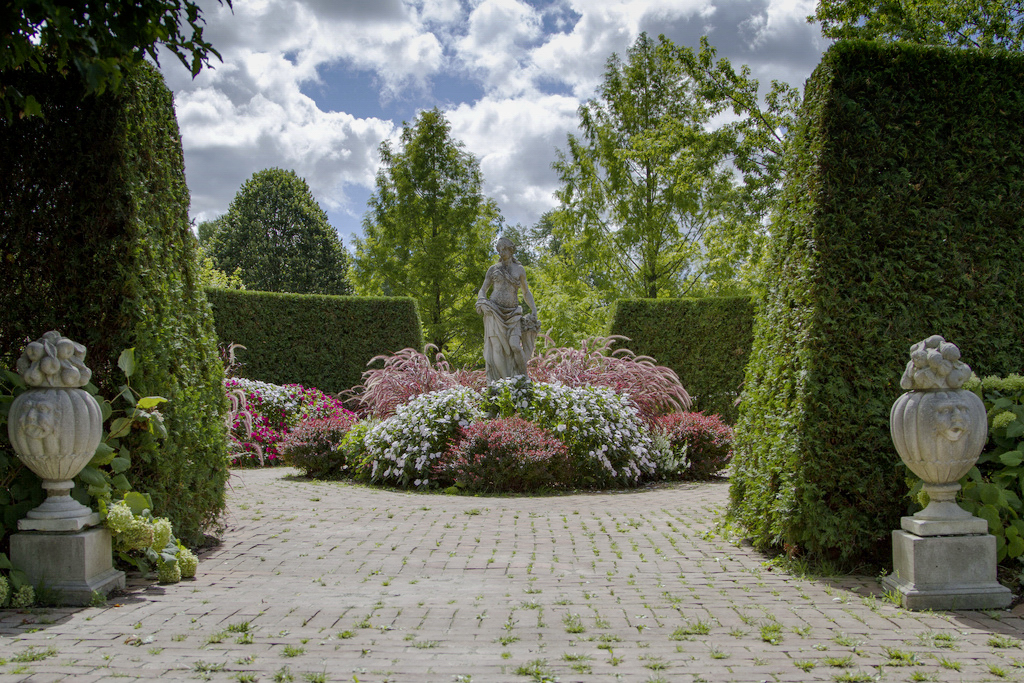
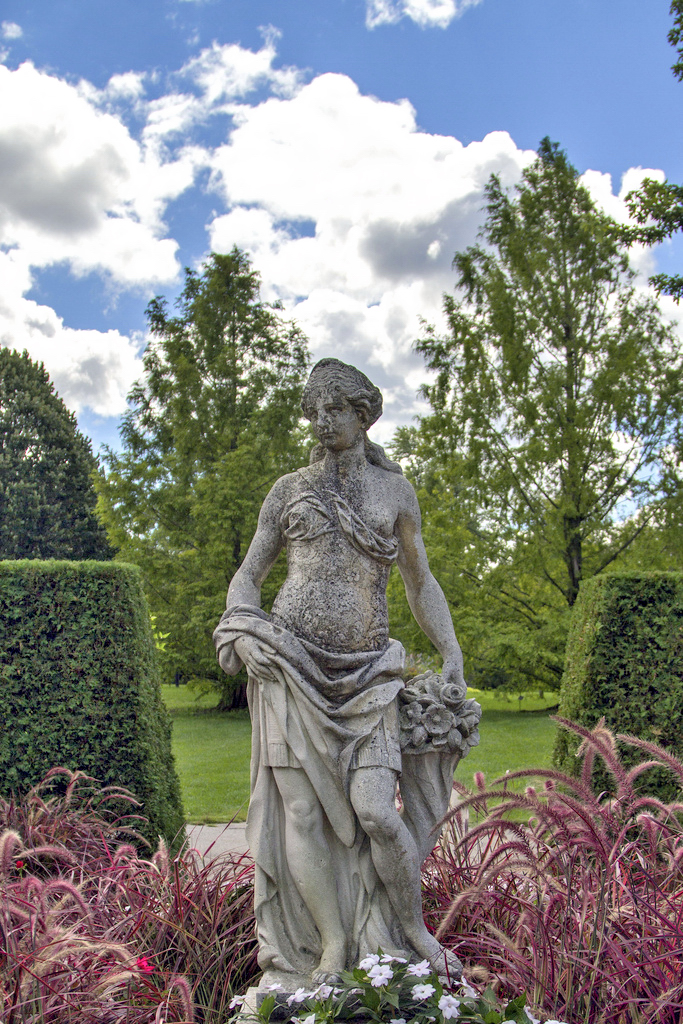
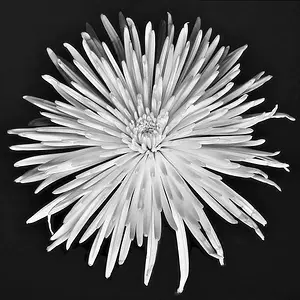
Made a morning trip to the local gardens here in Toledo, OH (Toledo Botanical Gardens).

Have quite a few I'll eventually get up, but here are some flowers that I enjoyed and a statue.

Feel free to C&C (and by C&C, let me have it if you see room for improvement!)! I hope my shots show improvement! I'm pretty sure all my shots here I had my ND .9 on.
1.

IMG_6639 by macpro88, on Flickr
2.

IMG_6637 by macpro88, on Flickr
3.

IMG_6634 by macpro88, on Flickr
4.

IMG_6626 by macpro88, on Flickr
5.

IMG_6608 by macpro88, on Flickr
6.

IMG_6611 by macpro88, on Flickr

And my personal favorite from the whole day:
Sun made from glass, yes, glass. The background is the side of a building and I think provides a perfect back drop. I cloned out the pole holding it up so it looks like its floating :)
7.

IMG_6663 by macpro88, on Flickr
 
I LOVE number 7
 
Agree, #7 is very nice, I feel the square crop was a logical choice. The others don't do too much for me.
 
Agree, #7 is very nice, I feel the square crop was a logical choice. The others don't do too much for me.

Thanks! And the rest don't do good with the square crop or you just don't care for the images themselves?
 
I did some tonal contrast/graduated nd filter to reduce the overexposed sky and added a blurred vignette to give weight to the center on number 5:

$7958853060_83da08bf79_bedit1.webp
 
I did some tonal contrast/graduated nd filter to reduce the overexposed sky and added a blurred vignette to give weight to the center on number 5:

View attachment 19770

The sky does look a little better, how did you do that?

And I don't personally care for the vignette.

Thanks for sharing!
 
5 and 6 look a bit underexposed to me. I think you were trying to hard to get the sky and missed the foreground.

7958853060_83da08bf79_b.jpg


7958851510_1daf57abec_b.jpg
 
Last edited:
5 and 6 look a bit underexposed to me. I think you were trying to hard to get the sky and missed the foreground.

7958853060_83da08bf79_b.jpg

Nice edit, thank you! Yes, it was a lovely day this morning and I had always blown out my skies in the past, so I did try a little harder in getting properly exposed skies, and seemed to have neglected bringing out the foreground a bit in post.

Still a noob to post processing, but since that's a jpeg (im used to using ACR to adjust tones and highlights and stuff) how did you go about editing this?
 
Nice edit, thank you! Yes, it was a lovely day this morning and I had always blown out my skies in the past, so I did try a little harder in getting properly exposed skies, and seemed to have neglected bringing out the foreground a bit in post.

Still a noob to post processing, but since that's a jpeg (im used to using ACR to adjust tones and highlights and stuff) how did you go about editing this?

I added the second one after you posted ;) Sorry about that.

I just adjusted the curves to bring out the darker tones without changing the lighter tones. All I did was to raise the curve on the dark side of the histogram until everything looked right. No magic to it, just an eyeball estimate. That softened the contrast of both images so I added a little contrast back to compensate.

Edit ... On looking at them I did manage to blow out some of the sky. I did the opposite of you, I was more concerned with the foreground and didn't pay attention to the sky ;)
 
Nice edit, thank you! Yes, it was a lovely day this morning and I had always blown out my skies in the past, so I did try a little harder in getting properly exposed skies, and seemed to have neglected bringing out the foreground a bit in post.

Still a noob to post processing, but since that's a jpeg (im used to using ACR to adjust tones and highlights and stuff) how did you go about editing this?

I added the second one after you posted ;) Sorry about that.

I just adjusted the curves to bring out the darker tones without changing the lighter tones. All I did was to raise the curve on the dark side of the histogram until everything looked right. No magic to it, just an eyeball estimate. That softened the contrast of both images so I added a little contrast back to compensate.

Edit ... On looking at them I did manage to blow out some of the sky. I did the opposite of you, I was more concerned with the foreground and didn't pay attention to the sky ;)

haha, awesome, thank you, I'll play around in the photoshop haha

thanks again!
 
haha, awesome, thank you, I'll play around in the photoshop haha

thanks again!
I think you can do a lot better than I did if you put a bit of time into them. Each of those edits took about 30 seconds and it's obvious in the end results. It does give an idea of what can easily be done though, and that was the intent.
 
haha, awesome, thank you, I'll play around in the photoshop haha

thanks again!
I think you can do a lot better than I did if you put a bit of time into them. Each of those edits took about 30 seconds and it's obvious in the end results. It does give an idea of what can easily be done though, and that was the intent.

lol indeed, sometimes I rush through (unintentional) with my edits, need to be a bit more mindful sometimes cause I know some of my shots could look a lot better in post if I took the time. still finding that balance of not being overwhelmed by the amount of pictures taken and weeding through the bad ones and then finally editing the ones I like.
 
I did some tonal contrast/graduated nd filter to reduce the overexposed sky and added a blurred vignette to give weight to the center on number 5:

View attachment 19770

The sky does look a little better, how did you do that?

And I don't personally care for the vignette.

Thanks for sharing!

I did the work with Nik Software's Color Efex Pro. Cumulus cloud tops typically get blown out. This photo might have been good for HDR processing, too.
 
I did some tonal contrast/graduated nd filter to reduce the overexposed sky and added a blurred vignette to give weight to the center on number 5:

View attachment 19770

The sky does look a little better, how did you do that?

And I don't personally care for the vignette.

Thanks for sharing!

I did the work with Nik Software's Color Efex Pro. Cumulus cloud tops typically get blown out. This photo might have been good for HDR processing, too.

I need to start keeping in mind when I can actually use HDR lol slowly learning
 

Create an account or login to comment

You must be a member in order to leave a comment

Create account

Create an account on our community. It's easy!

Log in

Already have an account? Log in here.

New Topics

Back
Top Bottom