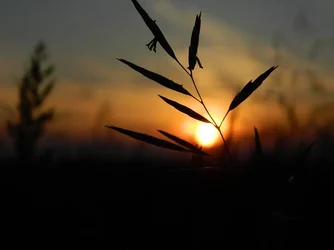
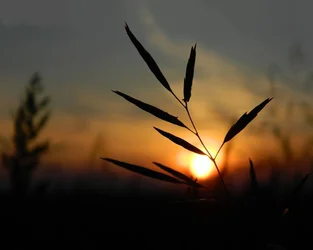
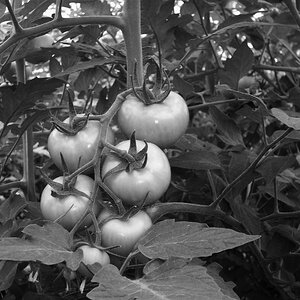
Lew's really does fix it up. Gets rid of the too much dark space at the bottom at restores the plant tip. (How did you do that Lew?)
This is easily done a couple of ways but certainly the very easiest is using content aware fill
First use the crop tool to extend the image and reframe it.
Then define and copy a sizeable chunk including the space to be filled and the abutting area you want to use as a model to a new layer - AND SHUT OFF THE BASE LAYER so it is not considered in the calculations.
Most important - erase the parts you don't want to be considered in the content calculations. This can be done roughly with no harm
Then reselect the area you want filled and do a 'content aware fill' (Shift F5) and that will give you a potential fill. If you don't like it, try again.
When you get one you like, turn on the base layer and merge the two layers.
Now use a channel mask to isolate another leaf end, select and copy that to a new layer and move it into place.
I copied the green channel.
using levels and curves adjustments I made this into a perfect mask to cut out a piece of another leaf end.
For more detail on making and using channel masks, do a search for tutorials.
They are incredibly useful for making finely detailed and even fast masks.







![[No title]](/data/xfmg/thumbnail/37/37605-90c8efaef5b7d1f52d4bf8e7dfd33673.jpg?1734170732)




![[No title]](/data/xfmg/thumbnail/37/37604-7ad625e983f92f880eb65a264eeef5e4.jpg?1734170732)