pookers
TPF Noob!
- Joined
- Jun 19, 2011
- Messages
- 1
- Reaction score
- 0
- Can others edit my Photos
- Photos OK to edit
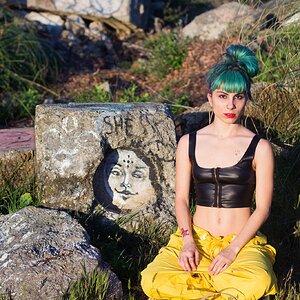
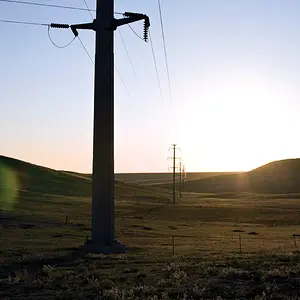
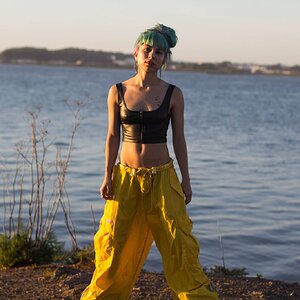
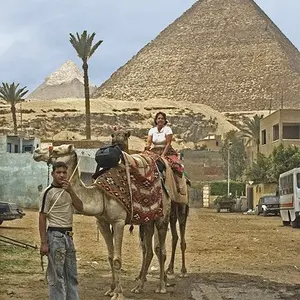
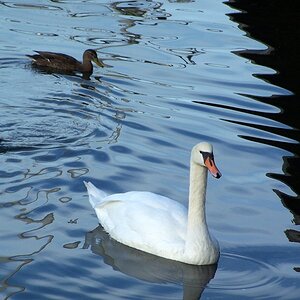
Recently I've been getting these weird pixelated colored spots in my photographs. I'm not sure if it is caused by post processing (I use a plug-in for GIMP), or my camera Canon Rebel T1-i. I don't think it happened before, so I think it is a settings or a post processing effect that is causing it. Any ideas? I shoot in RAW and most of the affected pictures were taken with flash indoors, but the first one was not taken with flash. I found that if I changed the pictures to black and white or sephia the pixels blended back in. The first one there is weird green pixelation under her chin and pink pixelation on her blue shirt. The second one the pixelation is particularly bad on her shirt.



![[No title]](/data/xfmg/thumbnail/34/34146-9d096c80a1d288ea11e1f171a226bc3c.jpg?1734164730)
![[No title]](/data/xfmg/thumbnail/34/34147-1d3c1583c083bc674df087f4aa2ec7cb.jpg?1734164731)
![[No title]](/data/xfmg/thumbnail/34/34145-b89ccc67a24004d6d7a9026a7395914b.jpg?1734164727)