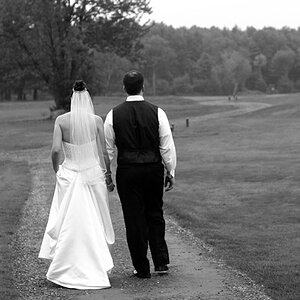
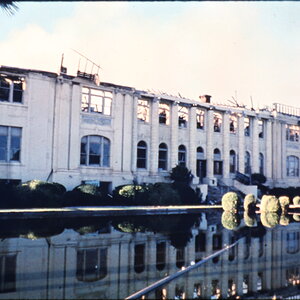
that works with some lenses better then others. sometimes tweaking color levels helps if its really bad, but just make sure it doesnt change the photos colors too much
I don't believe so...I found the tab that hides the CA corrector and then under the HSL/Grey Scale tab adjusted the blue and red sliders...then did a slight high-pass sharpening and that is the outcome...it is a crop from what a 300mm can actually do...here is the original...
In PS...
After opening your image in Photoshop, go to Filter -> Distort ->Lens Correction…
On the right side panel you should find a set of controls named Chromatic Aberration...there you will find a set of sliders.
Is this what you tried already?
In PS...
After opening your image in Photoshop, go to Filter -> Distort ->Lens Correction…
On the right side panel you should find a set of controls named Chromatic Aberration...there you will find a set of sliders.
Is this what you tried already?






![[No title]](/data/xfmg/thumbnail/41/41931-485b5f9a9f3736e9ed9d96ecdf639921.jpg?1734176288)
![[No title]](/data/xfmg/thumbnail/35/35958-c5e3387cf4682d8c9cd7b7818c294709.jpg?1734167791)
![[No title]](/data/xfmg/thumbnail/35/35955-01e9c8140cdcaac10d227d68e42ac0d4.jpg?1734167771)
![[No title]](/data/xfmg/thumbnail/42/42267-2fff585000110a96fd9ac3ff09cceb95.jpg?1734176660)