
jtaxel
TPF Noob!
- Joined
- Aug 30, 2017
- Messages
- 2
- Reaction score
- 0
- Can others edit my Photos
- Photos OK to edit
- Banned
- #1
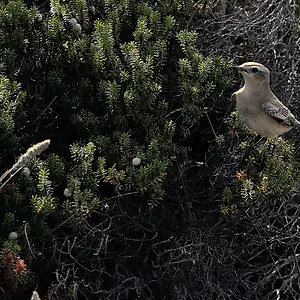
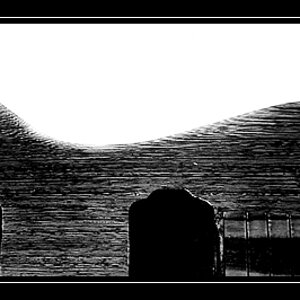
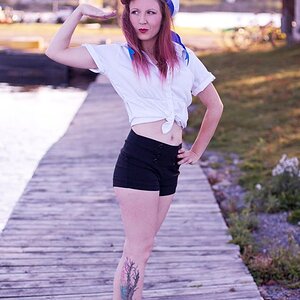
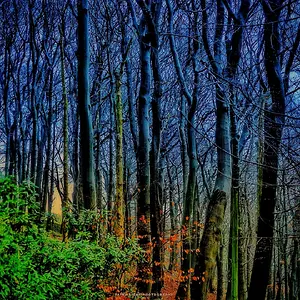
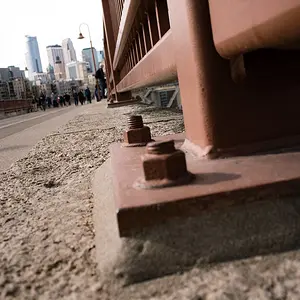
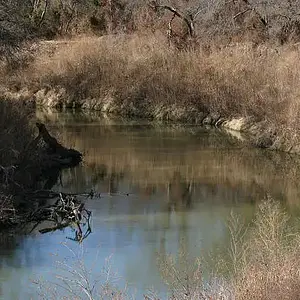
Ok so my gf, took some pictures at the beach. ALot of them the sun was barely in the corner. and as you can see, the corners are blown out,
Is there any way to adjust it, marquee just that corner? or mask??
Thanks guys

Is there any way to adjust it, marquee just that corner? or mask??
Thanks guys


![[No title]](/data/xfmg/thumbnail/38/38725-bdf734721ecaad862bb3e3a856c81df5.jpg?1734172598)

![[No title]](/data/xfmg/thumbnail/39/39440-bc17565eb7adee7f9859c53933e8543c.jpg?1734173530)
![[No title]](/data/xfmg/thumbnail/38/38720-f0f83c1b09a42065eefec8923841d54d.jpg?1734172597)
![[No title]](/data/xfmg/thumbnail/39/39532-073f9eb14e26e2b99cc29112b92a2ab6.jpg?1734173679)
![[No title]](/data/xfmg/thumbnail/41/41765-153b10bab62ae8adbcc4d984fd08ed74.jpg?1734176069)