What's new

Bridge over troubled water.

runnah

Moderator
Staff member
Supporting Member 📸
Joined
Oct 16, 2012
Messages
14,632
Reaction score
7,563
Can others edit my Photos
Photos OK to edit
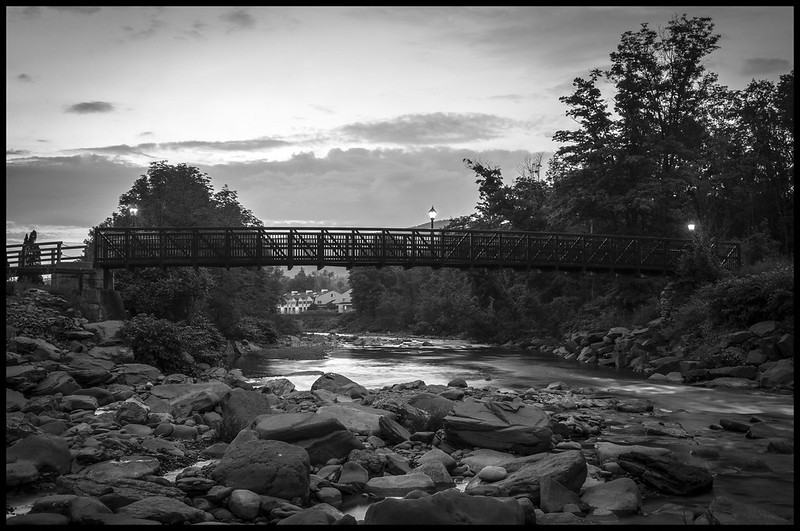
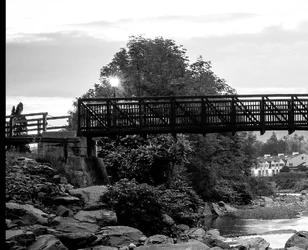
Pedestrian bridge that was washed away recently. I with there was more seperation between the bridges and the greenery, but hey.


bridge6 by runnah555, on Flickr
 
Love it!!! I'm assuming your shutter speed was slow for the foggy-ish water effect?
 
  • Thread Starter 🔹
  • Moderator 🛠️
  • #4
Can you try some filter effects and maybe get more separation? Not sure how you do your B&W conversions, so maybe that has already been tried???
 
  • Thread Starter 🔹
  • Moderator 🛠️
  • #6
Can you try some filter effects and maybe get more separation? Not sure how you do your B&W conversions, so maybe that has already been tried???

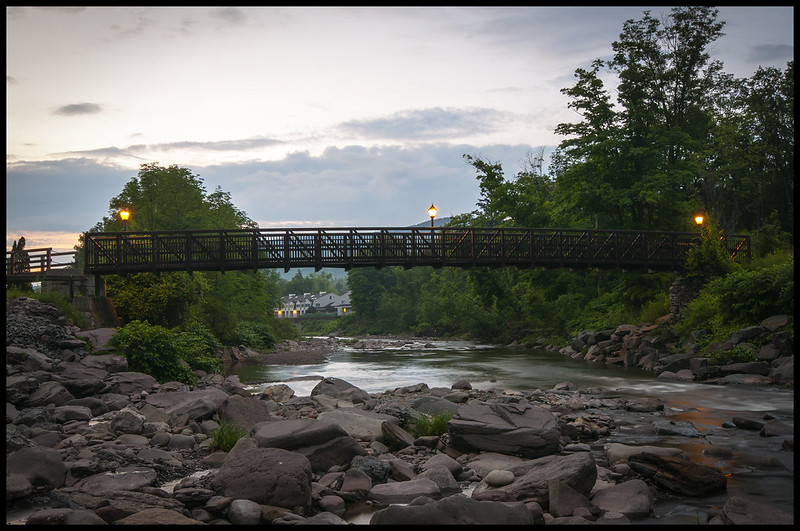
Like make it color?

I just dump the saturation the raw editor and then tweak the settings after that.


bridge6color by runnah555, on Flickr
 
runnah, the color ain't bad. Can you pull more separation out by playing with the highlights and shadow sliders?
 
  • Thread Starter 🔹
  • Moderator 🛠️
  • #8
Last edited by a moderator:
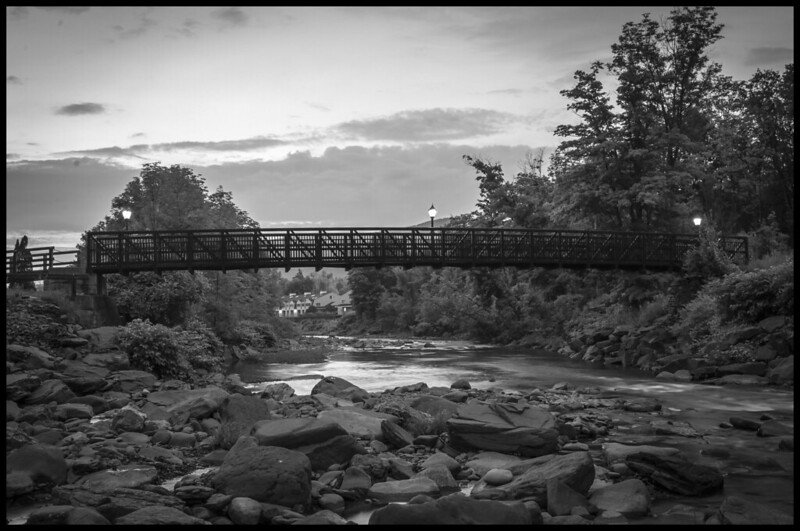
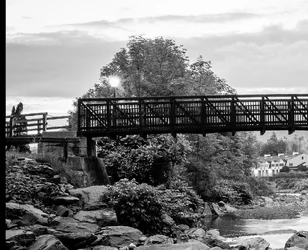
The green areas were darkened during the conversion. You need to pull the green slider down until the trees are much lighter than the bridge. There might be a point where they become much too light and look very strange, but maybe you'll get good separation before you reach that point.

 
  • Thread Starter 🔹
  • Moderator 🛠️
  • #10
The green areas were darkened during the conversion. You need to pull the green slider down until the trees are much lighter than the bridge. There might be a point where they become much too light and look very strange, but maybe you'll get good separation before you reach that point.

That was a pro tip right there!

bridge6a by runnah555, on Flickr
 
Can you try some filter effects and maybe get more separation? Not sure how you do your B&W conversions, so maybe that has already been tried???

Like make it color?

I just dump the saturation the raw editor and then tweak the settings after that.


bridge6color by runnah555, on Flickr

No, I don't mean like make it color; I mean using some filter effects in Lightroom, or other editing app. Like Orange filter, Green filter,Yellow filter for example...just the Adobe Lightroom default ones...

$9307115525_d690934393_o_Green filter.webp
Green filter

$9307115525_d690934393_o_Orange filter.webp
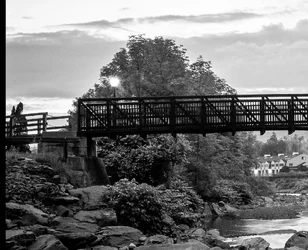
Orange filter and finally, the old, classic Yellow filter. As you can see, the Yellow filter provides a LOT of separation between the bridge and the greenery, just with one,single click.
 

Attachments

  • $9307115525_d690934393_o_Yellow filter.webp
    $9307115525_d690934393_o_Yellow filter.webp
    719.5 KB · Views: 83
  • Thread Starter 🔹
  • Moderator 🛠️
  • #13
Another good tip!
 

Create an account or login to comment

You must be a member in order to leave a comment

Create account

Create an account on our community. It's easy!

Log in

Already have an account? Log in here.

New Topics

Back
Top Bottom