What's new

First attempts (4 photos, C&C Please!)

StevenLindberg

TPF Noob!
Joined
Dec 25, 2011
Messages
6
Reaction score
1
Location
Milwaukie, OR
Can others edit my Photos
Photos OK to edit
Hello everyone!

I'm uploading some photographs that I have from a class I took in school last term. It's my first experience with photography, really, and it was wonderful. We had access to Photoshop. I think it was CS3. One quick question, and then on to the photographs: Is the full version of Photoshop really necessary for the average photographer, or would Elements be worth it? Thanks!
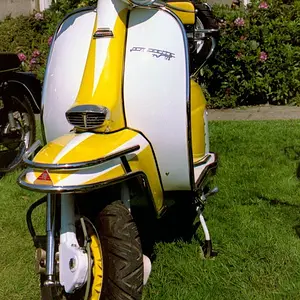
6568042733_73a19cd5d1_b.jpg

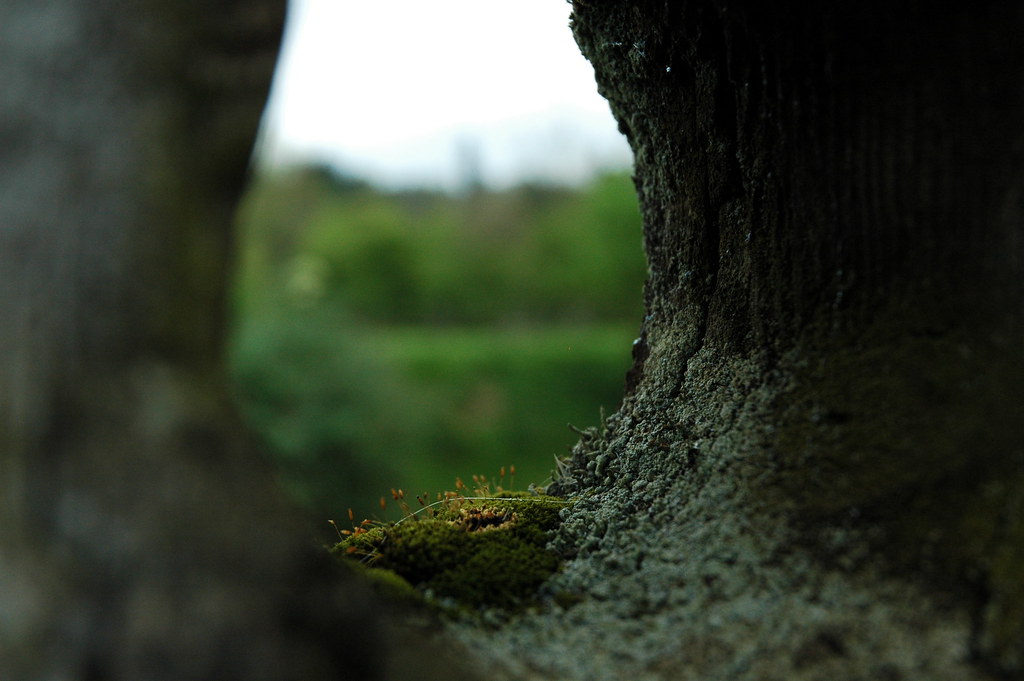
A hole in a fencepost. My favorite of the bunch, I think. Mild editing.
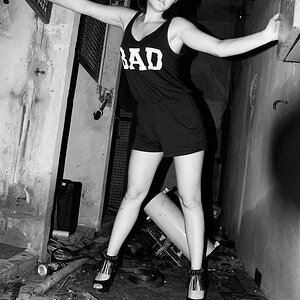
6568043025_5380211c1d_b.jpg

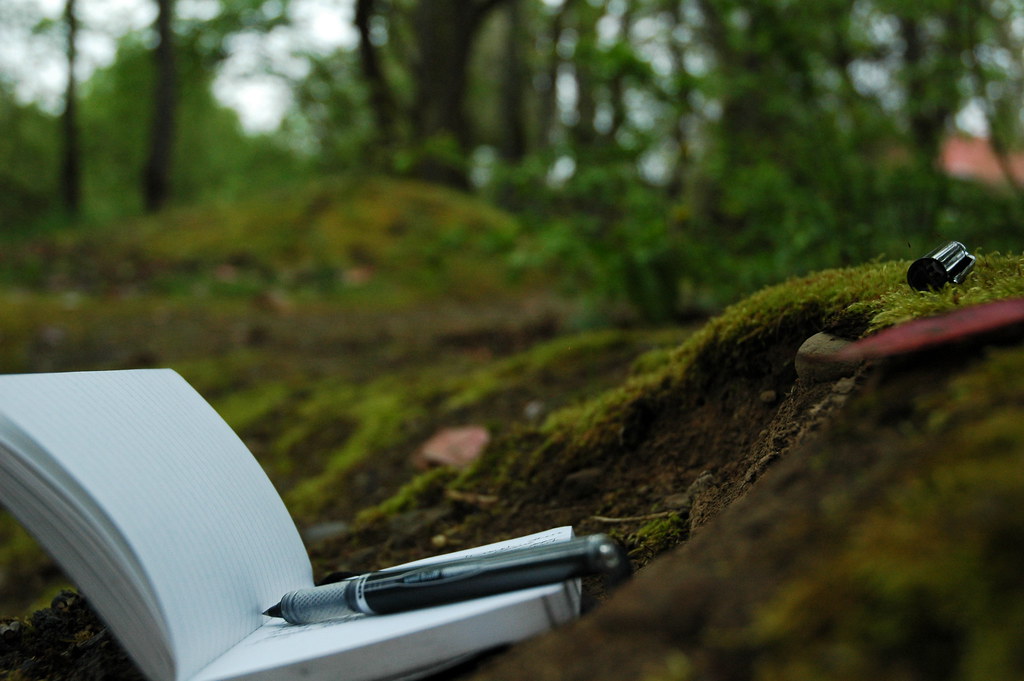
Minor editing.

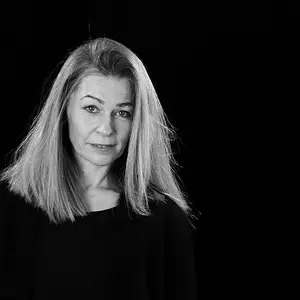
6568042415_cf74262fda_b.jpg

Direct sunlight left unsightly shadows. I compensated with low, low direct flash.
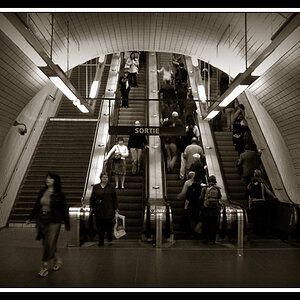
5532110231_f9ab7a6758_b.jpg

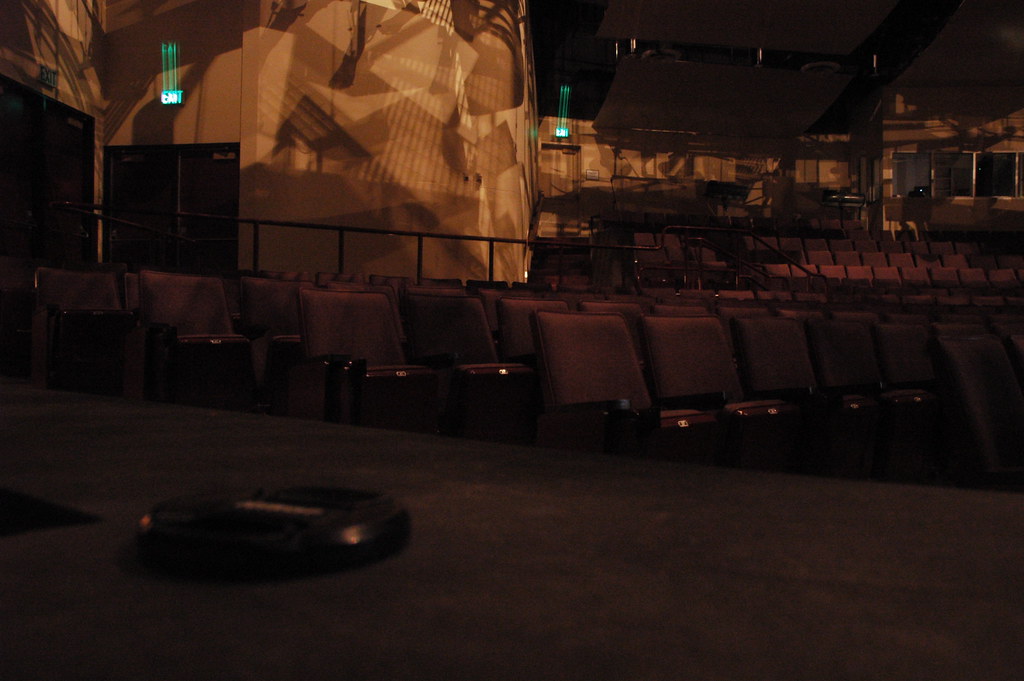
I had the WRONG lens for this. The ISO is really high to compensate for the low-light and narrow lens. Also, please ignore the blurred exit signs. I fixed those in a later shot that I now can't find. ^^;
 
The average photographer probably does not need the full Photoshop software. The latest version of Photoshop Elements should do just about everything that they need to do. It is also quite a bit less expensive and has a shorter learning curve.

Cheers,

WesternGuy
 
What was your intended focus on the pen/pad photo?
That was sort of my question with all of them: What was the intended subject?

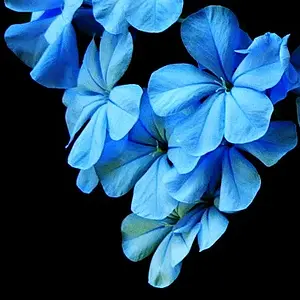
The second one would be good with a less tight crop and better white balance. The placement of the elements is good but the fact that the notebook is cropped off makes me think that wasn't the subject and then wonder what it is.

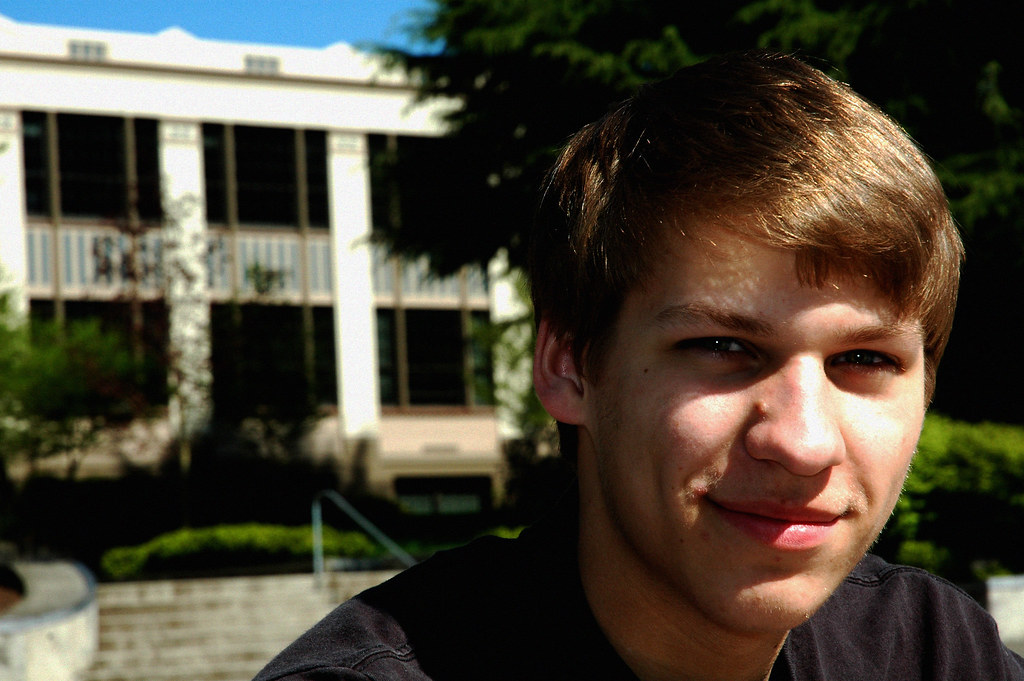
The third one needs less depth of field to kill the building in the background and more fill flash. Also, I realize that most people (myself included) don't carry a light stand and diffuser around with them, but the use of those would have killed those hot spots on the subject's face.

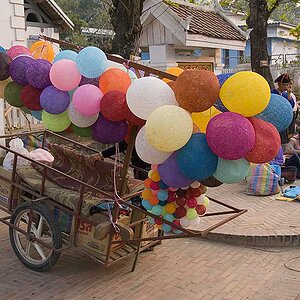
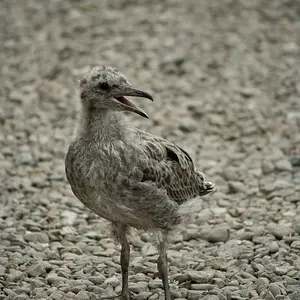
The first and fourth: Uh, ok? Without your description of the first one I'd have no idea what it was or what I was supposed to be looking at. The fourth, a dark creepy theater in late afternoon.

Overall, good exposures but just no feeling to them IMO. Of course I'm pretty hard to please and not very imaginative either.
 
Regarding Photoshop, with your student discount, the Full version is really quite affordable. If you're not sure, download the free trial. You can use it with no restrictions for up to 45 days. Then download the trial for Elements. Same thing, another 45 day trial. Then download the trial for lightroom, same thing, another 45 day trial.

Basically, Adobe will let you use their software for a little over 4 months so that you can make the best decision for what works best for you.

Regarding your photos, I'm not really a fan. In the only one that I 'get', i.e. the portrait, the lighting is dirrect overhead sun. Not exactly flattering.
 
The professional grade of Photoshop (CS5 currently) costs about the same as a good lens, but can be used to improve just about every photo you take. Lots of amateur photographers use CS5.
Adobe Photoshop CS5
Adobe Photoshop Extended CS5 Student and Teacher Edition
CS5 includes 2 very useful plug-ins: Bridge (an image file browser) and Camera Raw (a parametric Raw image data file converter).
Note: CS5 Camera Raw and Lightroom 3's Develope module use the same edit rendering engine - Adobe Camera Raw 6 (ACR 6).
CS5 can edit at a 32-bit color depth in a limited way, in a 16-bit depth fairly routinely, and in an 8-bit depth. CS5/Bridge/Camera Raw also has the capability of batch editing using a variety of functions including Actions, Scripts, and Droplets.

Elements 10 is Adobe's de-featured consumer version of CS5.5.
Adobe Photoshop Elements 10

Elements comes with a image organizer and a de-featured version of ACR 6 (Camera Raw). Elements has about 30% of the tools, features, and functions CS5 has.
Elements is pretty much limited to editing in an 8-bit color depth. Elements has some basic batch editing features, and can run pre-written Actions that are limited to the tools and functions Elements has, but an Elements user cannot write their own actions using Elements.
 
With lightroom i hardly ever use photoshop anymore. Only for more complex editing and hdr merge. Really 98% time im in lightroom
 
I like the comp. of the pen and paper, but it could use a wider crop.
 

Create an account or login to comment

You must be a member in order to leave a comment

Create account

Create an account on our community. It's easy!

Log in

Already have an account? Log in here.

Back
Top Bottom