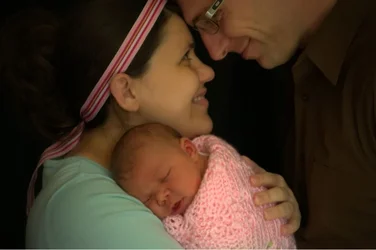
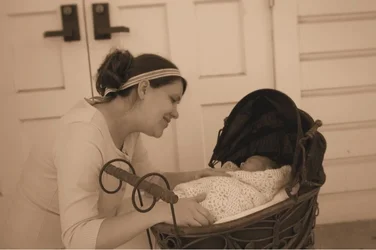
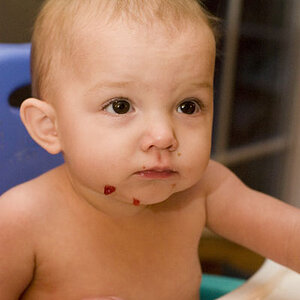
I posted previously from my phone and I hate typing anything lengthy from it, but if you're still around, then this may or may not be of use to you. I'm not sure what you use to edit your images, but if you are familiar with photoshop and installing actions, google "nelly nero" and use the "baby skin cream". (No affiliation whatsoever, it's ust a free action I found, I think on deviantart.com, and it does a great job of baby skin). I run it (it starts by making a duplicate image and editing that so your original is untouched) just until it stops and asks you to start painting on the layer masks. Then I merge layers, copy and paste as a second layer back on to the original. It will usually be too washed-out so I adjust the opacity as needed and merge layers. Works beautifully!



![[No title]](/data/xfmg/thumbnail/35/35262-02f8eba4a2a92dbae0b55547bba80b4f.jpg?1734166920)
![[No title]](/data/xfmg/thumbnail/37/37104-99933b18ee16678a8299f12747336d48.jpg?1734169829)
![[No title]](/data/xfmg/thumbnail/35/35263-86f580cf5d28d23109a45984030a79ad.jpg?1734166920)
![[No title]](/data/xfmg/thumbnail/32/32707-3c49d54a87afb53e65c60391858400be.jpg?1734162298)
![[No title]](/data/xfmg/thumbnail/35/35947-ab35bfc67d8e12ce65dda301d3bf2b66.jpg?1734167744)
![[No title]](/data/xfmg/thumbnail/35/35946-771bfce9b2727c9126587d96c471da80.jpg?1734167737)
![[No title]](/data/xfmg/thumbnail/42/42481-e35ff0c514a554d7bd4381fb2ae79c5a.jpg?1734177006)