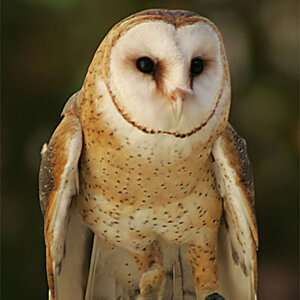
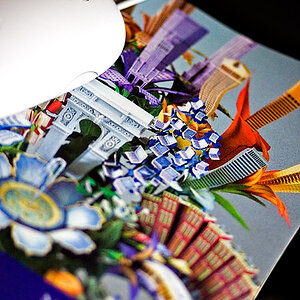
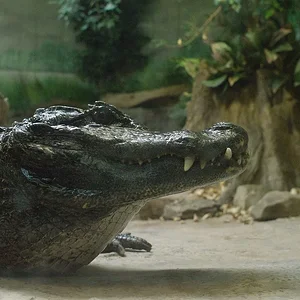
wow thanks everyone. first time ever I have had a post that went to 2 pages. I do have CS5 and I am learning, it is a beast. The lens was a 50mm by canon.
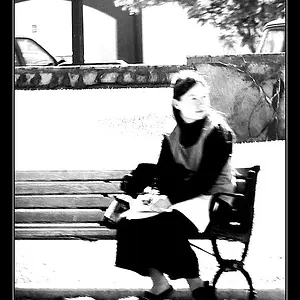
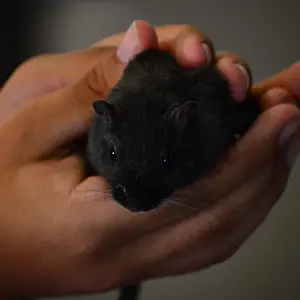
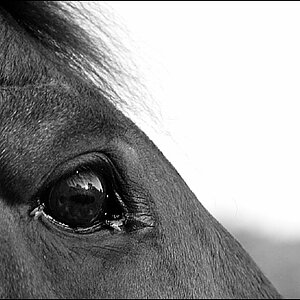
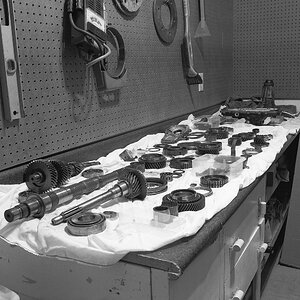
Damn, I just saw Goonie's posts while uploading the edits. But yes, you did a great job with the pictures, the compositions. Except for #3 where you missed the focus. But since I did the edits, might as well post them for you to get some ideas.
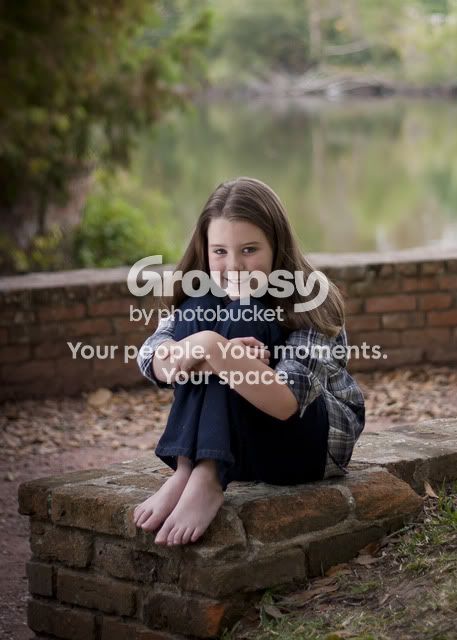
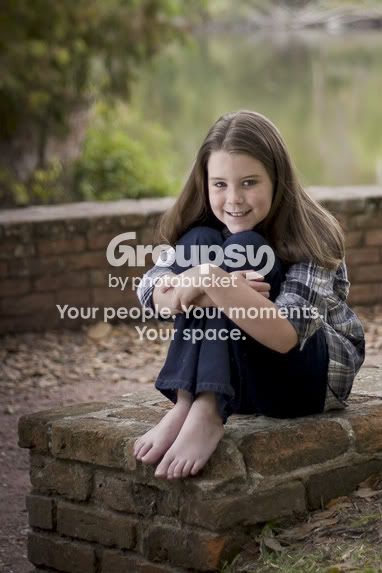
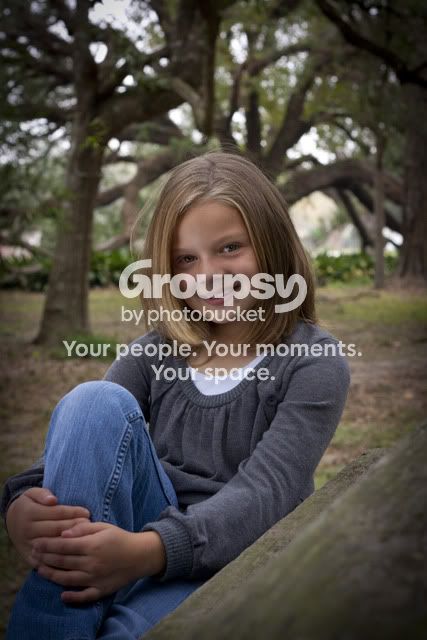
Basic ideas, make the subject pop out and not blend in to the background.
I feel a little silly posting my edits now, but since I spent well in excess of 30 seconds on each.......
This one was slightly underexposed IMO.
Original..................................................................................................Edit
I thought there was too much space and too centered on this one..............
Original..................................................................................................Edit
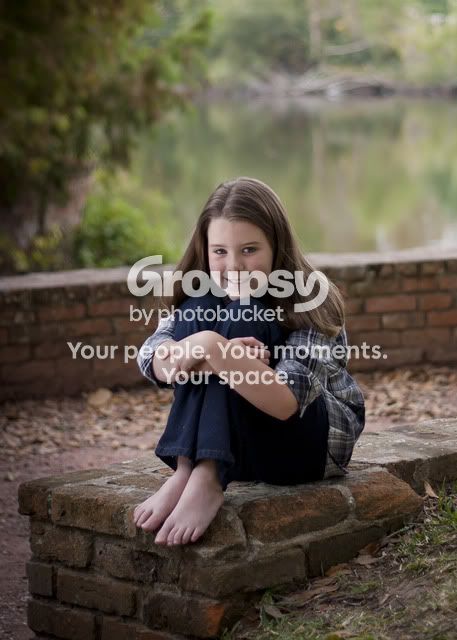
#1 is the best, but you didn't get close enough to the subject and as mentioned, and demonstrated, the composition is a bit to centered for a vertical frame. However, a square crop may work better.
Very quick edits are to mainly show cropping possibilities.
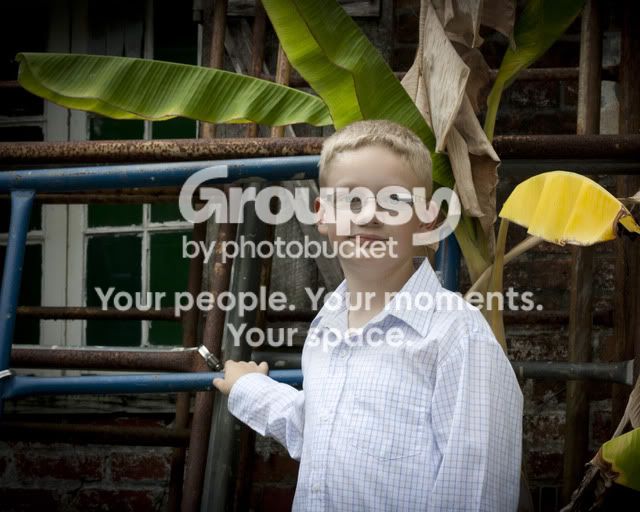
In the boy's photo I selected his right eye and glasses frame, made the selection a layer mask on a new layer, duplicated it, flipped it horizontally, and put it over the left eye. I used the spot healing tool with 'content aware' turned on to get rid of the yellow leaf.







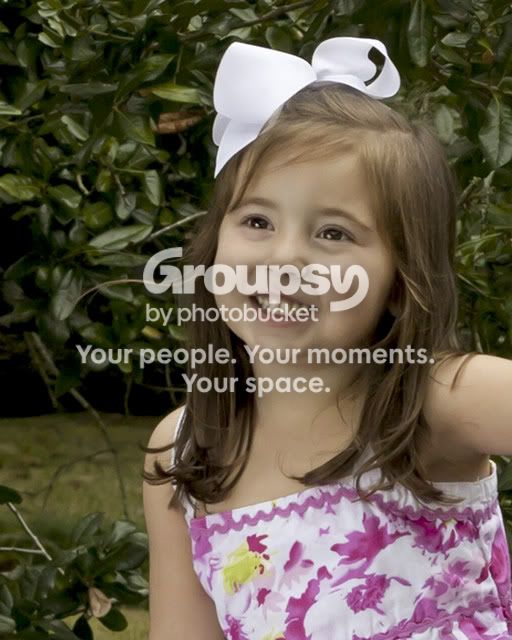







![[No title]](/data/xfmg/thumbnail/36/36421-843e629a8c32ff091e337e6880f0c323.jpg?1734168831)


![[No title]](/data/xfmg/thumbnail/33/33491-46949ced4f9729f095cb48c6c61633db.jpg?1734163603)