deeky
No longer a newbie, moving up!
- Joined
- Jun 22, 2012
- Messages
- 1,244
- Reaction score
- 415
- Location
- Sioux Falls, SD
- Can others edit my Photos
- Photos NOT OK to edit
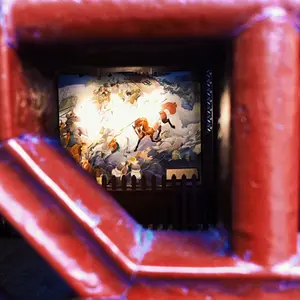
Here's one I took today. I really like it, but feel the background areas top and bottom right are too light. I was actually shooting with the sun over my shoulder, and it's trees along the river in the background.
1. Is the light background too bright? Or is it good contrast to the darker steel beam?
2. Suggestions for fixing it if it's an issue? I'm using Elements v.2, and tried to duplicate the image, darken it, and then erase the darker layer over the beam. But the blurred edges of the beam looked terrible doing that. Can I soften then edge of the erasing to blend it a little more?
Here it is:
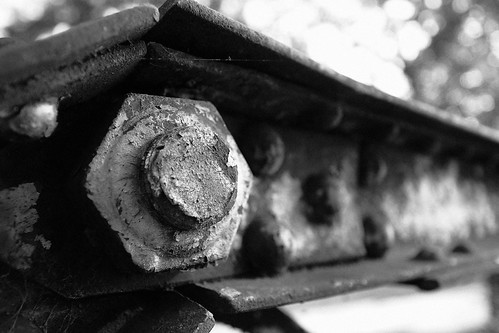
IMG_0078b by breckmiller, on Flickr
Thanks for the help.
1. Is the light background too bright? Or is it good contrast to the darker steel beam?
2. Suggestions for fixing it if it's an issue? I'm using Elements v.2, and tried to duplicate the image, darken it, and then erase the darker layer over the beam. But the blurred edges of the beam looked terrible doing that. Can I soften then edge of the erasing to blend it a little more?
Here it is:
IMG_0078b by breckmiller, on Flickr
Thanks for the help.