What's new

How to achive this look

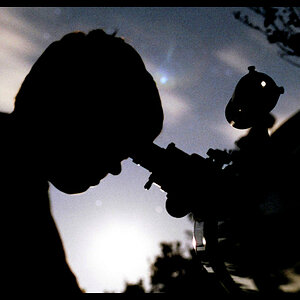
I would guess that your talking about the white halo around the person. It's actualy rather easy. If you have photoshop just click on
Image: Adjustments: shadown/highlight
than turn shadow to 0% and turn up the highlight till you see the halo.

Another method if you have a older version of photoshop is:
Filter: Sharpen: Unsharp Mask
Than you change the Amount to about %50
The radius to 40
and threshold to 0
Than adjust the amount and radius as desired.

The effect is basicly localized contrast taken to far. When I used this method before I tried to go as far as possible without seeing the halo.
 

Create an account or login to comment

You must be a member in order to leave a comment

Create account

Create an account on our community. It's easy!

Log in

Already have an account? Log in here.

Back
Top Bottom