Are you familiar with layer masks?
You use a layer mask to 'hide' parts of a layer that you don't want to show...allowing the layer(s) under that one, to show though.
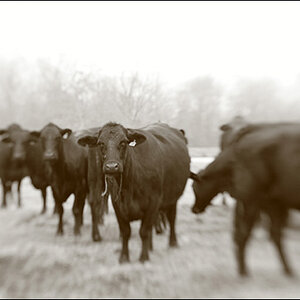
When you create a new layer and apply the blur, the whole image gets blurry...you can then use the layer mask to 'hide' the blur in areas that you don't want to be blurry...you are 'masking off' those area of the blur layer.
There are any number of ways to go about this. The most basic is probably to just paint right on the layer mask. After creating a clear (white) layer mask for your blur layer, click the mask in the layers pallet to make it the active surface. Then use the brush tool to paint the mask on or off. Painting on black will hide those areas and painting white will un-hide them. You can use shades of grey or adjust the opacity of the brush, to create a gradient.
Another way of thinking about it...you create the blur layer over the original layer and then erase the blur layer so that the clear layer shows through. You could use the eraser to do this...but the layer mask is better because you can paint it off or off as much as you like, to fine tune it.